Was this helpful?
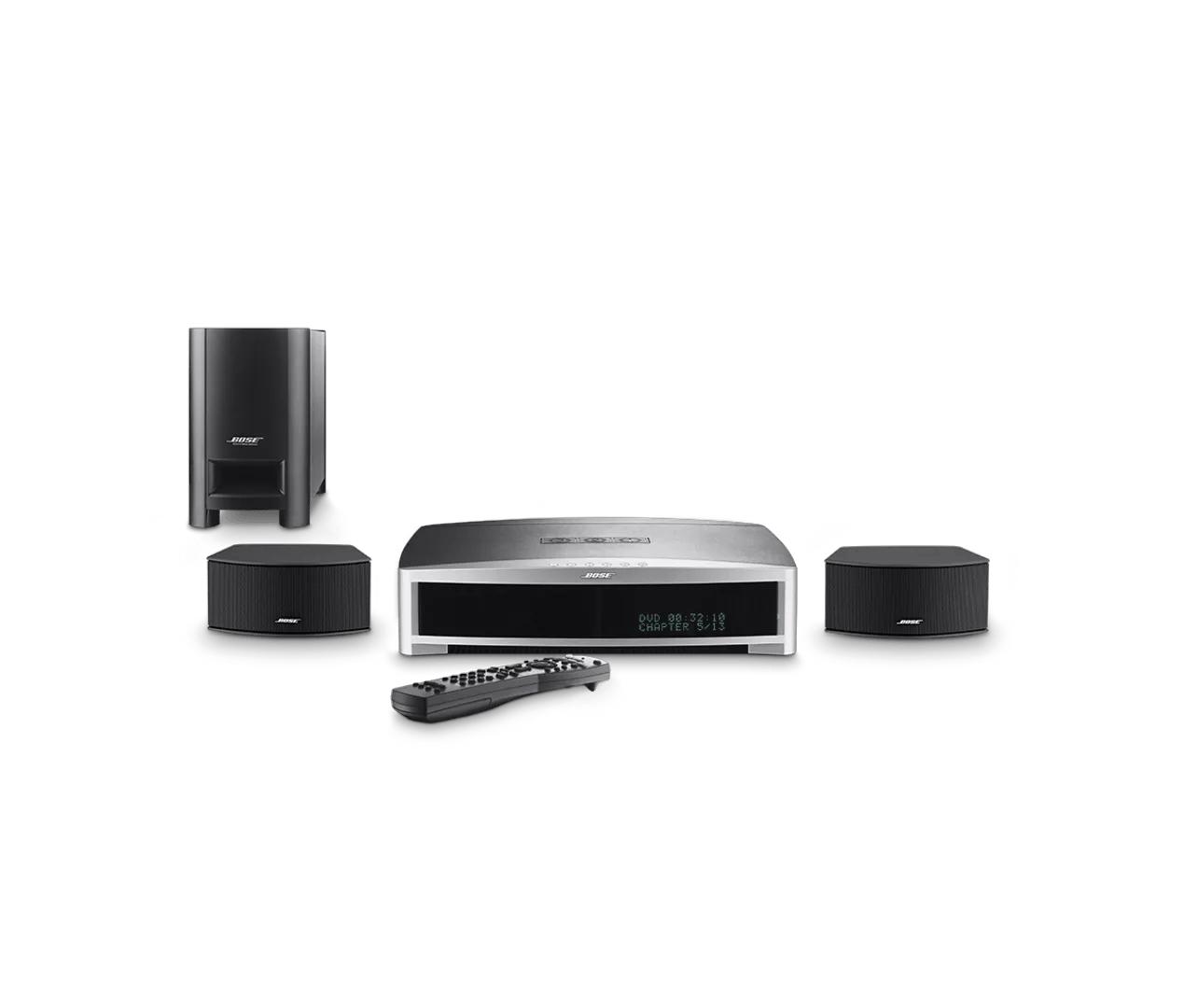
"Format Unsupported" message displayed during DVD playback | 3·2·1® GS Series III DVD home entertainment system
Does the error display on all types of DVDs?
Displays on all DVDs
Determine if sound can be heard when playing a disc in internal DVD player.
Determine if there is sound but no picture when playing a disc in internal DVD player.
Be sure the disc is inserted with the label facing up.
Place the disc in your system with labelled side of the disc facing upward. If there is no label, try the other side.
Be sure the region code of the DVD discs being played match the system's region code.
DVD players and discs produced by major manufacturers are coded to one of six regions. The list below indicates countries by region code number.
- Canada and United States
- European countries, United Kindgom, Japan, and United Arab Emirates
- Hong Kong, Phillipines, Singapore, and Taiwan
- Australia, New Zealand, Mexico, Central and South American countries
- India
- Mainland China
Check for sources of interference.
Electronics can pick up interference from other electronics connected to the same power circuit or connected within close proximity. Try disconnecting the power cord from any such nearby electronics (i.e. laptop/phone charger, TV, cable box, seasonal lights, microwave, etc.). If the issue is resolved, try connecting the device or your product to a different power circuit or farther away.
Your media center may need service.
Click here to start service
Displays on certain DVDs
Be sure the disc is inserted with the label facing up.
Place the disc in your system with labelled side of the disc facing upward. If there is no label, try the other side.
Be sure the region code of the DVD discs being played match the system's region code.
DVD players and discs produced by major manufacturers are coded to one of six regions. The list below indicates countries by region code number.
- Canada and United States
- European countries, United Kindgom, Japan, and United Arab Emirates
- Hong Kong, Phillipines, Singapore, and Taiwan
- Australia, New Zealand, Mexico, Central and South American countries
- India
- Mainland China
Your media center may need service.
Click here to start service
Displays on home-made DVDs
For homemade media, try a different brand of disc, different software or different burning settings.
Different disc players can respond differently to burned media. If you have trouble playing burned discs, try burning a different brand of disc. You can also try different disc burning software. In the software settings, try selecting a slower burning speed (e.g. 4x or 8x). Additionally, if the software has an option to finalize the disc, select that also before burning.