Loading
Noise cancellation is not working | Bose A30 Aviation Headset
bose-a30-aviation-headset
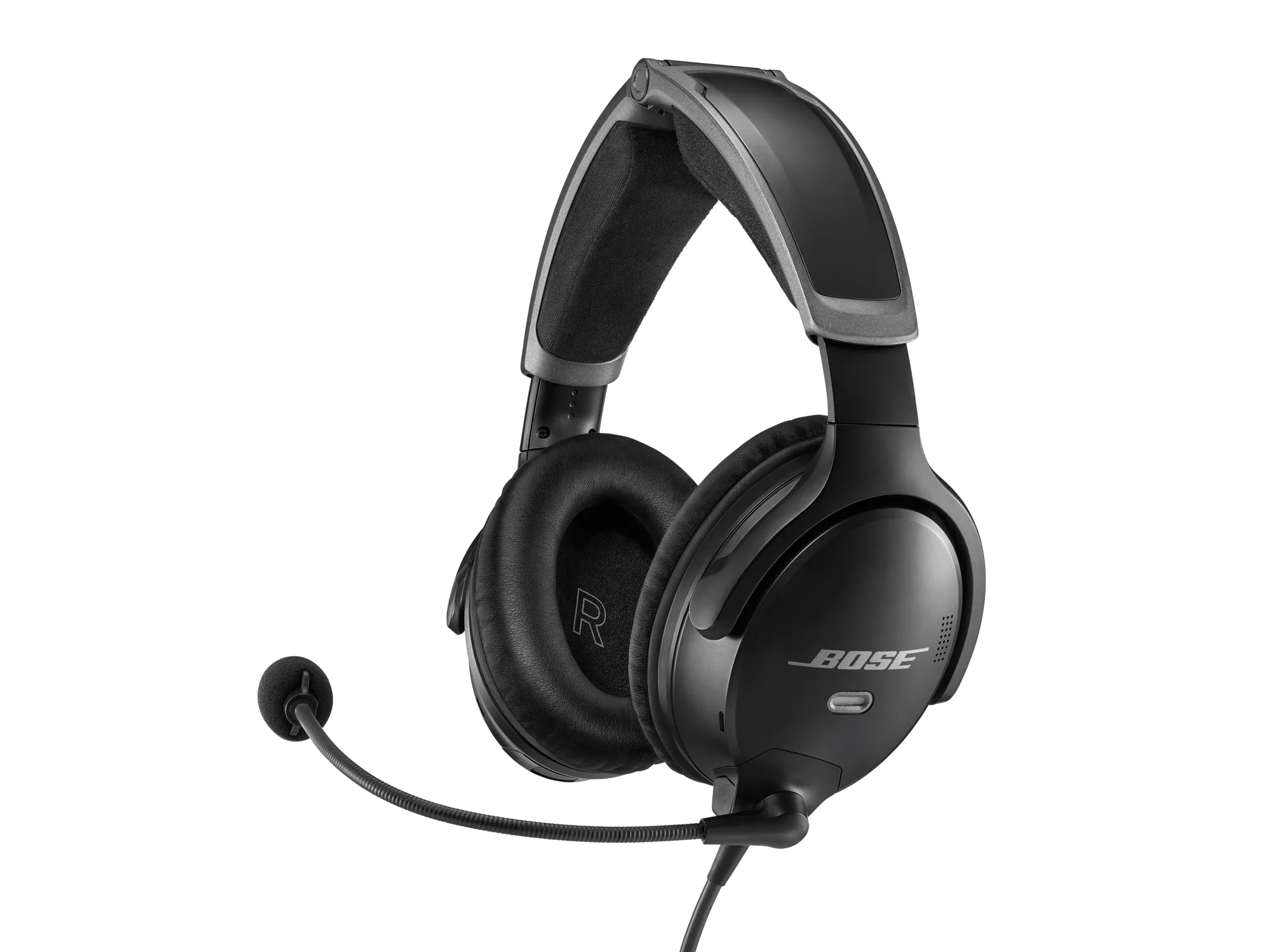
Bose A30 Aviation HeadsetSold from 2023

Noise cancellation is not working | Bose A30 Aviation Headset

Check if the issue only occurs at certain altitudes.

In non-pressurized aircrafts, the effectiveness of noise-cancellation decreases as the alititude increases. The headset might also produce a whining sound in these situations. For info on maximum altitude for full noise cancellation, refer to the headset specifications.

Avoid pressing the power button repeatedly when attempting to turn the headset on or off.

The headset can take up to 6 seconds to turn on or off. Each additional press of the power button will cause the headset to take longer to complete the desired action.

See if the power light is lit on the headset control module.

The LED light on the control module should light when powered on. Press the power button once to turn on the headset, then see if the light is lit. For more info, see Understanding LED indicator status lights and information.

Check the source of power

If using aircraft power, check the aircraft fuse or circuit breaker.

If you have ever unplugged the microphone cable from the headset, disconnect it again and check for debris or damage at the connectors.

Make sure the connectors on the cable and at the headset are both free of debris (dirt, lint, dust, etc.) or damage, which could prevent a proper connection. For more info, see Attaching or moving the boom microphone on the headset.

Re-insert the headset cable to the aircraft panel.

  1. Disconnect the down cable where it attaches to the panel
  2. Inspect the connections for damage or debris and remove any debris that is found. If there is damage to any the connections, they may need to be replaced
  3. Firmly reconnect the down cable to the panel
Note: Typically, a clicking or popping sound is heard when taking the plug in and out of the jack; this noise confirms the headset is receiving audio.

Check for and install any available product updates.

On a computer, visit btu.bose.com and follow the instructions to ensure your product has the latest features and enhancements. See Checking the software or firmware version and Updating the software or firmware of your product.

Be sure the headset is being worn properly.

Due to the angle of the earcups, proper left and right earcup placement is essential for the headset to fit around both ears. The headset's performance can be greatly reduced if the earcup fitment around the ears is poor. For more information, see Wearing and adjusting your product.

Be sure the headphone openings are clean and free of debris.

Check for blockages in the headphone mesh grille and headphone opening. Excessive debris can result in low audio, poor sound quality or missing audio channels.

Check to see if the aircraft has doors or windows open

ANC can become intermittent or fail in an environment of increased air pressure. This can be experienced when flying with the windows down or the doors open on an aircraft.

Replace the batteries.

Remove the batteries from you product, then insert new batteries. Check that the + and – markings on the batteries match the markings in the battery compartment. (Note: Rechargeable batteries are not recommended. Use alkaline batteries when possible.)

Replace the battery.

Replace worn ear cushions.

The issue may be caused by the lack of a proper seal by the ear cushions around the ear. Also check to be sure the cushions are securely attached to the earcup. Replacing worn ear cushions will aid in comfort, the performance of the active noise reduction and battery life

Plug in a different headset.

If available, connect a different headset to the aircraft to determine if the issue is related to the aircraft panel or its settings.
Loading
Noise cancellation is not working | Bose A30 Aviation Headset