Was this article helpful?
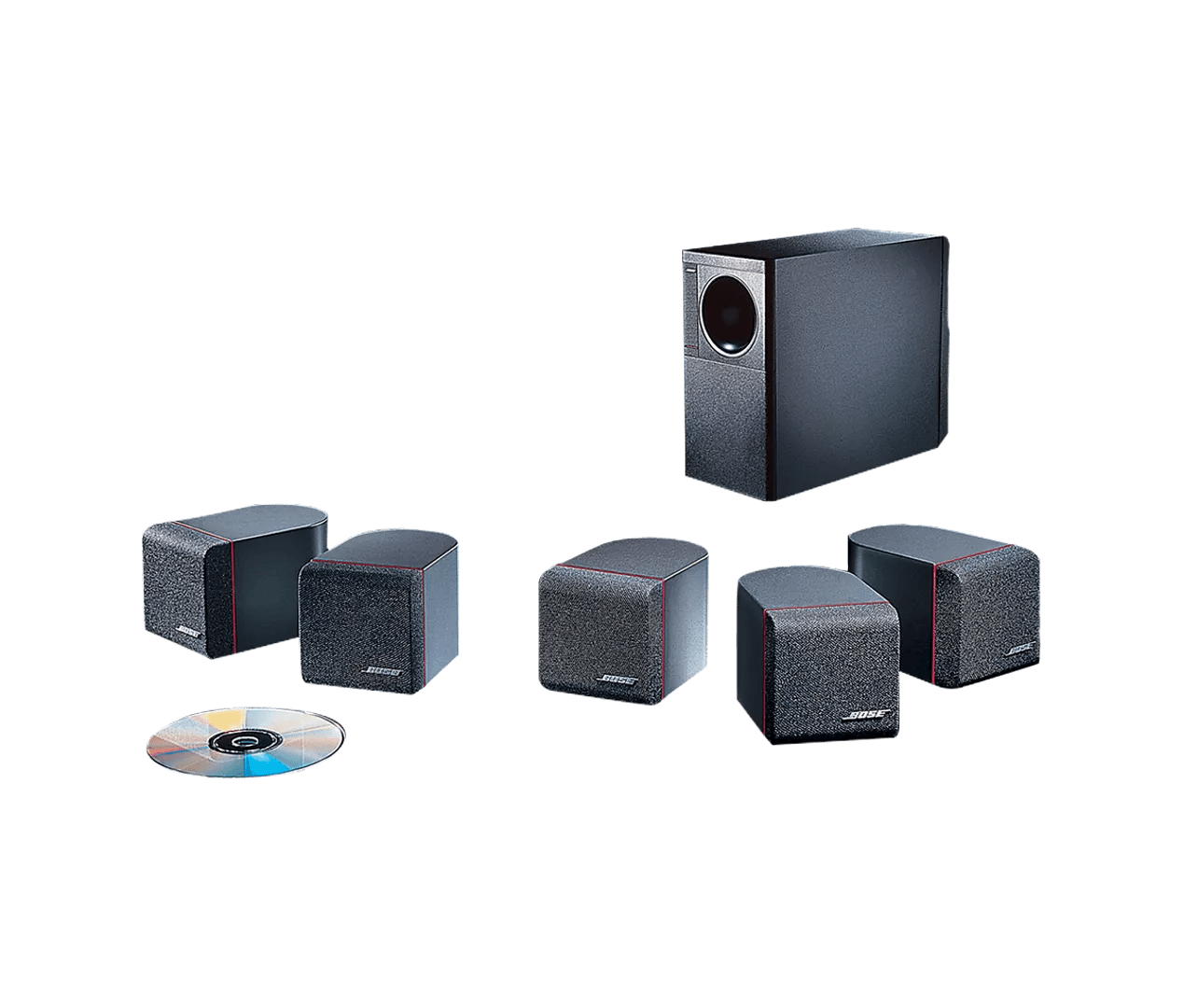
Poor sound quality from product | Acoustimass® 600 home theater speaker system
Check if the issue occurs with one or all speakers.
If the issue is only with one speaker, try the following
- Reset your system. Some issues may be temporary and resolved upon reset.
- Be sure the system is set up properly and all connections are secure.
- Check the condition of the speaker wires and be sure they are secure at both ends.
- If the issue only occurs with one source (Radio, TV, Cable/Sat box or DVD Player), then troubleshoot that device further.
- Switch the speaker that is not working properly with another speaker that is working properly. If the problem stays with the original speaker, click Start Repair or Replacement below to explore your available options.
Check if the issue is with all speakers or only the rear surround speakers.
Listen to each speaker to determine if all or certain speakers are the issue. If the issue is only heard from the rear speakers, see Poor sound quality from the rear speakers.
Determine if the problem is specifically related to bass performance.
If there is too little bass, see Too little bass or too much treble from product.
If there is too much bass, see Too much bass or too little treble from product.
Check that the setting in the receiver menu are set as recommended.
Receivers typically have several sound and speaker settings (e.g. bass, treble, cutoff frequency, speaker size, etc.). Try using the recommended settings for your speakers (if available in the receiver menu). For more info, see Setting up your product.
If your receiver has speaker calibration or room tuning feature, try turning it off.
Some home theater receivers have a speaker calibration process that you might have run when first setting up the receiver. This process typically involves the receiver playing sounds through each speaker, one at a time. From the sounds, the receiver automatically adjusts the sound of your speakers. If this feature has been configured on your receiver, turn it off, then listen for differences in sound quality.
Check if your speaker placement follows the recommendations for your system.
The placement of the speaker within the area affects how your hear sound from the speakers. For more info, see Speaker placement and positioning.
Determine if the issue still occurs at a lower volume.
The speaker contains an automatic electronic protection circuit to prevent speaker damage due to an overload. When the speaker detects an overload, the protection circuit engages until the overload is no longer present. If you hear this interruption, turn down the volume to relieve the overload. The speaker will resume normal play when the volume is set at a safe level.
The overload problem described here should only occur if either a) the receiver is overdriven and sends a distorted signal to the speaker or b) the Watts per channel power output of the receiver is greater than what the speaker is designed to handle.
Try a different audio device.
Connect and play another audio device through your product. This can help determine if the issue is isolated to the first device.
Be sure the speakers are compatible with the receiver.
The receiver or speakers could get damaged if the speaker impedance does not match the receiver's output. Check the specifications on both the speaker and receiver's back panel or owner's guide to be sure the components are compatible.
If the receiver can connect more than one set of speakers, try disabling one set.
Many receivers can connect two sets of speakers. On these receivers, there is often a button or switch labeled Speaker A/B that lets you hear on or both sets of speakers. When playing from multiple sets of speakers, the total speaker impedance needs to match the impedance rating of the receiver to avoid volume or sound quality issues. If more than one set of speakers is connected, use the A/B to switch to just one and see if the issue is resolved. If so, the speaker load on the receiver is likely incorrect with the added speakers.
Check for sources of interference.
Electronics can pick up interference from other electronics connected to the same power circuit or connected within close proximity. Try disconnecting the power cord from any such nearby electronics (i.e. laptop/phone charger, TV, cable box, seasonal lights, microwave, etc.). If the issue is resolved, try connecting the device or your product to a different power circuit or farther away.
Try a different set of speakers.
If you have another set of speakers that are compatible with the receiver, unplug your speakers and connect the other set instead. If there is no difference, the issue is with the receiver or speaker cables. If the issue is resolved, however, there is an issue with the first set of speakers.
Check the condition of the speaker wires and be sure they are secure at both ends.
Check the speaker wires for any kinks, scratches, cuts or damage. Replace any damaged wires and check that they are securely connected at both ends.