Was this article helpful?
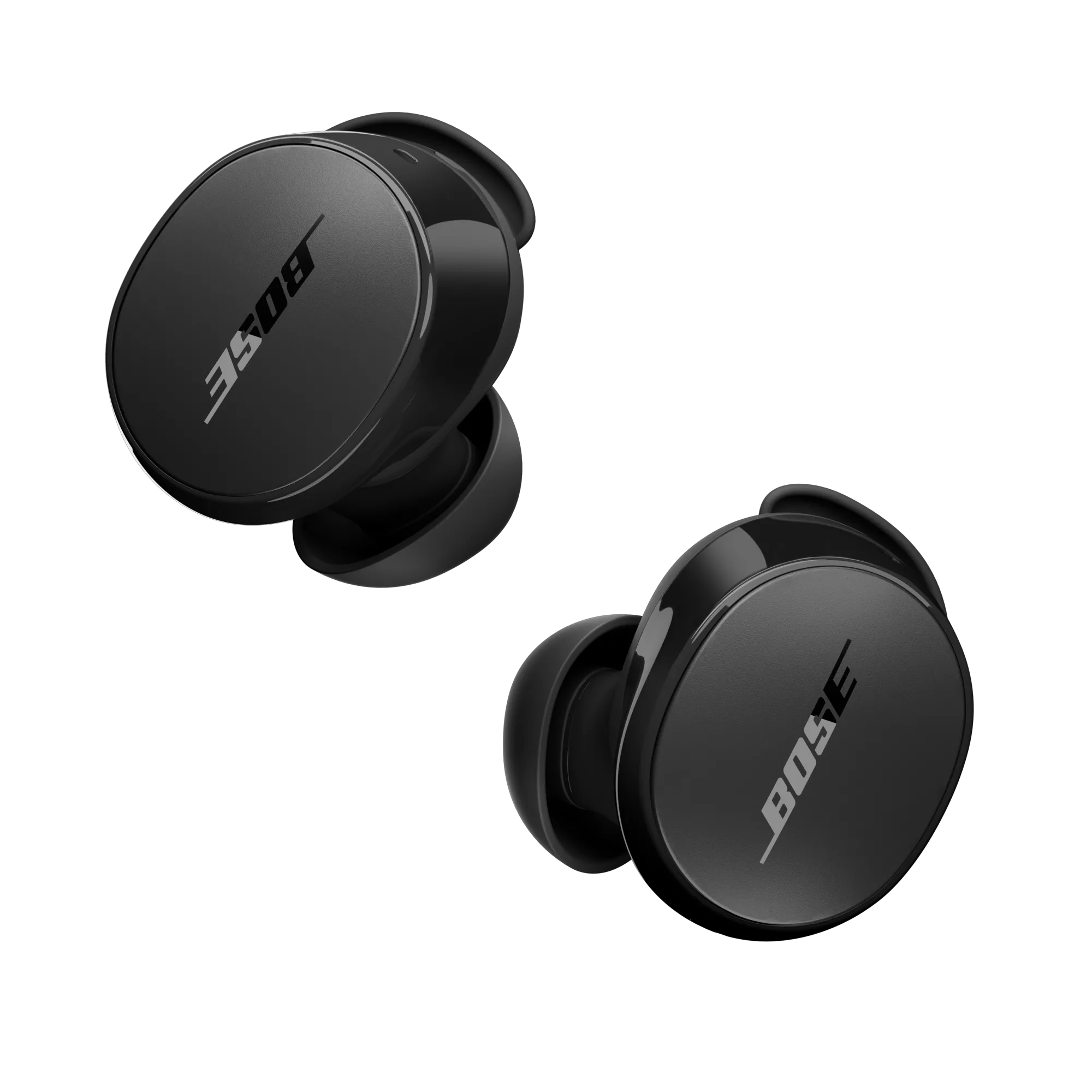
Earbuds will not connect | Bose QuietComfort Earbuds
Check to see if the earbuds turn on.
To do this
- Place both earbuds in the charging case and close the lid.
- Remove and seat the right earbud in your ear, then the left. Ensure both earbuds make the welcome tone.
Resync the earbud connection
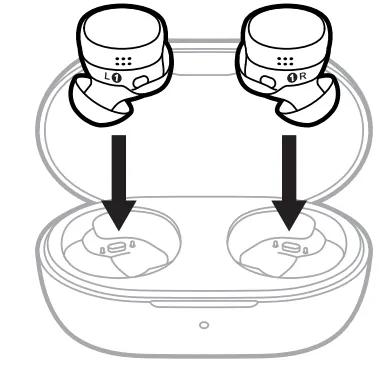
- Place both earbuds into the charging case. Keep the lid open. The status light on the front of the case will illuminate when the earbuds are inserted into case. If the status light does not light up, press downward on the buds to ensure they are making a solid connection with the charging pins.
- Close the lid on the case.
- When the status light on the front of the case stops flashing, open the lid, remove just the right earbud, and place it into your right ear.
You should hear the chime. - Place the left earbud in your ear. You should hear the chime and can continue using your product.
How to reboot the QuietComfort Earbuds
- Insert the earbuds into your ears
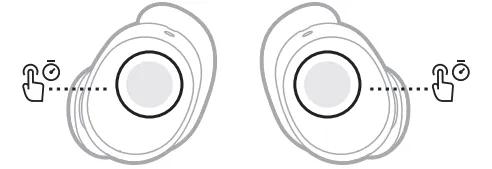
- Touch and hold each earbud for 15 seconds until you hear a tone.
The earbuds power off.
NOTE: Each earbud must be powered off individually. - Hold each earbud for 1 second to power them on. Each earbud must be powered on individually.
Reboot the Bluetooth® device.
Try disabling the Multi-point connection in the app
Multipoint lets your earbuds connect to two Bluetooth devices at once. If they’re connecting to the wrong device, try disabling Multipoint to focus on just one.
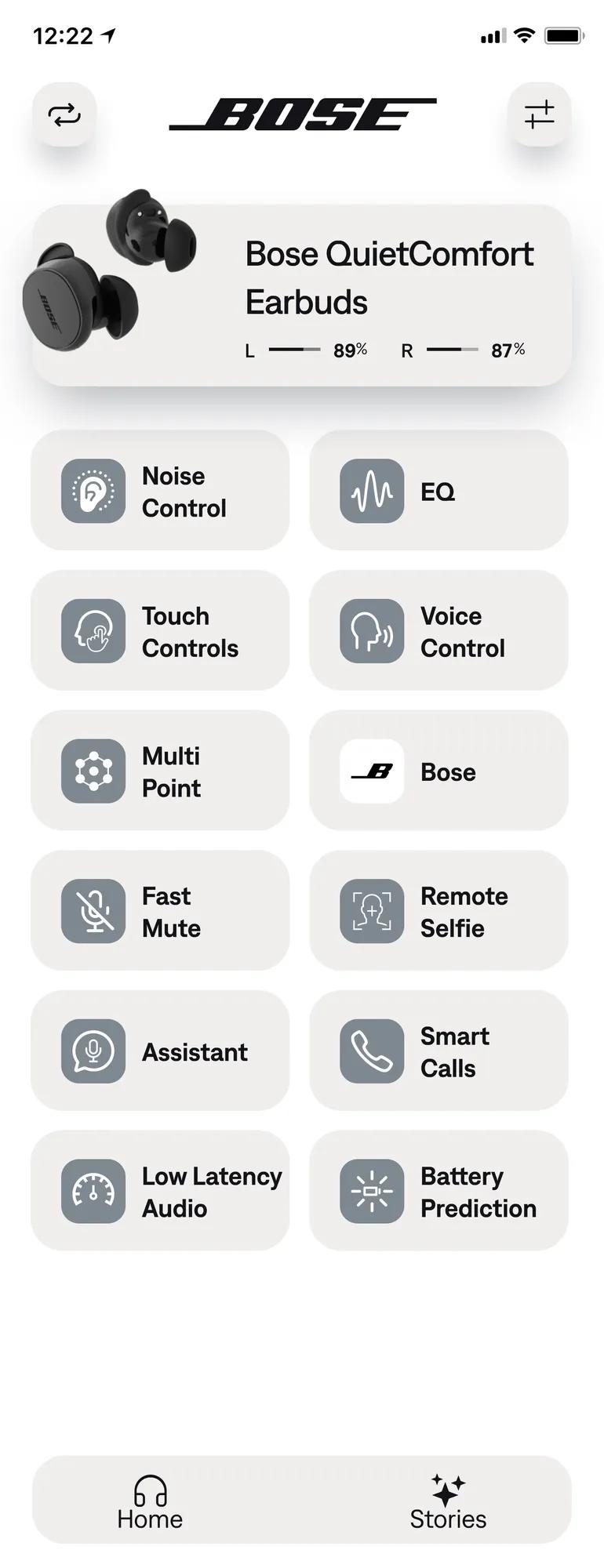
In the Bose QCE app, go to Multi-point.
Toggle Enable Multipoint to 'off'. This will disconnect your secondary device.
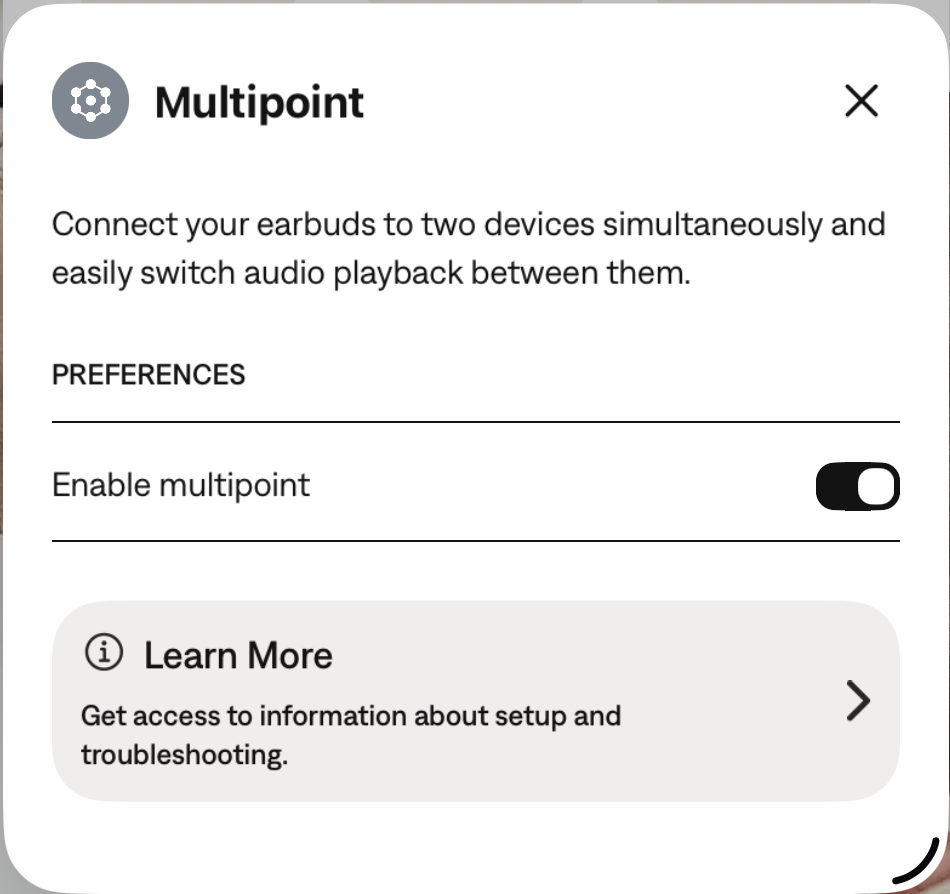
Note: You will only be able to connect to one device at a time. If you want to connect to two devices simultaneously, toggle Multi-point connection back to 'on'.
How to restore the earbuds:
- Delete the earbuds from your device's Bluetooth list. (If using in multi-point, be sure to delete the earbuds from both devices)
- Insert the earbuds into your ears.
- Touch and hold both earbuds for 7 seconds until you hear "Ready to pair" followed by a tone. Release when you hear the tone.
- Return them to the case, close the lid and wait for 5 seconds.
- The earbuds are now restored to their original out-of-box state, and you can reconnect them to your device(s).
Remove your product from the memory of the Bluetooth device, then try again.
In the Bluetooth settings menu of the Bluetooth device, find the list of previously connected products. Remove the Bose product from the list, including any duplicate listings labeled LE (Low Energy), then reconnect it to the device. For more info, see Connecting a Bluetooth device.
Try connecting a different Bluetooth® device.
If your earbuds connect to another Bluetooth device, it suggests that their Bluetooth is working properly. The issue may be with the first device or its settings.
Your earbuds need to be replaced.
If the steps above did not resolve your issue, your earbuds need to be replaced. Click START A REPAIR OR REPLACEMENT below to begin the process online — the fastest and easiest way to get service.