Was this helpful?
Remote control does not work from a distance | FreeStyle® Speaker System
Be sure the remote is within range of the system.
The range of the remote is 20 feet
Check that nothing is blocking the front of your product.
If the remote sensor on your product is fully or partially covered, it might not detect the commands from your remote control. If anything is blocking the front of your product, move it and check if the issue is resolved.
If the plastic wrapper is still on the remote control, try removing it.
New remotes are typically wrapped in plastic. This wrapper could reduce the range of your remote, which might be more noticeable as the batteries weaken or if the wrapper is not clean.
Be sure the remote control sensor on your product is not in direct light.
If the remote sensor on your product is in a very bright area (e.g. in excessive sunlight or lighting), the light interference could affect the ability of your product to detect the IR light commands from your remote control. If there is excessive light on your product, try reducing it.
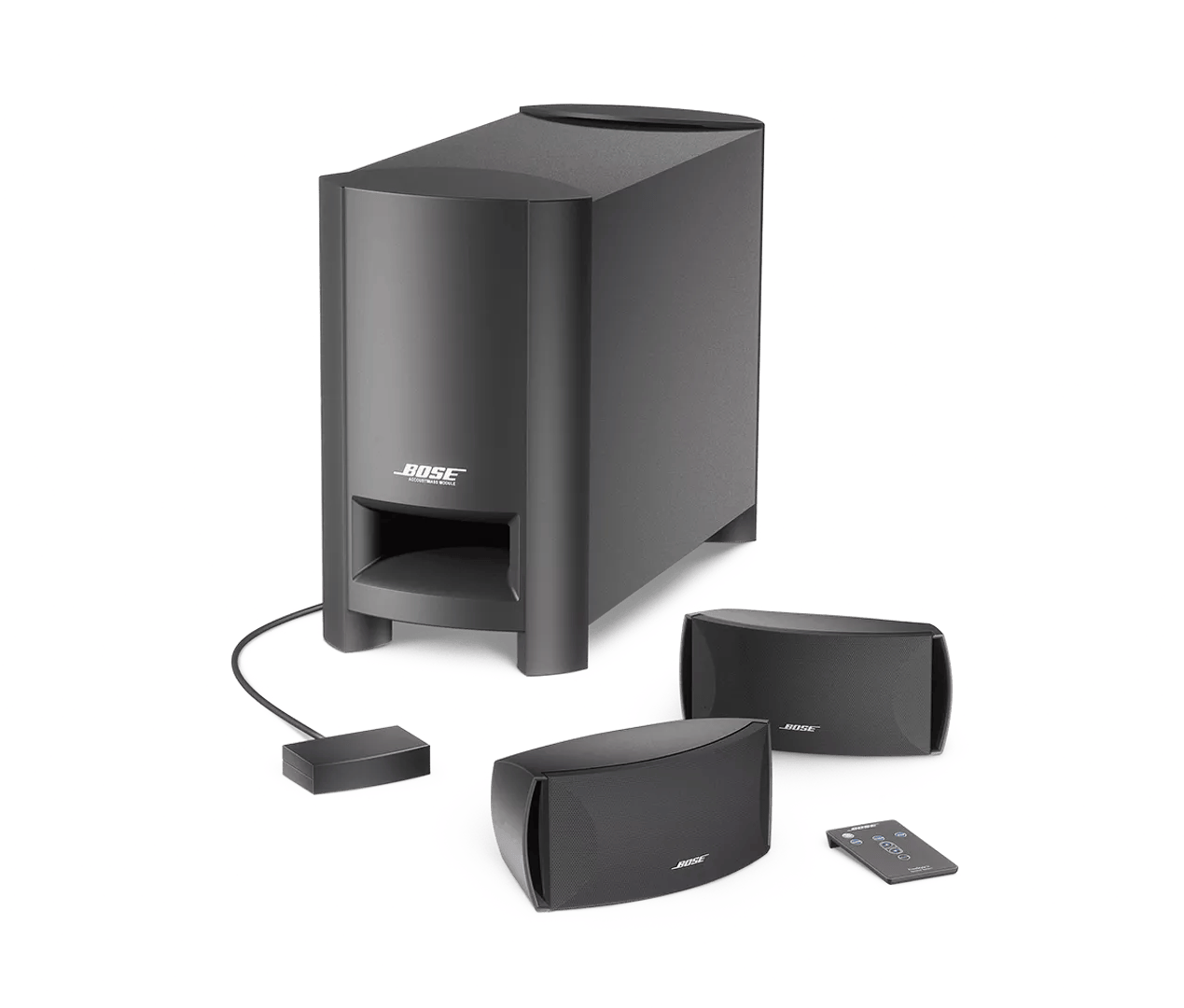
If you have not, remove the plastic film on the front of the interface module.
New units have a protective film covering the front of the interface module. Since the interface module detects commands from the remote control, be sure the film is removed to maximize the range of the remote.
Replace the battery in the remote.
For more info, see Replacing the batteries in your remote control.
Reset your product.
Much like rebooting a smartphone, your product might need to be reset on occasion to correct minor issues. For more information, see Resetting your product.
Check that nothing is blocking the front of the Bose interface module.
The remote control sensor for your product is on the interface module, which is the small connection box with the light on the front. If it is fully or partially covered, it might not detect the commands from your remote control. If anything is blocking the front the interface module, move it and check if the issue is resolved.