Loading
Poor sound quality from product | Hearphones™ conversation-enhancing headphones
hearphones™-conversation-enhancing-headphones
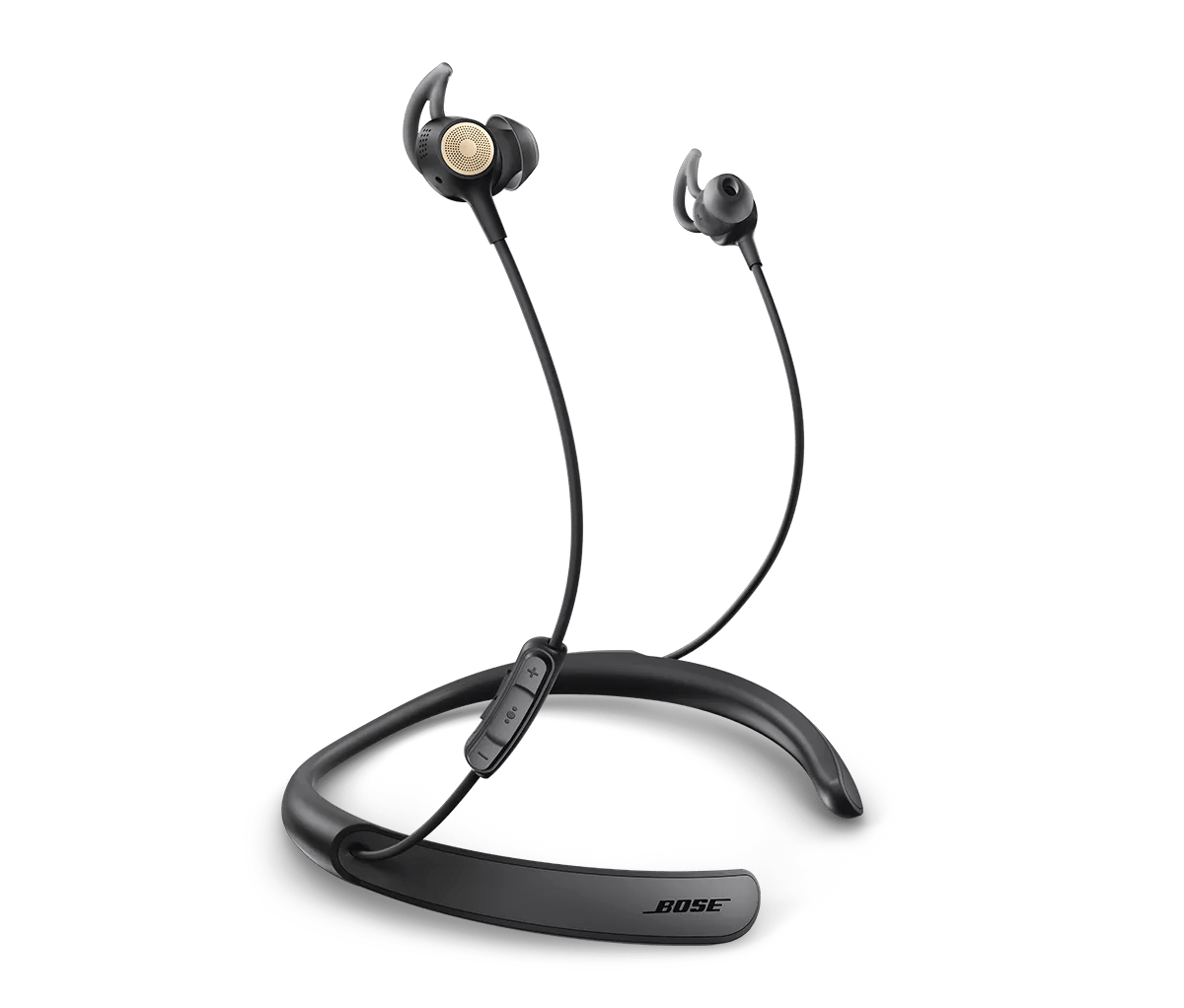
Hearphones™ conversation-enhancing headphonesSold from 2017 - 2020

Poor sound quality from product | Hearphones™ conversation-enhancing headphones

Determine if the problem is specifically related to bass performance.

If there is too little bass, see Too little bass or too much treble from product.
If there is too much bass, see Too much bass or too little treble from product.

Do you hear static or distorted audio while in noisy environments?

In very loud settings—such as airplane takeoffs, concerts, emergency sirens, or construction zones—your headphones' noise-cancelling microphones can become overwhelmed, which may cause brief crackling or distortion. This can happen even in Quiet or Aware mode.

It’s similar to when someone talks too loudly into a phone—the sound gets distorted until they lower their voice. Your headphones react in the same way to intense external noise.

This is normal and doesn’t damage the product. To reduce it, try moving away from the loud source when possible. For example, on a plane, sitting farther from the engines can help.

Reset your product.

Much like rebooting a smartphone, your product might need to be reset on occasion to correct minor issues. For more information, see Resetting your product.

Try a different app.

If the issue only occurs with a particular app, it is likely related to the app or app settings.

Reboot the Bluetooth® device.

Electronics, such as cell phones, tablets or computers, might need to be reset on occasion to correct minor issues. This is typically done by shutting down the device, then powering it on again.

Check the EQ settings on your Bluetooth® device.

The EQ settings of your Bluetooth device can affect sound. On the device, try setting the EQ to "off" or "flat" and disabling any other sound playback adjustments (i.e. loudness, compression, reverb, etc.). These settings are commonly found in the device's audio settings or in the settings of the app being used to play audio.

Be sure your product is within 33 feet (10 meters) of the Bluetooth device.

This range can be reduced by obstacles (e.g. walls, doors, appliances, wireless devices, etc.). Try moving the device and product closer together.
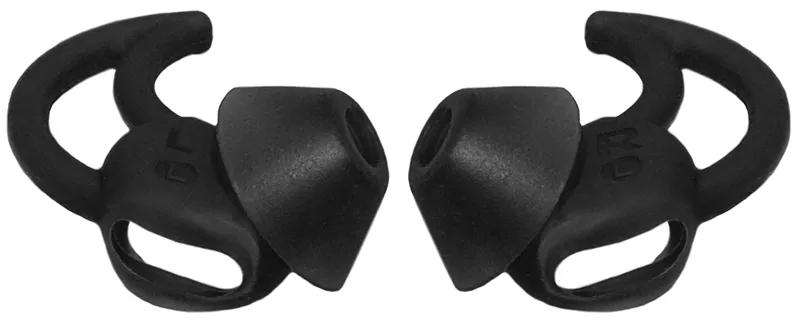
Make sure you are using StayHear+ eartips.

These headphones are designed specifically for use with StayHear+ eartips. Use of any other eartips, including original StayHear tips, will result in low audio, poor sound quality and/or reduced noise cancellation.

Your StayHear+ Tips should look like this:

stayhear plus tips
Loading
Poor sound quality from product | Hearphones™ conversation-enhancing headphones