Loading
Remote is intermittent or does not control your Bose product | Wave® SoundTouch® music system
wave®-soundtouch®-music-system
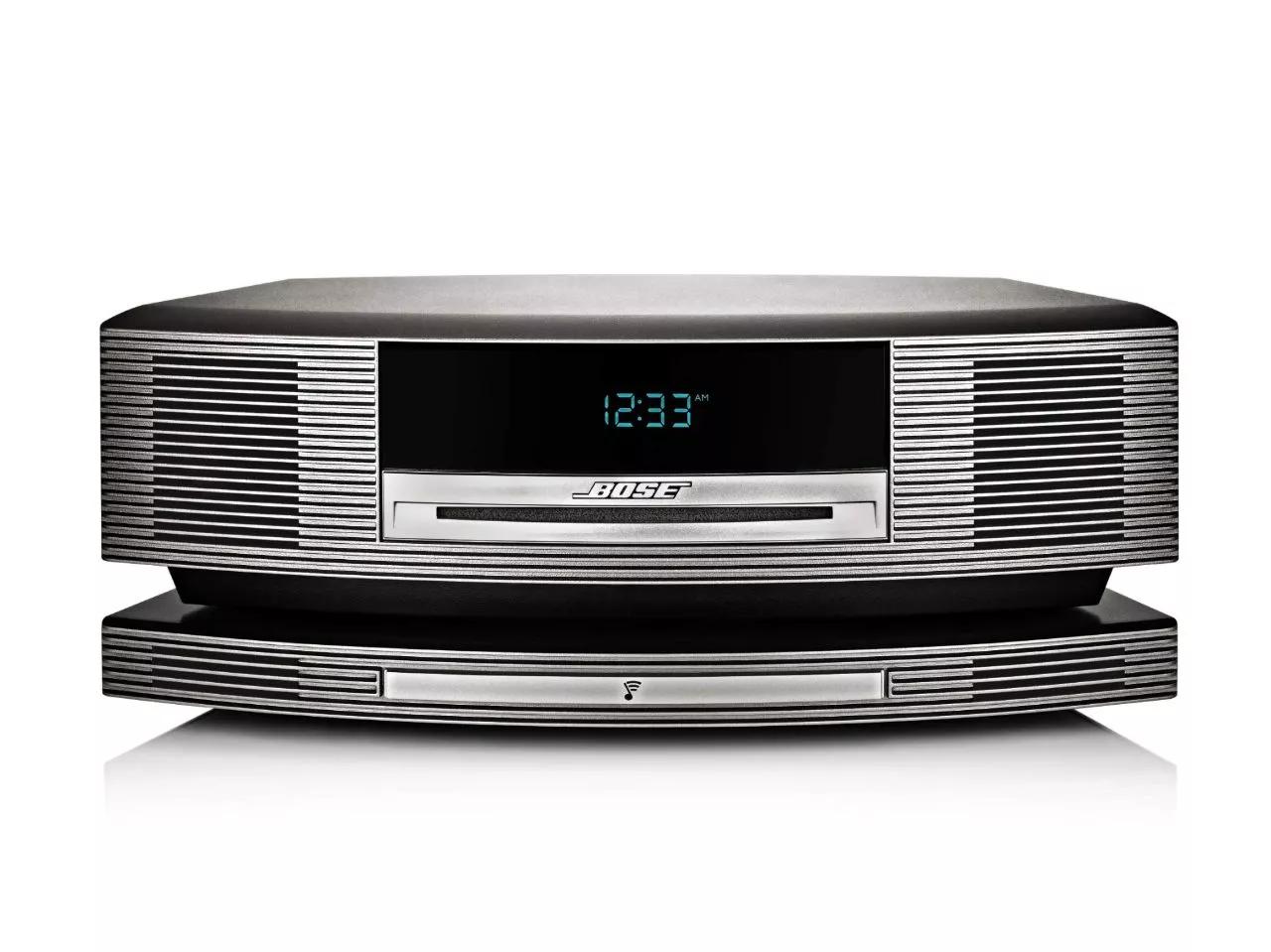
Wave® SoundTouch® music systemSold from 2013 - 2015

Remote is intermittent or does not control your Bose product | Wave® SoundTouch® music system

If the plastic wrapper is still on the remote control, try removing it.

New remotes are typically wrapped in plastic. This wrapper could reduce the range of your remote, which might be more noticeable as the batteries weaken or if the wrapper is not clean.

Be sure the remote control sensor on your product is not in direct light.

If the remote sensor on your product is in a very bright area (e.g. in excessive sunlight or lighting), the light interference could affect the ability of your product to detect the IR light commands from your remote control. If there is excessive light on your product, try reducing it.

Check that nothing is blocking the front of your product.

If the remote sensor on your product is fully or partially covered, it might not detect the commands from your remote control. If anything is blocking the front of your product, move it and check if the issue is resolved.

Be sure the system display is clean.

Debris, smudges or scratches on the plastic display cover can interfere with communication between the remote and the system. Use a clean, dry cloth to gently wipe the display.

Replace the battery in the remote.

Check to see if a green light appears on the product display panel when a button on the remote is pressed.

When your product detects a command from the remote control, a green light glows in the bottom right of the display panel. If the light is not glowing, your product is not detecting the remote control.

Be sure the remote is within range of the system.

The range of the remote is 20 feet

Check to see if any buttons on the remote are working.

If some buttons on the remote work and some do not work, see Certain remote control buttons do not work.

Reset your product.

Much like rebooting a smartphone, your product might need to be reset on occasion to correct minor issues. For more information, see Resetting your product.

See if the remote is sending IR signal by looking at the top edge of the remote through a camera viewfinder.

Our eyes cannot detect the IR (infrared) light produced by your remote but many digital cameras can. Look at the top edge of the remote through a digital camera (i.e. a smartphone camera), then press a button on the remote. If you do not see a flash through the camera viewfinder when a button is pressed, the remote is not sending any signal*. If you do see a flash but the remote is not working, try the other troubleshooting suggestions to help determine if the issue is the remote or something else.

*Some smartphones have IR filters on the front and/or rear cameras, which prevents them from seeing this flash. So, if you don't see a flash, try both the front and rear camera, a different camera if available, and any other troubleshooting suggestions.

Make sure the proper remote control is being used.

A remote control from another product will have different or no functionality. If your have more than one Bose remote control, refer to the owner's guide of the product you are trying to control to be sure you using the right remote control.

Make sure the iPod is compatible with the system.

Some iPod models are not compatible. See iPod/iPhone Compatibility and Functionality Information for information on compatible iPod models
Loading
Remote is intermittent or does not control your Bose product | Wave® SoundTouch® music system