Loading
Resetting your product | Lifestyle® 28 Series II system
lifestyle®-28-series-ii-system
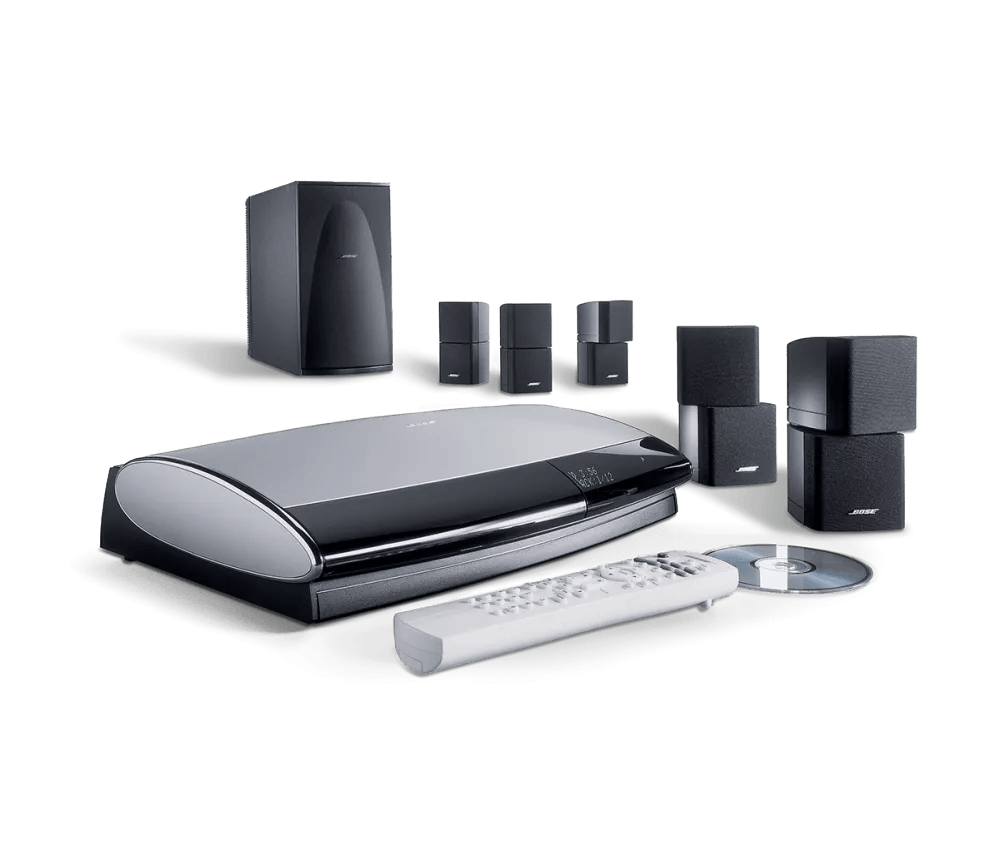
Lifestyle® 28 Series II systemSold from 2004 - 2006

Resetting your product | Lifestyle® 28 Series II system

Resetting your system

A reset corrects minor processors errors. Unless indicated otherwise, product settings are not lost during a reset.

What part would you like to reset?

Reset Your Lifestyle System

  1. Turn the system off. Wait 30 seconds
  2. Unplug the media center power cord from the power outlet
    Note: If a VS-1 or VS-2 video enhancer is connected, disconnect its power cord as well
  3. Unplug the audio input cable from the media center
  4. Turn the Acoustimass module off
  5. Unplug the Acoustimass module power cord from the power outlet
  6. Unplug the audio input cable from the Acoustimass module. Wait 30 seconds
  7. Reconnect the audio input cable to the Acoustimass module
  8. Reconnect the audio input cable to the media center
  9. Reconnect the Acoustimass module power cord
  10. Turn the Acoustimass module on
  11. Reconnect the media center power cord
    Note: If a VS-1 or VS-2 video enhancer is connected, reconnect its power cord as well
  12. Wait for the words "Bose Lifestyle" to appear and disappear from the display before turning the system back on

Back to Top

Reset the Control Console

  1. Turn the media center off and wait 30 seconds
  2. Unplug the media center power cord from the power outlet
    Note: If a VS-1 or VS-2 video enhancer is connected, disconnect its power cord
  3. After 30 seconds, reconnect the power cord
  4. Wait for the words "Bose Lifestyle" to appear and disappear from the display

Restore Factory Settings

This resets your system to its factory configuration. Unless indicated otherwise, all settings cleared and are reverted to their original out-of-box state. After, your product can be configured as if it were being setup for the first time. This can be done using the system menu on your TV or, if video is not connected, using the buttons on your system.

How would you like to Factory Reset your system?

Using the on-screen menu

Note: When factory settings are restored on your system, only the Settings menu options are affected (i.e. center and surround speaker levels, speaker mode and audio processing settings). System menu options (i.e. remote codes and video format settings) are not affected.

  1. On the remote control, press the System button. (Tip: If the system menu does not appear on your TV, be sure the correct TV input is selected)
  2. Scroll right to select Media Center, then press the Enter button
  3. Scroll down to select Restore Settings, then press the Enter button
  4. Scroll up to select Yes, then press the Enter button: The display shows Have you been instructed to do this?
  5. Scroll left to select Yes, then press the Enter button
  6. Press the Exit button to exit the menu.

Back to Top

Using the system buttons

  1. Turn the system off. Wait 30 seconds
  2. Disconnect the media center power cord from the power outlet
  3. Press and hold the "Open/Close" and "Store" buttons on the media center
  4. While holding those buttons, plug the power cord back into the power outlet
  5. Continue holding those buttons until "BOSE LIFESTYLE" disappears from the media center display
  6. With the system still off, press and hold the "Enter" button
  7. Press the "Store" button until "Flash Commit" appears on the media center display
  8. Release the "Enter" button
  9. Press the "Volume Up" arrow

The media center will reset again and return with "BOSE LIFESTYLE" on the display. This message should disappear after approximately 5 seconds, and the media center should operate normally

Note: If the TV video format is set to PAL, it may default back to NTSC. It will need to be changed back to PAL following the reset.

Note: The user parameter reset will not work with media centers running console code 03.03.04.

Back to Top

Loading
Resetting your product | Lifestyle® 28 Series II system