Was this helpful?


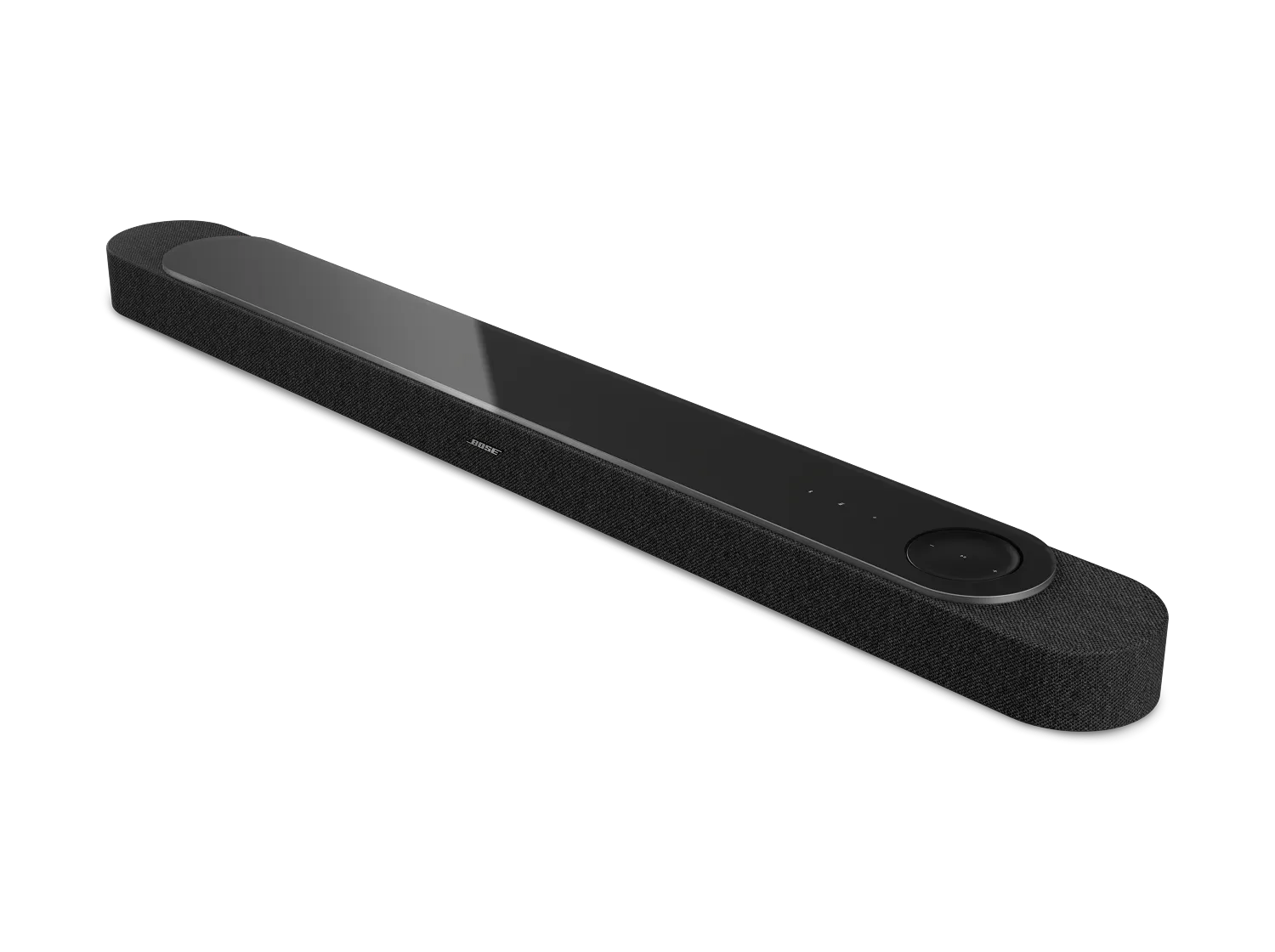
The Lifestyle Ultra Soundbar only supports a wireless connection with the Lifestyle Ultra Subwoofer which has a Bose logo on the front of the unit. A glass-topped subwoofer with the Bose logo on top of it can be connected to the soundbar but it must be done using a wired connection to the soundbar.
Disconnect the power cord from the back of the subwoofer or from the power outlet. Wait 30 seconds, then reconnect power and try again.
To prevent wireless signals from over-powering devices next to it, be sure to keep other wireless devices at least two feet away (60 cm) from the soundbar and subwoofer.
Much like rebooting a smartphone, your product might need to be reset on occasion to correct minor issues. For more information, see Resetting your soundbar.
The "channel bonding" mode available on 802.11n wireless routers allows for the use of more bandwidth than the Bose system is able to filter out. Turning off this mode or selecting the 20Mhz mode will allow the system to work around the Wi-Fi channel in use by the router.
Your subwoofer can connect wirelessly or with a wire. In situations where you cannot reposition the bass module or other wireless devices to avoid wireless interference, connect a shielded 3.5 mm cable from the BASS output on the soundbar to the BASS IN connection on the subwoofer. If the issue no longer occurs when the subwoofer has a wired connection, wireless interference was causing the issue. A shielded cable is recommended to avoid interference from other electronic devices. A 15-foot (4.5 m) shielded audio cable is available to order through Bose.
.png)


