Loading
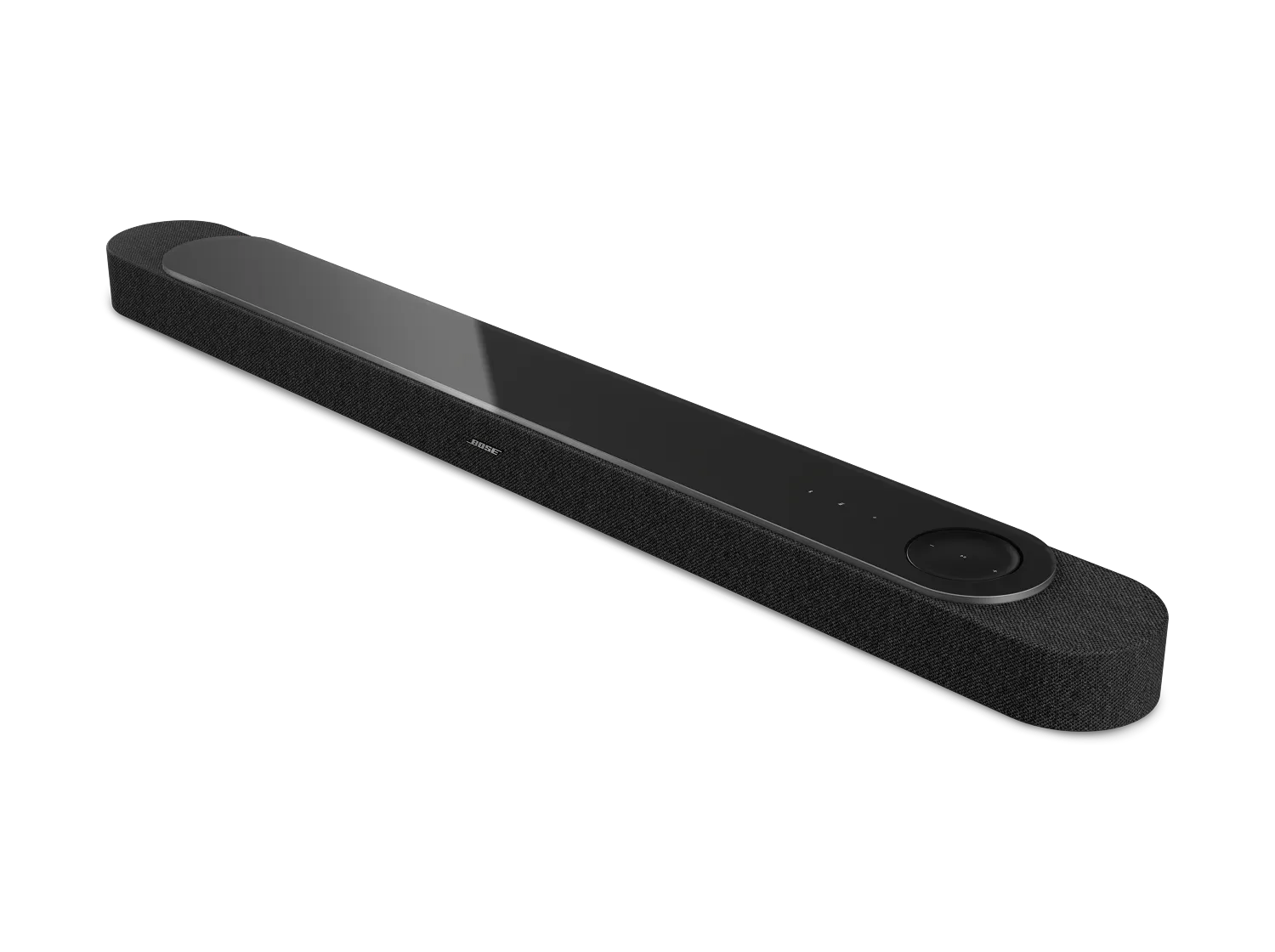
Poor Sound Quality | Bose Lifestyle Ultra Soundbar
bose-lifestyle-ultra-soundbar
Bose Lifestyle Ultra SoundbarSold from 2026

Poor Sound Quality | Bose Lifestyle Ultra Soundbar

Run the CustomTune sound calibration to optimize the sound of your system.

Since different environments affect how sound is heard, activate the CustomTune sound calibration in the Bose app for your system. This feature learns how the system performs in the room, then adjusts the sound as needed to optimize sound quality. For more info, see CustomTune Sound calibration activation.

Try playing different types of media.

Different media types might produce different quality sound. For example, MP3s, streaming media, videos, etc. can all vary in quality. Try different media to determine if the issue is specific to certain media.

Check the audio settings of the connected device.

Many devices with digital audio have related menu options, like multichannel formats and sample rates. In the device menu, look for audio or sound options and, if available, select Dolby Digital 5.1. If a sample rate option is available, be sure your system supports the selected sample rate. (Tip: If your unsure what to select, 44.1 KHz should be supported. For more info on supported sample rates, see the specifications for your product.)

Reset your soundbar.

Much like rebooting a smartphone, your product might need to be reset on occasion to correct minor issues. For more information, see Resetting your soundbar.

If the issue is with the subwoofer or surround speakers, select it below for more help.

Poor sound quality from subwoofer

Try resetting the subwoofer by disconnecting power for 30 seconds.

Disconnect the power cord from the back of the subwoofer or from the power outlet. Wait 30 seconds, then reconnect power and try again.

If using a wireless connection, try connecting the subwoofer with a wired connection.

Your subwoofer can connect wirelessly or with a wire. In situations where you cannot reposition the bass module or other wireless devices to avoid wireless interference, connect a shielded 3.5 mm cable from the BASS output on the soundbar to the BASS IN connection on the subwoofer. If the issue no longer occurs when the subwoofer has a wired connection, wireless interference was causing the issue. A shielded cable is recommended to avoid interference from other electronic devices. A 15-foot (4.5 m) shielded audio cable is available to order through Bose.

Poor sound quality from rear surround speakers

Determine the type of content that is being played (music, movie, TV, video game, etc.).

The amount of sound coming from the rear speakers can vary due to the source material being played. Music and most TV shows typically do not have sounds to play through the rear speakers of a surround sound system. Movies and video games typically do have sounds to play through the rear speakers but it will not be constant.

You should expect a varying level of audio from the rear speakers depending on what is being played. If they are aware of this and have tried content where they know there should be sound from the rear speakers then continue troubleshooting.

Reset both surround speakers.

Disconnect both rear speakers from the power outlet, wait 30 seconds, and then reconnect them to power.The reset is complete when the speaker turns on and the status light slowly pulses white.

Check for sources of wireless interference.

It's possible that interference from other wireless devices are affecting the wireless functionality of your product. Check for other wireless devices in the area of your product (i.e. another router, cordless phone, wireless printer, smart TV, etc.). To determine if a device might be interfering, try unplugging its power cord or disabling Wi-Fi on the device. If the issue is resolved when a particular device is removed, try placing that device farther away from your product, if possible. Additionally, if the device has a wireless channel setting, try a different channel.
Loading
Poor Sound Quality | Bose Lifestyle Ultra Soundbar