Was this helpful?


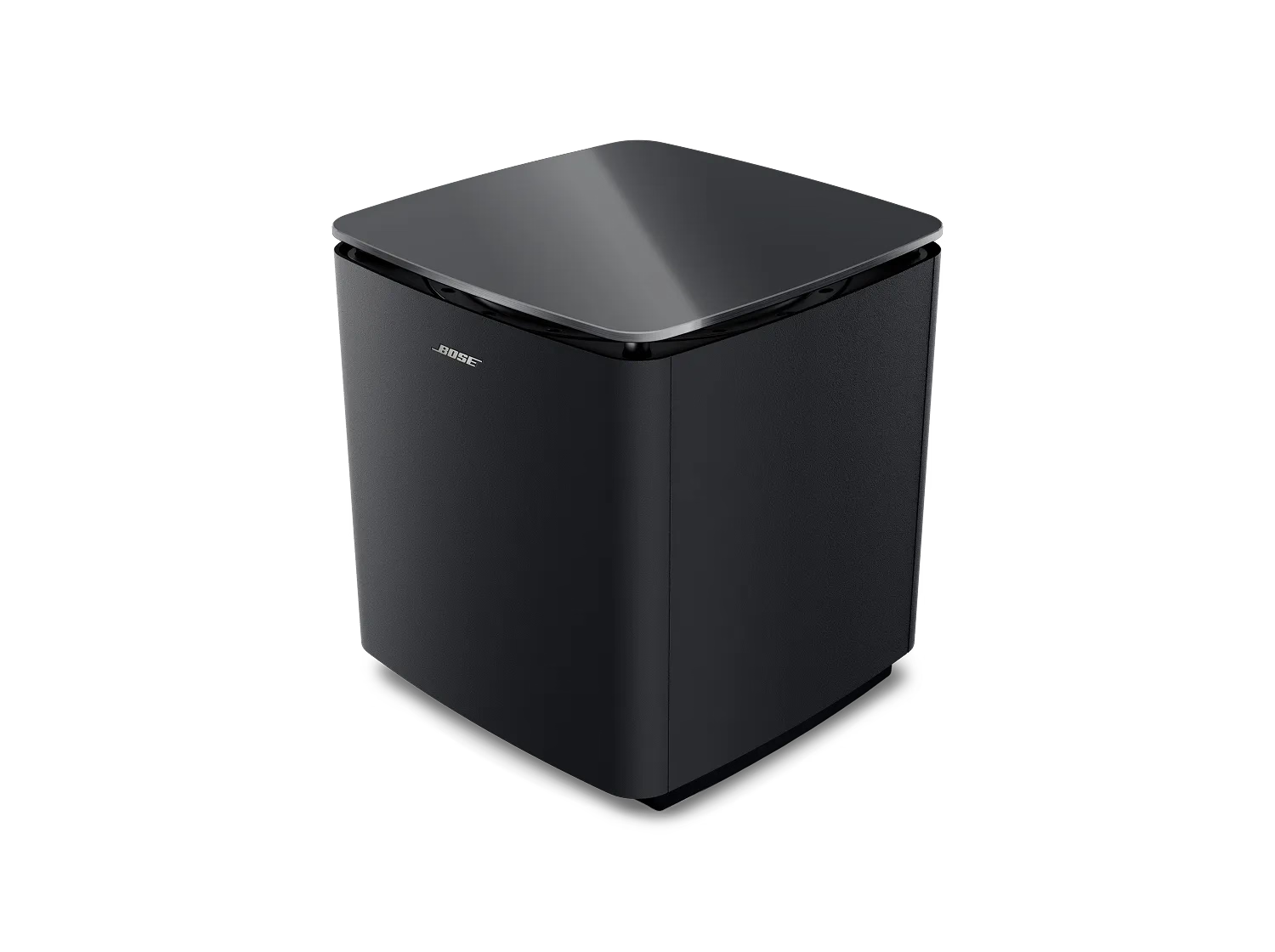
Your subwoofer connects wirelessly using a proprietary connection technology, which has a range of about 33 feet (10 meters). This range can be reduced by obstacles (e.g. walls, furniture, other wireless devices, etc.). If such obstacles exist between the subwoofer and the soundbar, try moving the subwoofer closer to the soundbar.
Your subwoofer can connect wirelessly or with a wire. In situations where you cannot reposition the bass module or other wireless devices to avoid wireless interference, connect a shielded 3.5 mm cable from the BASS output on the soundbar to the BASS IN connection on the subwoofer. If the issue no longer occurs when the subwoofer has a wired connection, wireless interference was causing the issue. A shielded cable is recommended to avoid interference from other electronic devices. A 15-foot (4.5 m) shielded audio cable is available to order through Bose.
In a setup where a wireless connection has never been used, disconnect the audio cable from the subwoofer and soundbar then wirelessly connect the subwoofer. For more information, see Setting Up Your Subwoofer.
If a wired connection is being used due to wireless interference, replace the cable between the subwoofer and soundbar with a shielded audio cable. A 15-foot (4.5-meter) shielded audio cable is available to order through Bose.
.png)


