Was this helpful?
Too little bass or too much treble from product | Lifestyle® 235 series II home entertainment system
If the sound lacks bass or has too much treble:
Try the following:
Check the bass and treble controls for your product.
Be sure the bass and treble adjustments are not set too high or too low for your preferences. For more info, see Adjusting the tone controls on your product.
Check if your speaker placement follows the recommendations for your system.
The placement of the speaker within the area affects how your hear sound from the speakers. For more info, see Speaker placement and positioning.
Check the audio settings of the connected device.
Many devices (i.e. cable boxes, game consoles, Blu-ray players, etc.) let you to adjust audio processing (i.e. bass, treble, compression, etc.). Disable any audio processing settings in the device menu or adjust any other related settings, then try again.
Change the source audio output to "Bitstream".
The LPCM stream of some Blu-Ray players do not contain the LFE channel, and as a result a distinct lack of bass response can occur. Switching the audio output to "Bitstream" may fix this.
Turn off the ADAPTiQ audio calibration.
After the ADAPTiQ audio calibration is enabled, bass and treble adjustments might be limited. With ADAPTiQ disabled, bass and treble can be adjusted between -14 and +14. (Note: Once disabled, you may need to re-run ADAPTiQ setup to re-enable it. For more info, see ADAPTiQ system setup and deactivation.)
Adjust bass and treble controls on the connected audio device.
Many devices have sound options, like bass and treble controls or compression. Check the device menu for sound processing options and disable them. If the issue is resolved, re-add only the necessary sound options. For adjustable options, try small adjustments.
Try connecting a different audio device.
If available, connect another audio device using the same cables and connections to determine if the issue is related to the first device or its settings.
Run the ADAPTiQ audio calibration to optimize the sound of your system.
Since different environments affect how sound is heard, use ADAPTiQ can calibrate you system. It listens to how your speakers sound in your room, then adjusts the sound as needed to optimize sound quality. For more info, see ADAPTiQ system setup and deactivation.
Try a different app.
If the issue only occurs with a particular app, it is likely related to the app or app settings.
Replace the cables used to connect your product
Try replacing the cables that connect your product. If no issue is heard with new cables, the first set of cables is the issue.
Determine if the room size is too large or the distance from the system is too far.
The volume from the system will seem lower in larger rooms than in smaller rooms. The level of sound will decrease when heard from greater distances. Try to place your system within 20 feet (6 meters) of the listening area.
Change the audio compression setting in the system menu.
Compression can help even out volume by making quieter sound more noticeable and louder sound less noticeable. This affects all sound heard from your system—including bass. Change the audio compression setting in the system menu and listen for changes. For more info, see Turning Audio / Range Compression on or off.
Reset your product.
Much like rebooting a smartphone, your product might need to be reset on occasion to correct minor issues. For more information, see Resetting your product.
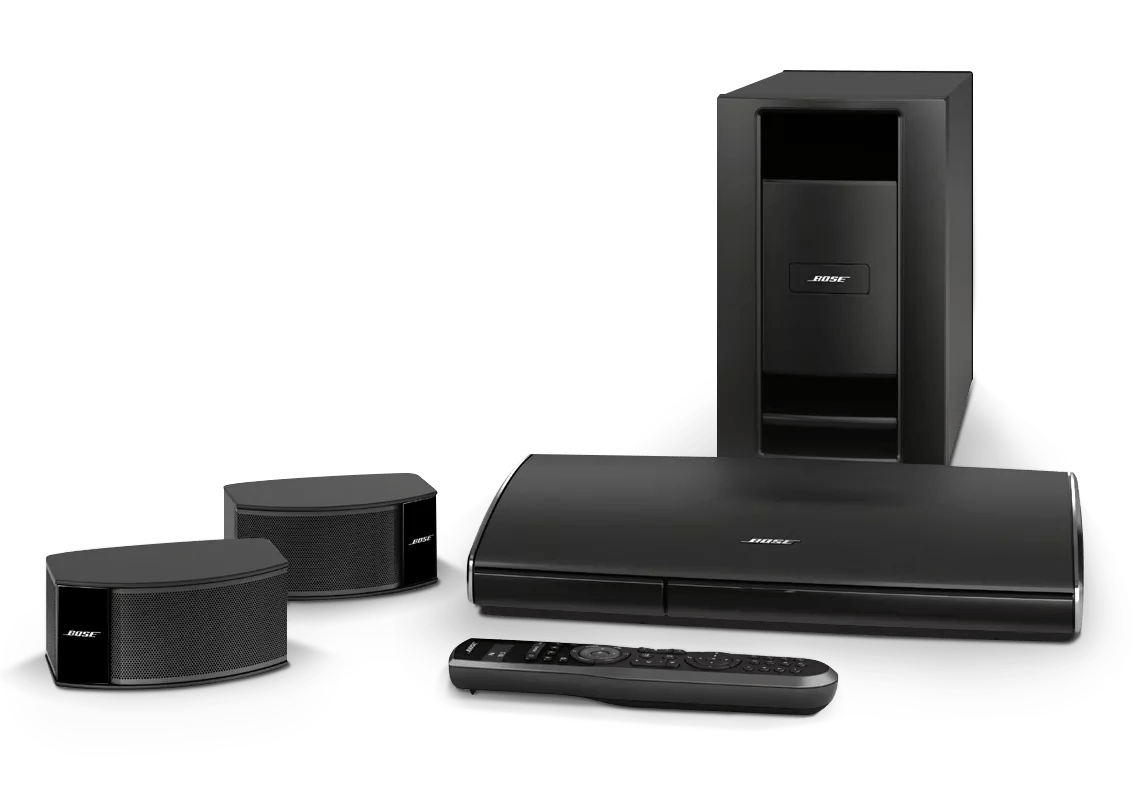
Relocate the Acoustimass module to increase bass.
Move the Acoustimass module closer to a wall or corner to increase bass response. Bass response changes with the location of the module.