Loading
×
Sorry to interrupt
CSS Error
Refresh
💰
Get up to $300 credit by trading in your Bose product!
close
Help Center
Orders
Product Support
View all articles
Changing display language | Lifestyle® 535 series II home entertainment system
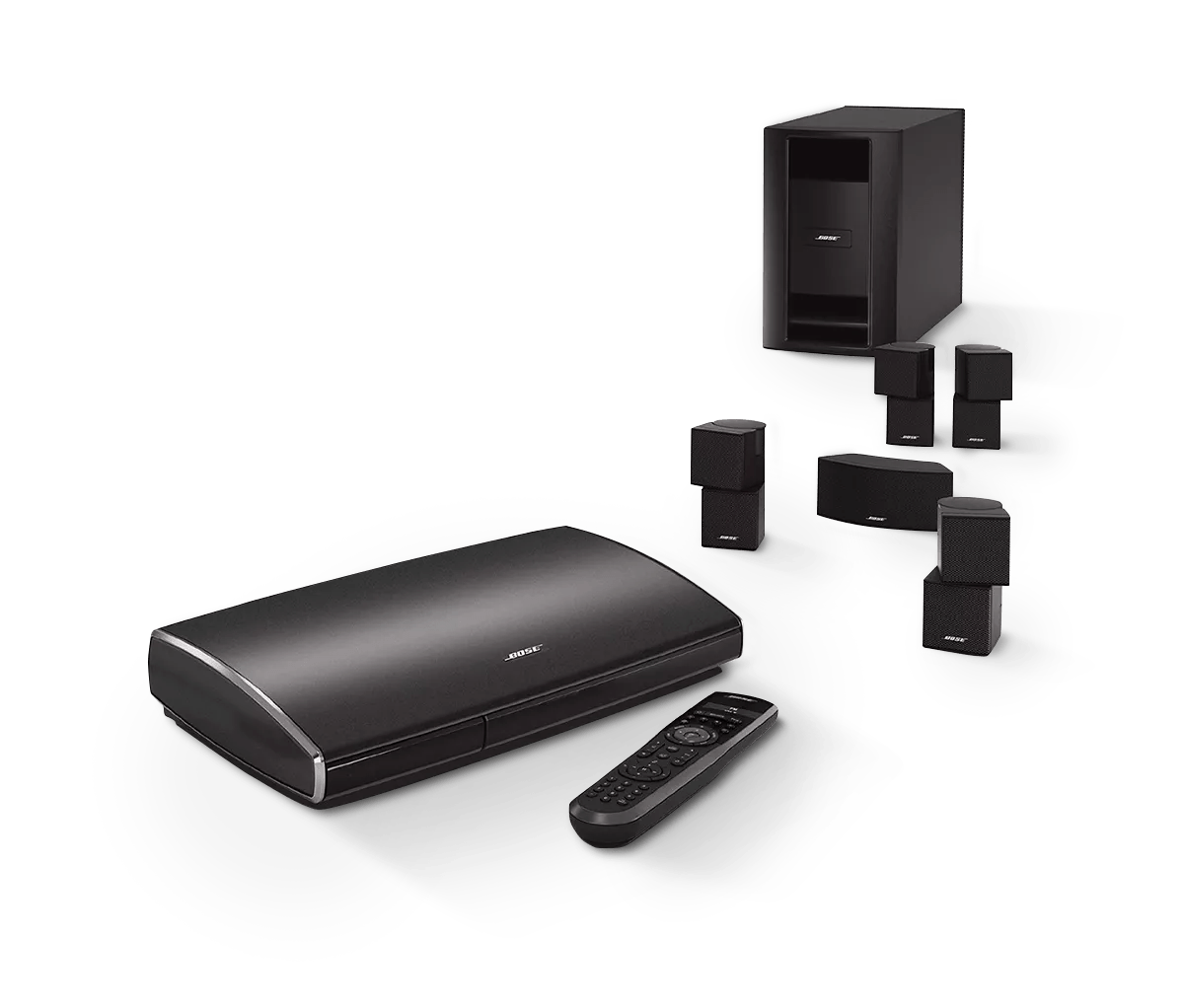
Lifestyle® 535 series II home entertainment system
Sold from 2013 - 2014
Not your product?
Changing display language | Lifestyle® 535 series II home entertainment system
To select a language for the system menus:
On the system console, press the
Setup
button.
If the setup menu does not appear on your TV, be sure the correct TV input is selected.
On the remote control, press the
OK
button to select
Language
which is the first selection on the list.
Scroll up or down to select a language, then press the
OK
button.
Press the
Exit
button to exit the menu.
Was this helpful?
START A REPAIR OR REPLACEMENT
Loading
Changing display language | Lifestyle® 535 series II home entertainment system