Loading
Sound is not heard from all speakers | Lifestyle® 650 home entertainment system
lifestyle®-650-home-entertainment-system
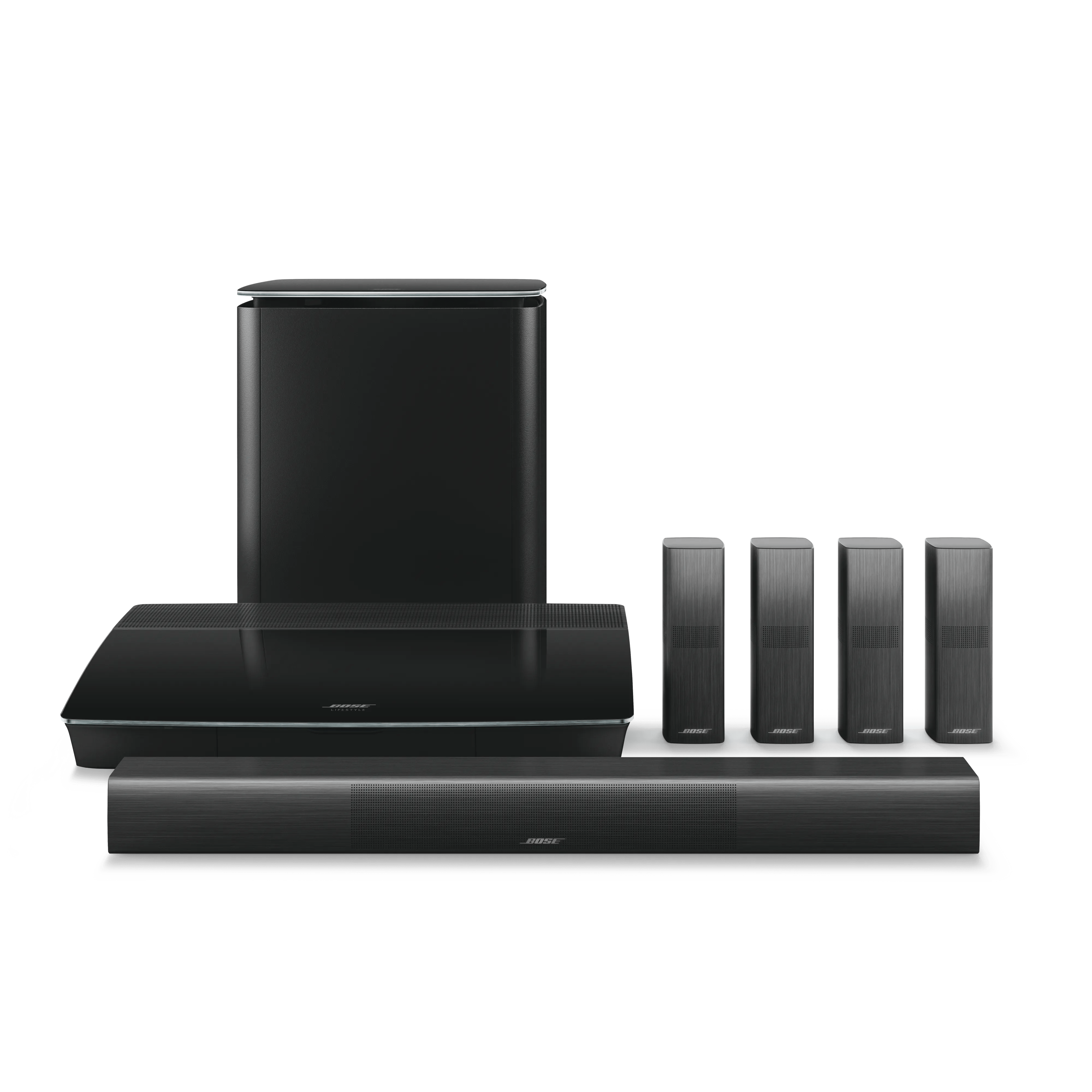
Lifestyle® 650 home entertainment systemSold from 2016 - 2022

Sound is not heard from all speakers | Lifestyle® 650 home entertainment system

If the issue is with your bass module or your rear surround speakers, select it below for more help.

No sound from bass module

Determine if the bass module Status LED indicator is white or amber.

  • If the indicator is amber, the bass module is not paired to the control console. See Resetting your product to restart the automatic pairing process between the control console and bass module.
  • If the indicator is white, determine if the Bass Box software version ends with 1.4.22.xxxxx. If it doesn't, the system's software will need to be updated while the bass module is wirelessly connected to the control console.
For instructions on checking software, Checking the software or firmware version.
For information on installing an update, Updating the software or firmware of your product.

Try connecting the bass module with a wired connection.

Wireless interference in your location could prevent your bass module from working properly—especially if the bass module or sources of interference cannot be positioned to avoid interference. In these cases, you can plug in your bass module to the system console using a 1/8" (3.5 mm) stereo audio cable.
No sound from rear surround speakers

Check the color of the status LED located on the front of each rear speaker receiver.

  • White and glowing steadily - the receiver is properly connected to your control console
  • Amber - the receiver is not paired to the control console. See Setting up your product to complete the set up of your rear speakers
  • Solid red - indicates a hardware failure in the receiver
  • No LED - means there is no power to the receiver. Be sure the power connections are secure and that the power outlet is working

Check the speaker volume level in the Bose SoundTouch app.

The center and surround sound speaker levels are adjustable in the SoundTouch app. Be sure the levels are set appropriately. For more info, see Adjusting center channel volume level or Adjusting the volume level of the rear surround speakers.

Reset the wireless receivers for the surround speakers.

For more information, see Resetting your product. (Note: A reset is used to correct occasional performance issues. It is not something that a product should require repeatedly.)

Determine the type of content that is being played (music, movie, TV, video game, etc.).

The amount of sound coming from the rear speakers can vary due to the source material being played. Music and most TV shows typically do not have sounds to play through the rear speakers of a surround sound system. Movies and video games typically do have sounds to play through the rear speakers but it will not be constant.

You should expect a varying level of audio from the rear speakers depending on what is being played. If they are aware of this and have tried content where they know there should be sound from the rear speakers then continue troubleshooting.

If the source device is connected to the TV, check if the TV can send 5.1 audio to a sound system.

In the Settings menu of the TV, determine if an Audio, Sound, or Connections sub-menu indicates a Stereo or 2.0 audio output setting. If such a setting appears, change it to a Multi-channel or 5.1 output. Some TVs can only pass two-channel stereo audio to a connected sound system, even if 5.1 surround audio is connected to the TV. In these cases, connect the source device (i.e. cable box or Blu-ray player) to your Bose system using a digital audio cable to hear 5.1 audio.

There are no balance controls on your Bose product.

Volume from the left and right speakers cannot be adjusted.

Try a different audio device.

Connect and play another audio device through your product. This can help determine if the issue is isolated to the first device.

For issues with DVDs, try a different audio track (if available).

Some DVDs have multiple audio tracks available in the DVD audio/sound menu. In the DVD menu, select a different audio track and listen for differences.

Try playing a song from artist, collection or music service.

Some media might be made for one speaker (i.e. old recordings or some news or voice recordings). Try a different track, like a newer pop song, and listen for a difference.

Reset your Acoustimass module.

Much like rebooting a smartphone, your product might need to be reset on occasion to correct minor issues. For more info, see Resetting your product.

In the system menu, select a different sound setting.

Different sound settings are available in your system help optimize audio for the content you play. For more info, see Changing and using Sound settings.

Run the ADAPTiQ audio calibration to optimize the sound of your system.

Since different environments affect how sound is heard, use ADAPTiQ can calibrate you system. It listens to how your speakers sound in your room, then adjusts the sound as needed to optimize sound quality. For more info, see ADAPTiQ system setup and deactivation.

Check the condition of the speaker wires and be sure they are secure at both ends.

Check the speaker wires for any kinks, scratches, cuts or damage. Replace any damaged wires and check that they are securely connected at both ends.

Switch the speaker wires on the output of the receiver.

At the back of the receiver, switch the connection of the speaker wire that may not be working properly with one that is working properly. If the problem does not stay with the same speaker, contact the manufacturer of the receiver for assistance

Switch the speaker that is not working properly with another speaker that is working properly.

If the problem stays with the speaker, it may need to be repaired or replaced.

The Acoustimass 300 bass module may need service.

If the steps provided do not resolve your issue, the Acoustimass 300 bass module may need service. Follow the link below for more information on how to service your product. Depending on your product and region, you will be provided a contact number or the ability to setup service online.

Click here to start service
Loading
Sound is not heard from all speakers | Lifestyle® 650 home entertainment system