Loading
Answer/End button works intermittently or has unexpected functionality | Bose MIE2 mobile headset
bose-mie2-mobile-headset
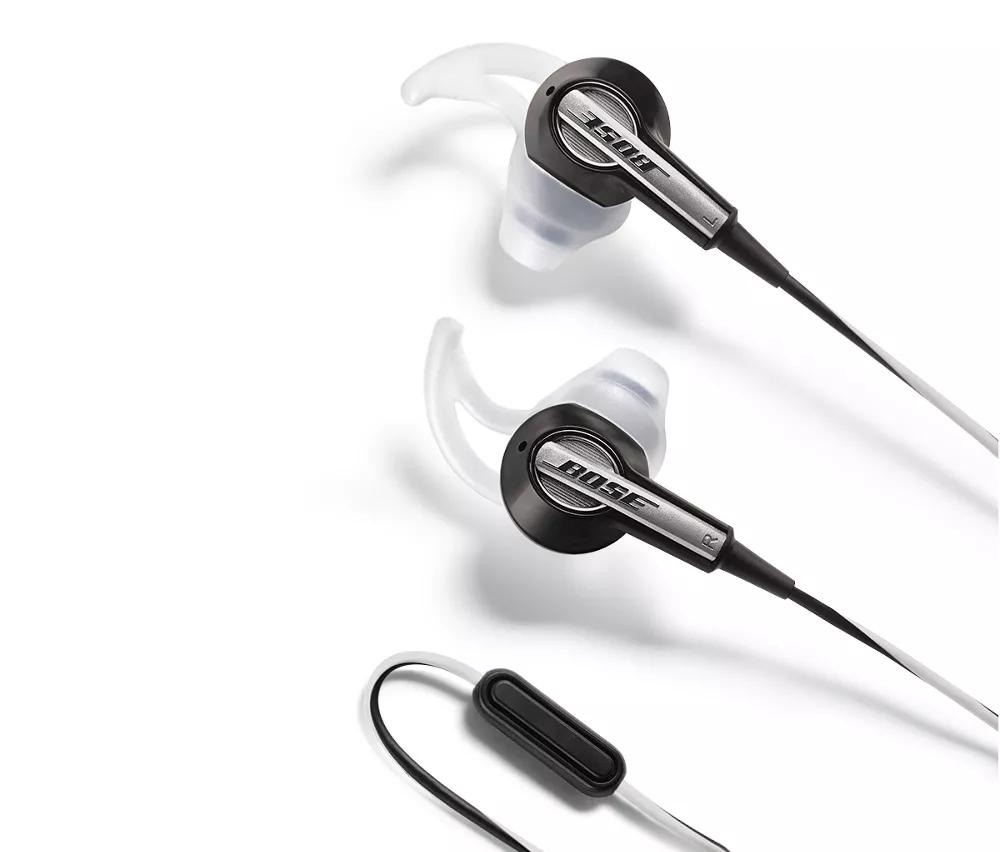
Bose MIE2 mobile headsetSold from 2010 - 2014

Answer/End button works intermittently or has unexpected functionality | Bose MIE2 mobile headset

Determine if the connected device is a 4th generation iPod Touch.

The 4th generation iPod Touch is not fully compatible and may have odd functionality, including intermittent or no button response or unexpected volume changes. This is the case for all software versions.

Reboot the connected device.

Electronics might need to be reset from time-to-time—much like rebooting a computer. Power off the device, then power it back on and try again.

Verify that a button on the phone is not being pressed.

Some phones have external buttons or touch screens that may be activated while being handled or while in your pocket. Verify that this issue is related to the answer/end button on the headset and not a button on the phone being pressed

Turn off the option to shake your device to shuffle or change songs.

Some media players, including many iPods and smartphones, can change audio tracks when the device is shaken. With this feature on, certain movements (like walking with the device in your pocket) could trigger the device to change tracks. Look for this option in the device settings and, if enabled, disable it and check if the issue still occurs.

The answer/end button may may not work for the mode in use.

Pressing the button may produce a different result dependant on which mobile device is connected and what state the device is in

Be sure that the answer/end button is pressed in the center and not off axis.

The answer/end button can be activated in one of three ways:
  1. Press once
  2. Press, hold and release
  3. Press twice
The correct method will depend on the manufacturer of the phone. Refer to the phone manufacturer for more information

Note: The answer end button also houses the microphone.

Check that the headphone jack is clean and free of debris.

Use a flashlight or other light source to check if any lint or debris has entered the headphone jack on the device, which can interfere with the connection.

Be sure the buttons on your product are not stuck.

When you push a button on your product, you should feel it depress. When you release the button, it should snap back to its original position. If it does not, it may be stuck. Check for and clean any debris around the button.

Remove the connected device from any case or protective sleeve.

A case or sleeve may prevent the audio cable from seating properly into the headphone jack. If using a case, remove it and try again.

Remove and reseat the audio cable in the connected device.

On the connected device, disconnect the cable that connects to your headset then reconnect it to be sure it is fully connected and secure. If you rotate the plug in the jack and hear crackling or intermittent sound, there might be debris inside the jack or on the headphone plug.

If connected, bypass any adapters or extension cables.

If your product connects to the device using an extension cable or adapter, disconnect the extension cable or adapter to determine if the issue is related to it.

Try a different mobile device.

If available, connect to another mobile device to determine if the issue is related to the first device or its settings.

Try connecting the headset to a different device.

If the headset works with one device but not another (with or without an adapter), there may be a compatibility issue with that particular device. For known compatibility info, see Compatibility Guide.
Loading
Answer/End button works intermittently or has unexpected functionality | Bose MIE2 mobile headset