Loading
Réinitialiser votre produit | Bose Portable Smart Speaker
bose-portable-smart-speaker
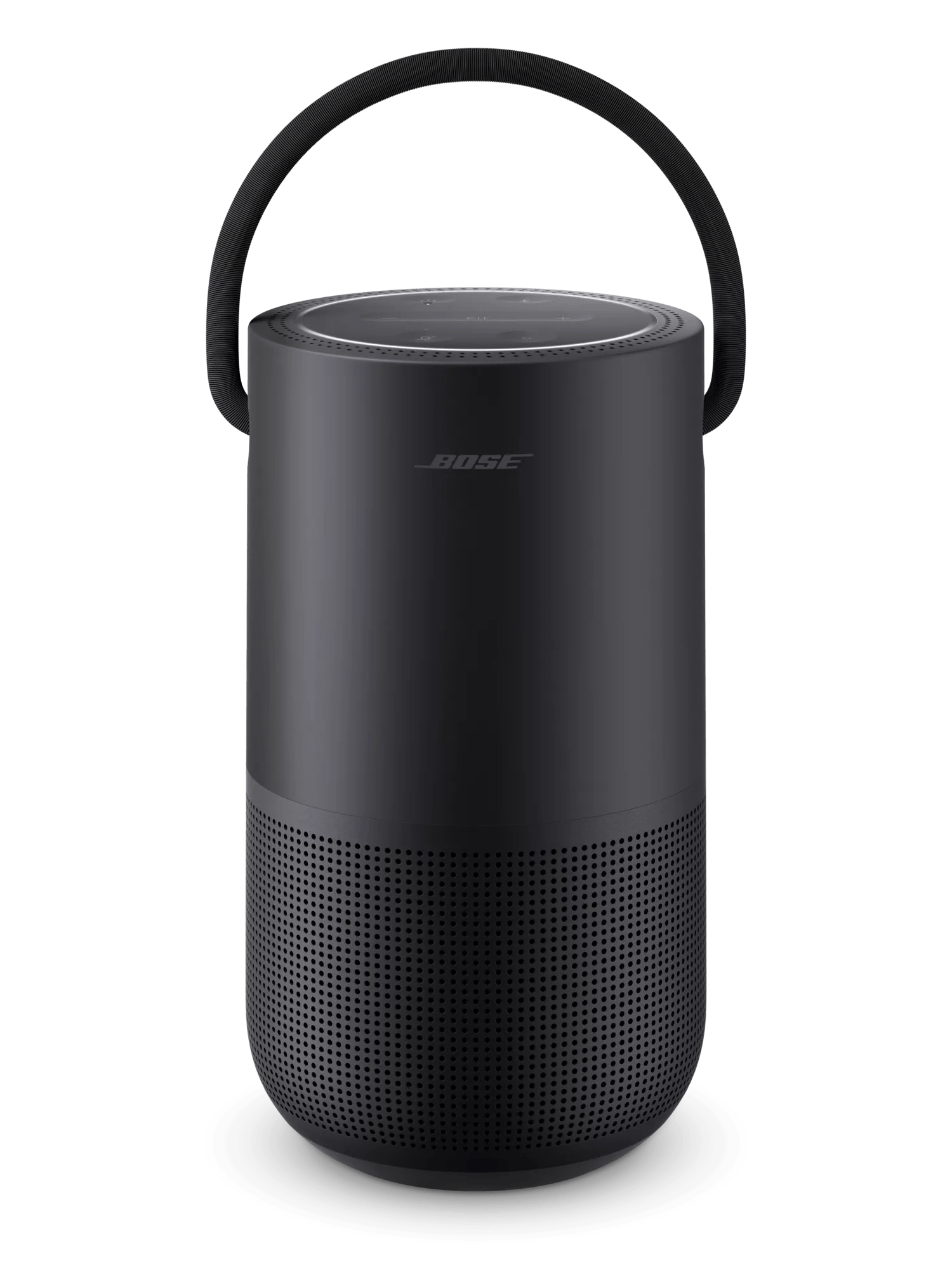
Enceinte intelligente portative BoseVendu entre 2019

Réinitialiser votre produit | Bose Portable Smart Speaker

Voulez-vous réinitialiser votre produit ou rétablir ses paramètres par défaut ?

  • RĂ©initialiser: Une rĂ©initialisation corrige les erreurs mineures du processeur. Sauf indication contraire, les rĂ©glages du produit ne sont pas perdus lors d’une rĂ©initialisation.
  • Restaurer les paramètres d'usine: Cela ramène votre produit Ă  sa configuration d'usine par dĂ©faut. Sauf indication contraire, tous les rĂ©glages sont effacĂ©s et restaurĂ©s Ă  leur Ă©tat d’origine sorti de la boĂ®te. Après cela, votre produit peut ĂŞtre configurĂ© comme s’il Ă©tait utilisĂ© pour la première fois.

Réinitialisez votre haut-parleur.

Maintenez enfoncĂ©e la touche lecture/Pause icon pendant 10 secondes. L'anneau lumineux se met en lumière en blanc sur le dessus et le dessous pendant que le haut-parleur redĂ©marre et se reconnecte Ă  un rĂ©seau Wi-Fi.

Avant d'effectuer une réinitialisation aux paramètres d'usine, avez-vous configuré un assistant vocal pour fonctionner avec votre produit ?

Non, aucun assistant vocal n'a été ajouté

To restore the factory default settings:

Note: This reset erases all settings and returns your product to its default out-of-box state. Once reset, open the Bose app to reconfigure your product.
  1. Remove the product from your Bose account. For more info, see Removing a product from your Bose account
  2. Connect the speaker to power. If pulsing white lights appear in the light ring, wait for the pulsing to stop before proceeding
  3. Simultaneously press and hold the Bluetooth® and Volume + buttons for ten seconds until the light ring is filled with white light.
    The light ring will blink twice and the speaker will reboot. When complete, two amber lights glows steadily in the light ring indicating the speaker is in setup mode.
Oui, Alexa a été ajouté

To restore the factory default settings:

Note: This reset erases all settings and returns your product to its default out-of-box state. Once reset, open the Bose app to reconfigure your product.
  1. In the Amazon Alexa app, go to Devices > Echo & Alexa and select your Bose product to view its details
  2. Scroll down and tap Deregister
    Tip: If your product appears more than once, remove all instances of it
  3. If you do not plan to use other Bose product with your Amazon account after the reset, view the installed Skills in the Alexa app and remove the Bose skill
  4. Open the Bose app and remove Alexa from your Bose account. For more info, see Adding or removing the Amazon Alexa voice assistant
  5. Remove the product from your Bose account. For more info, see Removing a product from your Bose account
  6. Connect the speaker to power. If pulsing white lights appear in the light ring, wait for the pulsing to stop before proceeding
  7. Simultaneously press and hold the Bluetooth® and Volume + buttons for ten seconds until the light ring is filled with white light.
    The light ring will blink twice and the speaker will reboot. When complete, two amber lights glow steadily in the light ring indicating the speaker is in setup mode.
Oui, l’Assistant Google a été ajouté

To restore the factory default settings:

Note: This reset erases all settings and returns your product to its default out-of-box state. Once reset, open the Bose app to reconfigure your product.
  1. Open the Bose app and remove the Google Assistant from your Bose account. For more info, see Adding or removing Google Assistant
  2. Remove the product from your Bose account. For more info, see Removing a product from your Bose account
  3. Connect the speaker to power. If pulsing white lights appear in the light ring, wait for the pulsing to stop before proceeding
  4. Simultaneously press and hold the Bluetooth® and Volume + buttons for ten seconds until the light ring is filled with white light.
    The light ring will blink twice and the speaker will reboot. When complete, two amber lights glows steadily in the light ring indicating the speaker is in setup mode.

Cette information est-elle utile?

OUI
NON
COMMENCER LA RÉPARATION OU LE REMPLACEMENT
Chargement
Réinitialiser votre produit | Bose Portable Smart Speaker