Was this helpful?


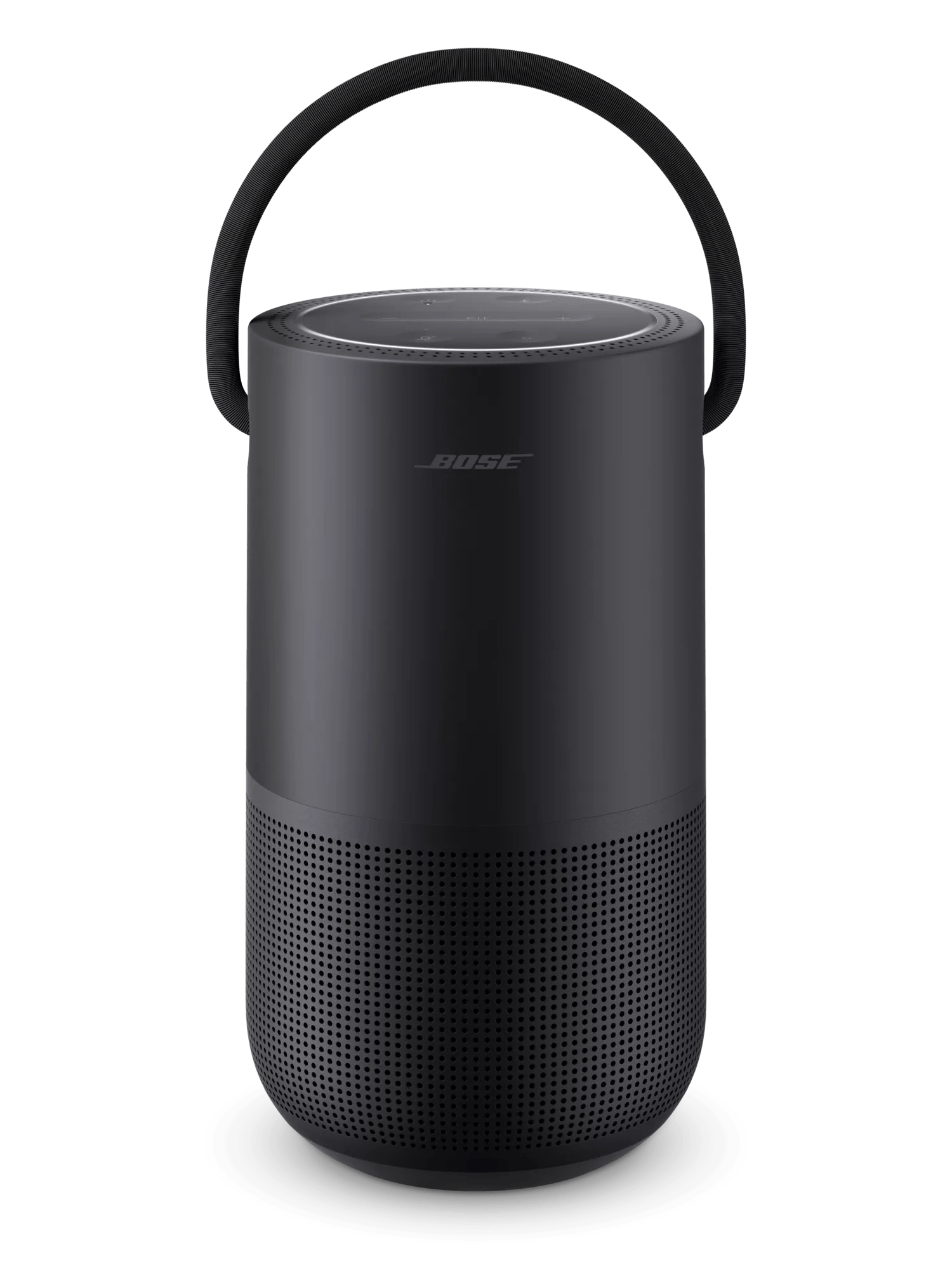
| Power Light State | Indicates |
|---|---|
| Bright white | Speaker on Speaker fully charged (when connected to power) |
| Blinking white | Speaker is charging |
| Dim white | Speaker is in standby mode |
| Red and white blink | Slow charging. Connect a charger with a higher amperage rating Tip: It is recommended to use the included 3 Amp Bose charger |
| Red | Five to 10% battery charge level remaining |
| Blinking red | Less than 5% battery charge level remaining |
| Light Ring State | Indicates | |
|---|---|---|
| Pulsing white lights on top and bottom |  | Connecting to a Wi-Fi network |
| White lights glow on top and bottom then fade to black |  | Connected to a Wi-Fi network |
| Two white lights glow on top and bottom |  | Audio playback is paused |
| White light fills clockwise |  | Volume level increasing |
| White light fades counter-clockwise |  | Volume level decreasing |
| One white light glows on top |  | Speaker muted |
| Pulsing blue lights on top and bottom |  | Ready to connect to a Bluetooth® device |
| Blinking blue lights on top and bottom |  | Connecting to a Bluetooth device |
| Blue lights glow on top and bottom then fade to black |  | Connected to a Bluetooth® device |
| Blue lights on top and bottom blink twice | 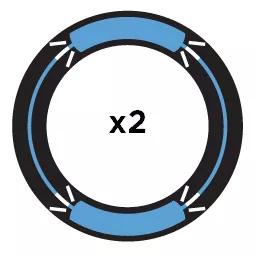 | Bluetooth device list cleared |
| Four white lights pulse |  | Google Assistant is listening |
| Four white light rotate clockwise |  | Google Assistant is thinking |
| White lights on top and bottom blink | | A Google Assistant notification is available |
| White lights slide to top and bottom |  | Amazon Alexa is listening |
| White lights glow on top and bottom | | Amazon Alexa is thinking |
| Pulsing yellow light on top and bottom |  | An Amazon Alexa notification is available |
| Entire light ring pulses white |  | The voice assistant is speaking |
| Amber lights glow on top and bottom |  | Wi-Fi setup in progress |
| White light fills counter-clockwise until full then repeats |  | Speaker update downloading |
| White light fills clockwise until full then repeats |  | Speaker update installing |
| Blinking amber top and bottom four times | 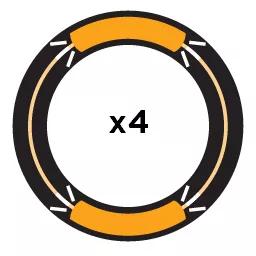 | Music service error Refer to the Bose app for details Press and hold the Play/Pause button for 10 seconds to reset the speaker |
| Red lights glow on top and bottom |  | Hardware error Press and hold the Play/Pause button for 10 seconds to reset the speaker If a reset does not resolve the issue, the speaker will need service |
.png)


