Was this helpful?


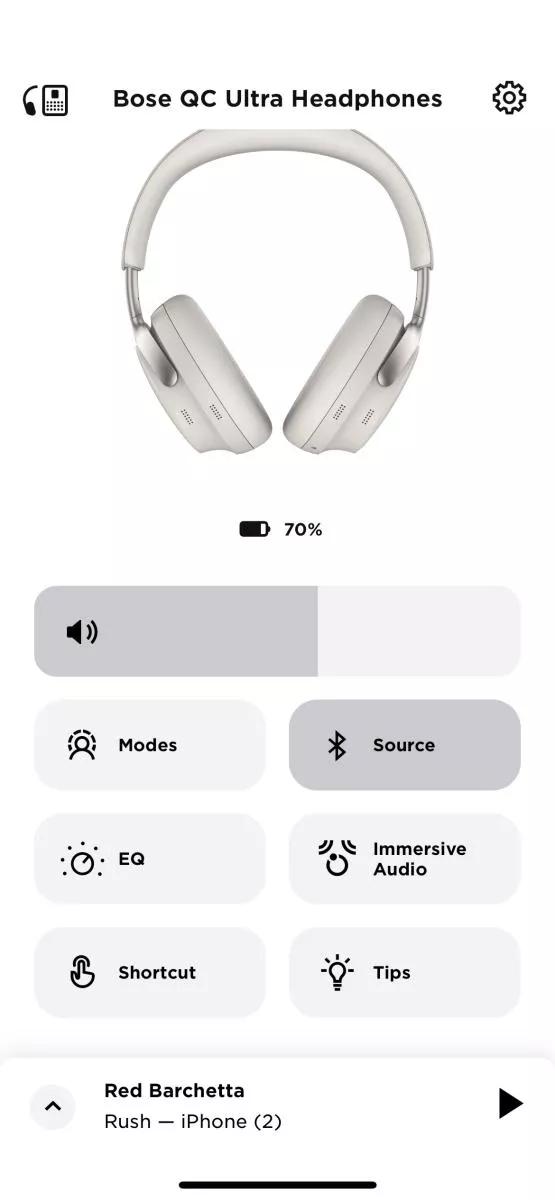
If there is too little bass, see Too little bass or too much treble from product.
If there is too much bass, see Too much bass or too little treble from product.
If you are hearing static or distortion through your earbuds or headphones, try the following steps. These issues are often caused by environmental interference or device settings and can frequently be resolved with a few adjustments:
Check for nearby electronic devices that may cause wireless interference.
Some electronics that operate on the 2.4 GHz frequency can interfere with Bluetooth signals and introduce static or distortion. Common sources include:
Try disconnecting or turning off these devices one at a time and check if the issue improves. If so, consider relocating your earbuds or the source of the interference to improve performance.
Check and adjust audio settings on your connected device.
Many smartphones, tablets, and computers have built-in audio enhancements like Bass Boost, Treble, or Loudness settings. These can sometimes conflict with your earbuds’ audio processing.
Go to your device’s sound settings and either turn off these features or set them to a neutral position. This allows your earbuds to apply their own optimized sound profile without interference.
If the plug or any part of the cable is damaged, replace the headphone cable.
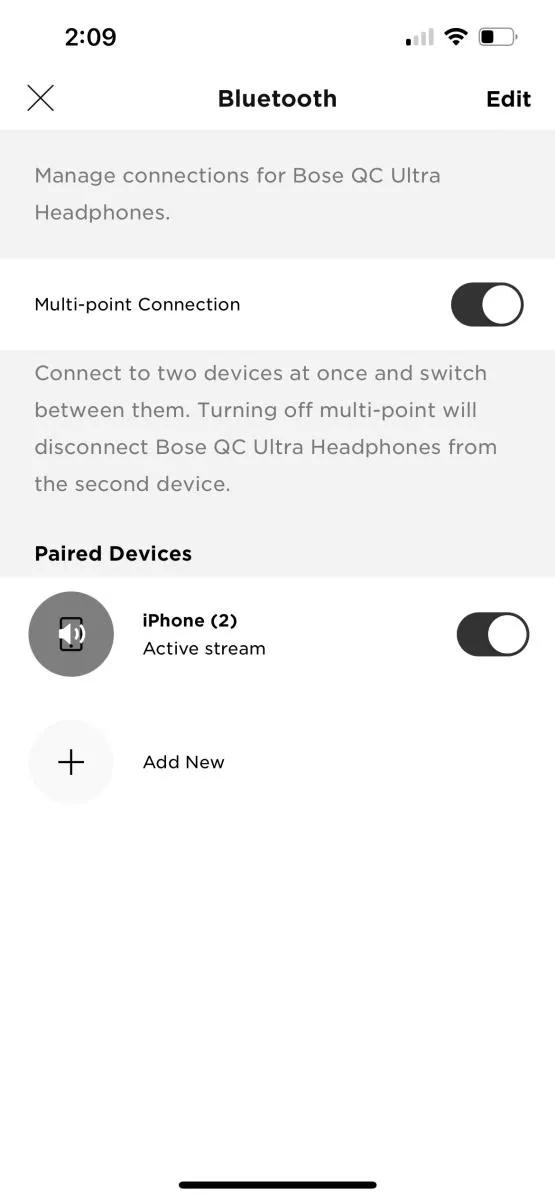
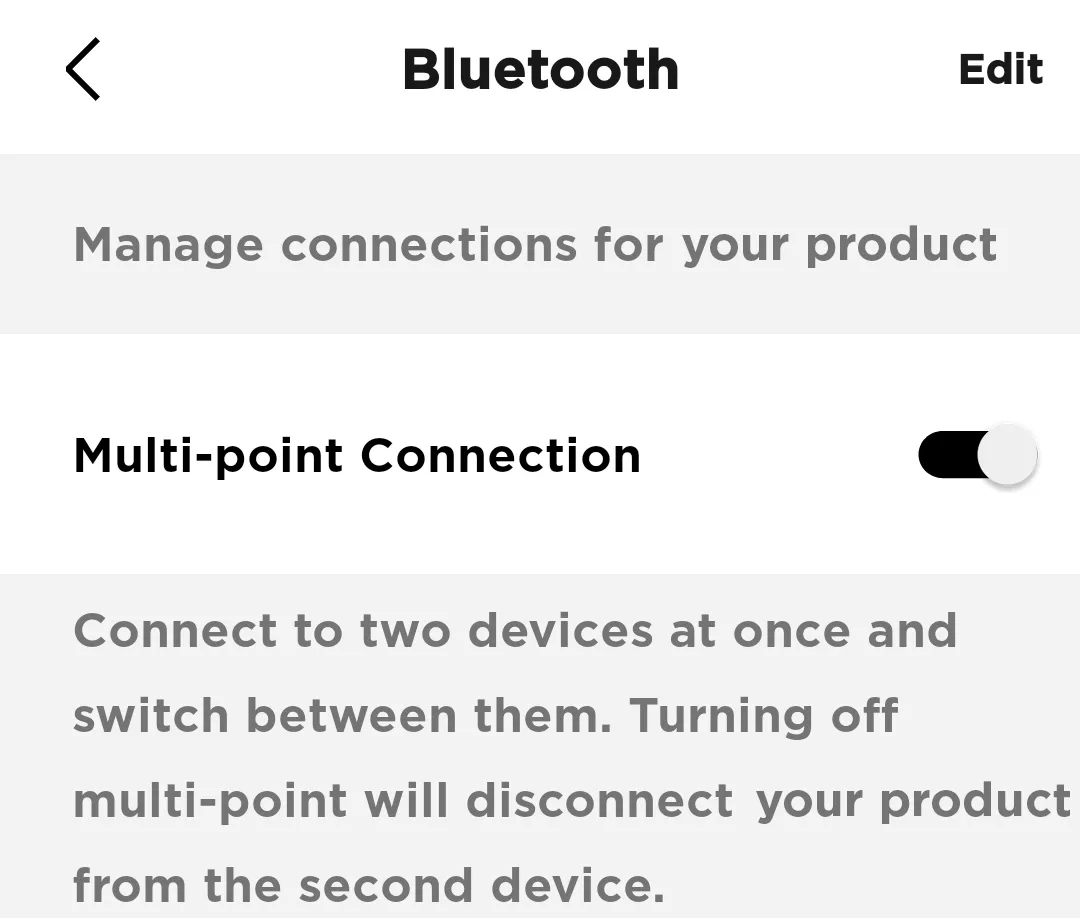 Note: You will only be able to connect to one device at a time. If you want to connect to two devices simultaneously, toggle Multi-point connection back to 'on'
.png)


