Was this article helpful?


A factory reset clears all channel and system settings, Bluetooth connections, and wireless transmitter connections from the system and returns it to original factory settings.
NOTE: You can easily restore your channel and system settings after a system reset using the Bose app. To do so, before you reset, save your current settings as a Scene in the app. Once the reset is complete, select the Scene in the app to restore all settings except for Bluetooth and wireless transmitter connections.
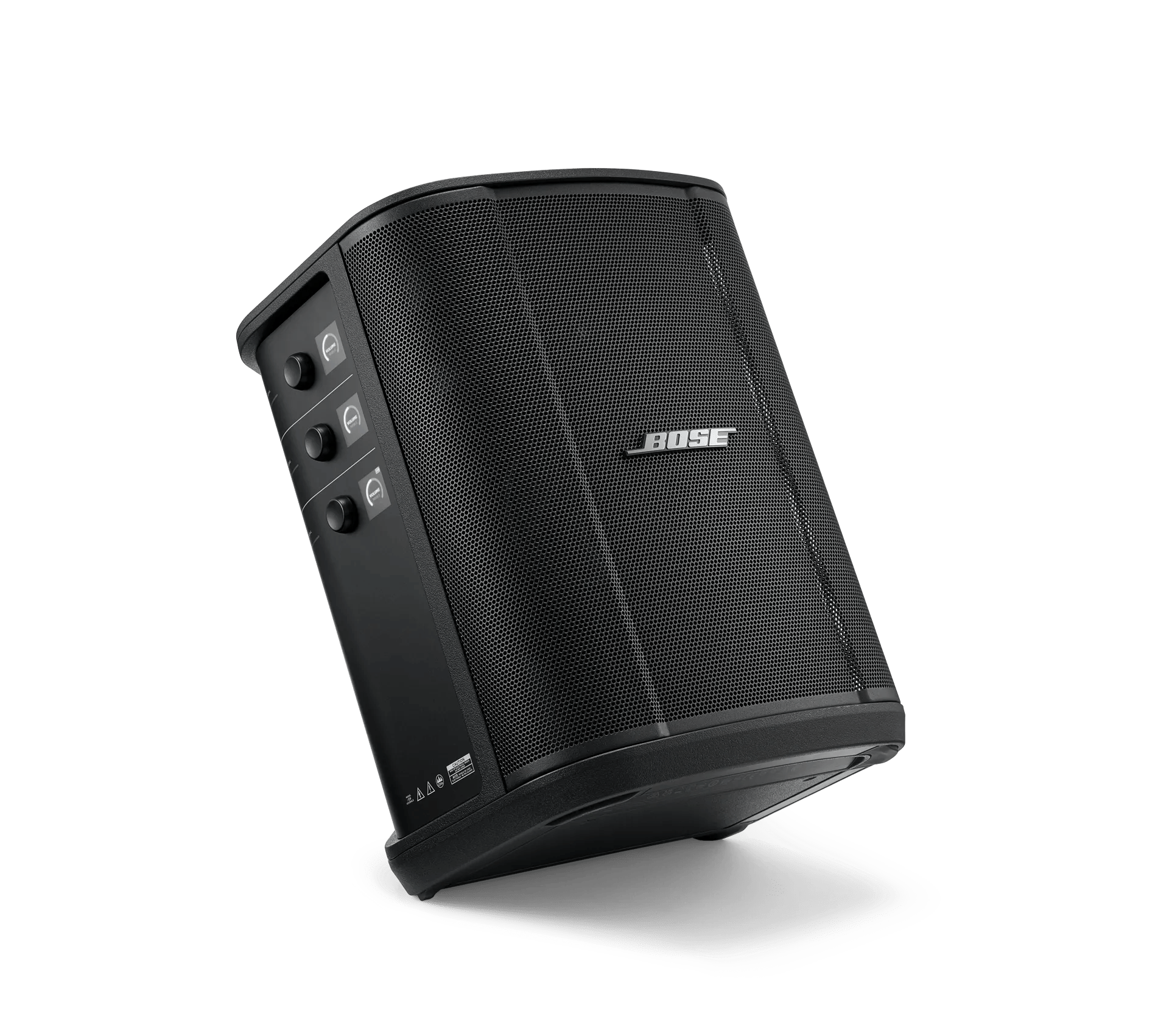
On the S1 Pro Plus, press and hold the Power button for 10 seconds until the power light turns off and a message appears on the channel displays.
The system reboots. When the reset is complete, the power light glows solid white.
Factory resetting a wireless transmitter clears all pairing information and returns it to original factory settings.
On the transmitter, press and hold the Power button for 10 seconds until the power light turns off.
.png)


