Loading
Product will not turn on | SoundLink® Flex SE Bluetooth® speaker
soundlink®-flex-se-bluetooth®-speaker
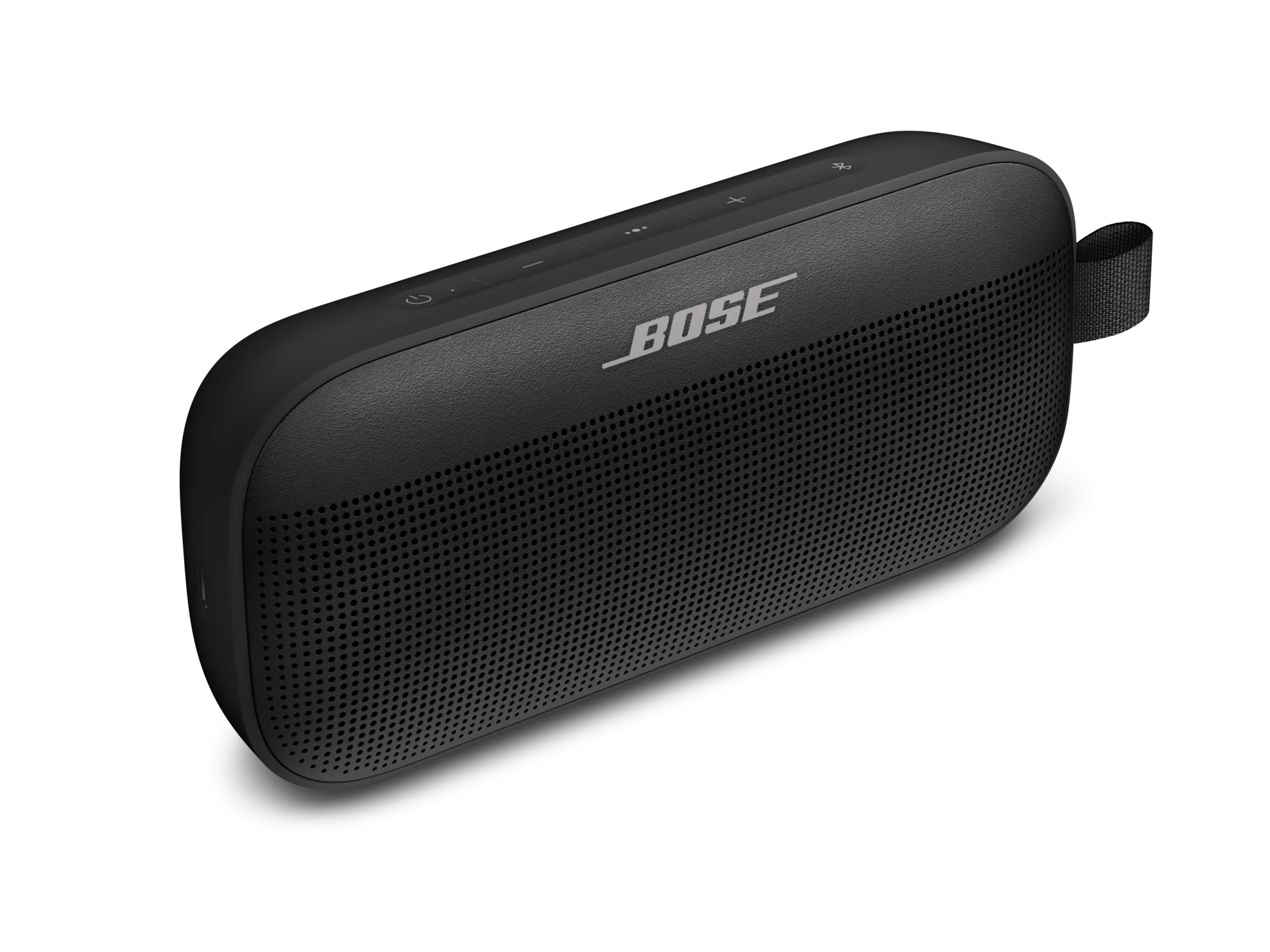
SoundLink® Flex SE Bluetooth® speakerSold from 2022

Product will not turn on | SoundLink® Flex SE Bluetooth® speaker

Check for and install any available product updates.

Regardless of the issue you are experiencing with your product, try updating it. Visit btu.Bose.com and follow the instructions to ensure your product has the latest features and enhancements.

Do not charge product while wet

If your product has been exposed to liquid, aloow it time to thouroughly dry before attempting to charge it.

If your product has been in extreme hot or cold temperature, wait until it reaches room temperature.

If the battery temperature is beyond the operating temperature range, wait until the product reaches room temperature, then try again.

Check if your speakers powers on while connected to a power outlet.

If the speaker can be powered on when connected to a power outlet but does not power on when disconnected from an outlet and using only battery power, see Product does not power on with battery power.

Avoid holding the Power button while powering on or off your product.

To turn your product on or off, quickly press and release the Power button \"icon\". Holding the Power button, even briefly, checks the battery charge level, which will not turn your product on or off.

Check that the USB charger meets the power requirement of your product.

On the USB charger, there will be text that indicates the amp (A) or milliamp (mA) rating of the charger. This rating varies among chargers – including those supplied with different models of Bose products. The closer the amp rating of the charger is to the maximum amp rating of the product, the more quickly the product will recharge. If the amp rating of the charger is too low, the product may recharge slowly or not at all. Refer to the specifications indicated on the product or within it's owner's guide on for details.

Some products require minimum of 1 amp of current in order to recharge. Many USB ports on a computers can only provide a maximum of 0.5 amps of current. Be sure to use a safety-agency-approved power supply that meets local regulatory requirements (e.g. UL, CSA, VDE, CCC).

Check if the connected power outlet is working.

When connected to power, your product plays a tone. If you plug in but don't hear a tone, try plugging in another device (i.e. a lamp) to the same power outlet to confirm the outlet works.

Try a different USB cable.

Try connecting your product with a different USB cable to determine if there is an issue with the first cable.

Try a different charger.

Charge times can vary based on the charger. Chargers with a higher current rating generally charge products faster than those with a lower rating. Chargers typically list a current rating on the label in amps (A) or milliamps (mA). A current rating of 1 A / 1000 mA or higher is recommended.

Check if a tone is heard from you product when power is connected.

Disconnect the power connection from your product for a few seconds, then reconnect it. Within a few seconds of connecting power, a tone should play from your product. If a tone is heard but your product won't power on, the issue might be with the connections or controls; if a tone is not heard, the product might not be receiving power or producing sound.

Was this article helpful?

YES
NO
START A REPAIR OR REPLACEMENT
Loading
Product will not turn on | SoundLink® Flex SE Bluetooth® speaker