Loading
Updating Your Soundbar | Bose Smart Soundbar 900
bose-smart-soundbar-900
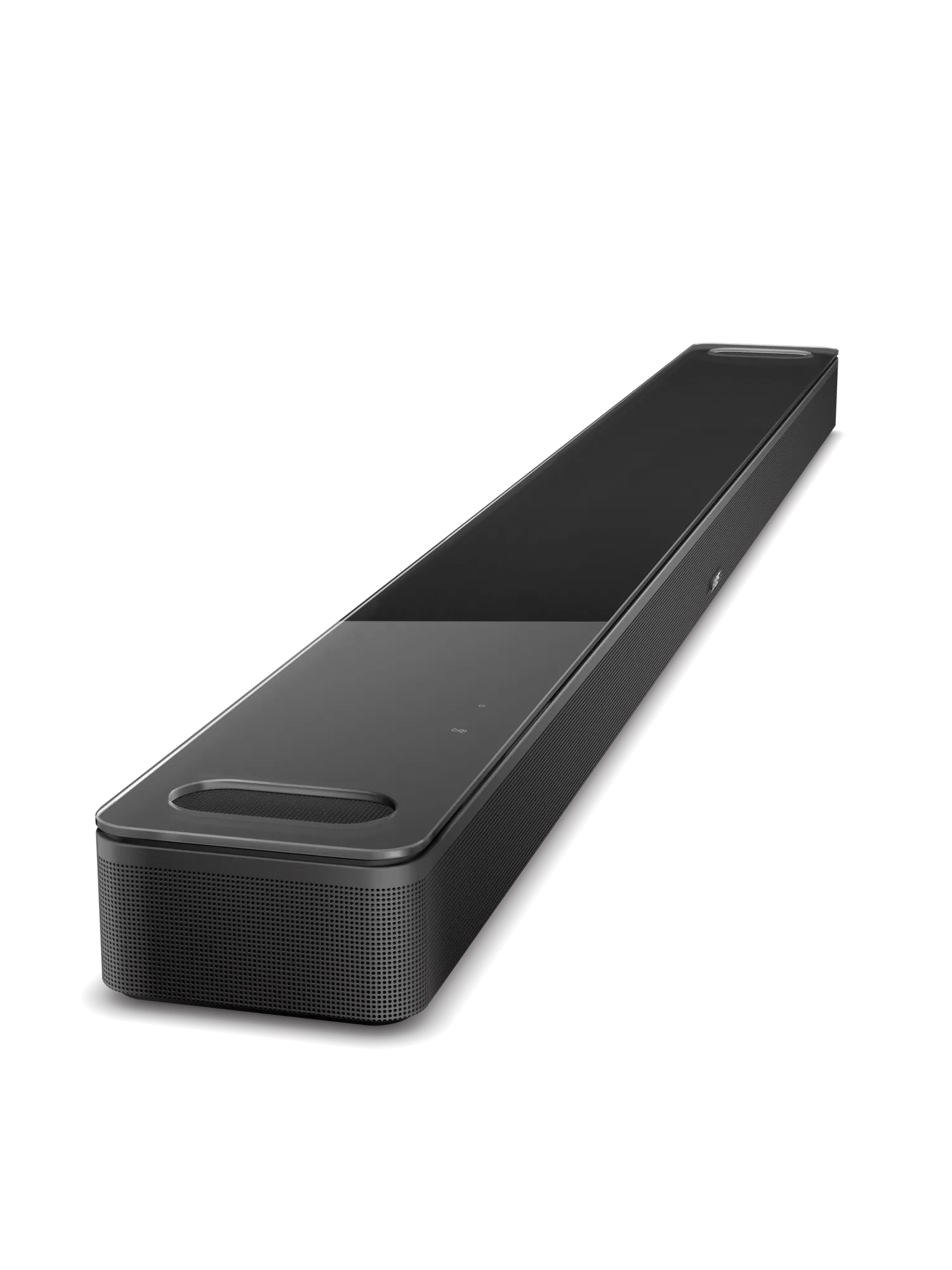
Bose Smart Soundbar 900Sold from 2021 - 2023

Updating Your Soundbar | Bose Smart Soundbar 900

When an update is available, the soundbar updates itself automatically overnight when it is not in use.

Your soundbar will automatically update when new firmware is available. If your soundbar is connected to the internet, it will check for updates, daily. When an update is available, the soundbar installs it automatically. This usually happens overnight when the soundbar is not being used.

The soundbar will indicate that it is updating by displaying a scrolling white lightbar. This process may take up to 20 minutes. The soundbar will reboot after the update is complete.

Frequently Asked Questions

How can I manually check for an update?

On the remote control, press and hold the Music button (to the left of the TV button) for 10 seconds.

If an update is available, a white light will scroll across the light bar while it is updating. Once complete, the soundbar will reboot.

Can I update my soundbar if it is not connected to the Internet?

Yes, you can update the soundbar without being connected to the Internet.

This process will require a laptop and a USB cable with a male USB micro-B connector.

To update your soundbar using a computer and a USB cable:

  1. On a computer, open an Internet browser and go to worldwide.bose.com/support/SB900FW to download the latest firmware update for your soundbar.
  2. When prompted, save the product_update.zip file. Do not rename, open, or unzip the file.
    If a prompt to download the file does not appear, your browser may have downloaded the file automatically. Look for the file in a browser notification message or in the Downloads folder.
  3. Connect a cable from the computer to the USB-C SERVICE jack on the back of the soundbar.
  4. Reboot the soundbar by disconnecting its power cord for 30 seconds.
    • While waiting, verify it was unplugged by tapping the Microphone Off icon on the top of the soundbar. No tone should be heard after tapping the icon.
    • After reconnecting the power cord, the light bar pulses white for about 30 seconds as the soundbar reboots.
    • Once rebooted, the light bar turns off
  5. On the remote control, simultaneously press-and-hold the Bluetooth and Skip Back buttons for 5 seconds to enter Service mode. The light bar on the soundbar glows white then turns off when you release the buttons.
  6. In a separate web browser or tab, go to the following address: http://203.0.113.1:17008/update.html
    IMPORTANT: This address will not work until you connect a computer, reboot your product then enter Service mode as described in the steps above
  7. Select Choose File then select the update file downloaded earlier
  8. Click UPLOAD then wait for the file transfer to complete.
What updates are available for my soundbar?

Latest Firmware Release

Release DateVersionOfficial Release Notes
17 March 2026
7 April 2026
15.0.37
15.0.40
  • Bug fixes and security updates


8 July 2025

14.0.30


  • General compliance and performance updates

Bose App Latest Releases

1 June 2026

iOS Version: 13.0.7
Release Notes:
  • Addressed and fixed key issues to help improve your overall experience.
Compatible OS Versions:
iOS: 17 and up (This release no longer supports iOS 16 or earlier)

18 May 2026

iOS Version: 13.0.6
Android Version: 13.0.7
Release Notes: 
  • Added support for the new Lifestyle Collection Wi‑Fi home audio products. Connect and control your new system directly in the app.
  • Faster, more seamless product setup. Improved onboarding makes it easier to get started.
Compatible OS Versions:
iOS: 17 and up (This release no longer supports iOS 16 or earlier)
Android: 13 and up (This release no longer supports Android 12 or earlier)

21 April 2026

iOS Version: 12.2.10
Android Version: 12.2.11
Release Notes: Addressed and fixed key issues to help improve your overall experience.
Compatible OS Versions:
iOS: 17 and up (This release no longer supports iOS 16 or earlier)
Android: 13 and up (This release no longer supports Android 12 or earlier)

3 February 2026

iOS Version: 12.1.7
Android Version: NA
Release Notes: Addressed and fixed key issues to help improve your overall experience.
Compatible OS Versions:
iOS: 17 and up (This release no longer supports iOS 16 or earlier)
Android: 13 and up (This release no longer supports Android 12 or earlier)

20 January 2026

iOS Version: 12.1.6
Android Version: 12.1.6
Release Notes: Addressed and fixed key issues to help improve your overall experience.
Compatible OS Versions:
iOS: 17 and up (This release no longer supports iOS 16 or earlier)
Android: 13 and up (This release no longer supports Android 12 or earlier)

10 December 2025

iOS Version: 12.0.50
Android Version: 12.0.50
Release Notes: Addressed and fixed key issues to help improve your overall experience.
Compatible OS Versions:
iOS: 17 and up (This release no longer supports iOS 16 or earlier)
Android: 13 and up (This release no longer supports Android 12 or earlier)

04 November 2025

iOS Version: 12.0.12
Android Version: 12.0.13
Release Notes: Addressed and fixed key issues to help improve your overall experience.
Compatible OS Versions:
iOS: 17 and up (This release no longer supports iOS 16 or earlier)
Android: 13 and up (This release no longer supports Android 12 or earlier)
The light bar on my soundbar has been scrolling for over 20 minutes. What should I do?

During a software update, the light bar may continue scrolling for an extended period of time.

This can happen due to factors such as your current software version, network speed, or wireless interference. If the update appears to be stuck, please refer to this support article for steps to safely resolve the issue.

Will updating my soundbar resolve my issue?

Firmware updates may improve your product experience

We recommend keeping your soundbar updated with the latest firmware to ensure optimal performance and access to the newest features. Firmware updates can resolve minor bugs, improve device compatibility, and provide a more consistent listening experience.

If you're experiencing issues with your Smart Soundbar 900, click here to review our troubleshooting guide.

If you've already tried all troubleshooting steps and the issue persists, click here for the quickest way to request service for your earbuds.

Was this article helpful?

YES
NO
START A REPAIR OR REPLACEMENT
Loading
Updating Your Soundbar | Bose Smart Soundbar 900