Was this helpful?


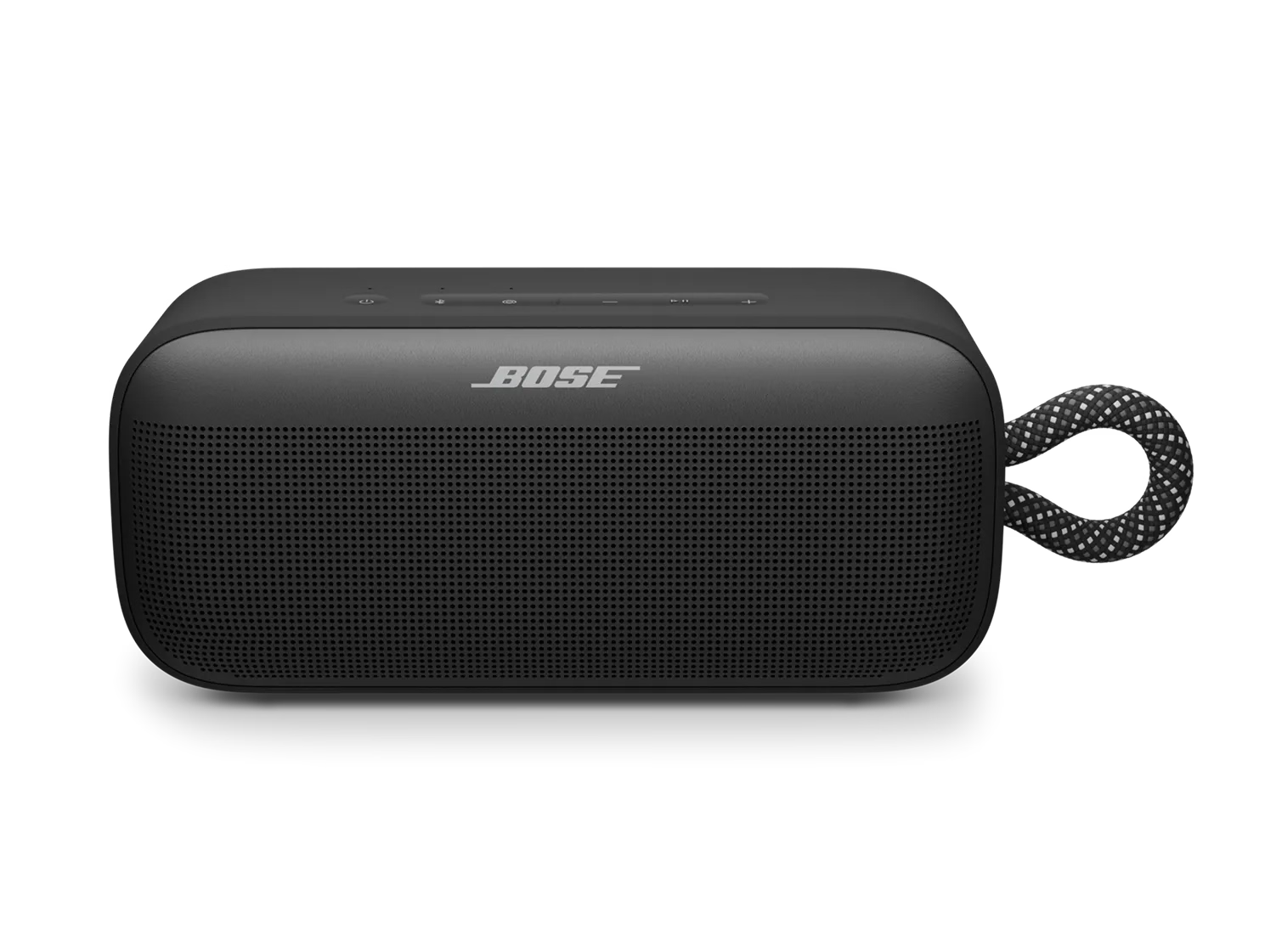
A reset refreshes your speaker's internal settings and can help fix minor issues.
 button for 15 seconds.
Your previously connected devices will not be removed.
Check the charging port for any debris or damage. Ensure that the charging cable is functioning by testing it with another device or using a different cable to charge the speaker.
Try connecting your product with a different cable and/or power source, such as a computer, USB charger, or outlet.
Regardless of the issue you are experiencing with your product, try updating it. Visit btu.Bose.com and follow the instructions to ensure your product has the latest features and enhancements.
Restoring to factory settings can resolve persistent issues. To restore your speaker to its original settings:
Important: This will erase all settings and return your speaker to its factory state. You will need to remove the speaker from your personal device's (phone, tablet, or computer) Bluetooth list and reconnect it.
.png)


