Loading
Buttons on product do not work or work intermittently | Bose SoundLink Plus Portable Speaker
bose-soundlink-plus-portable-speaker
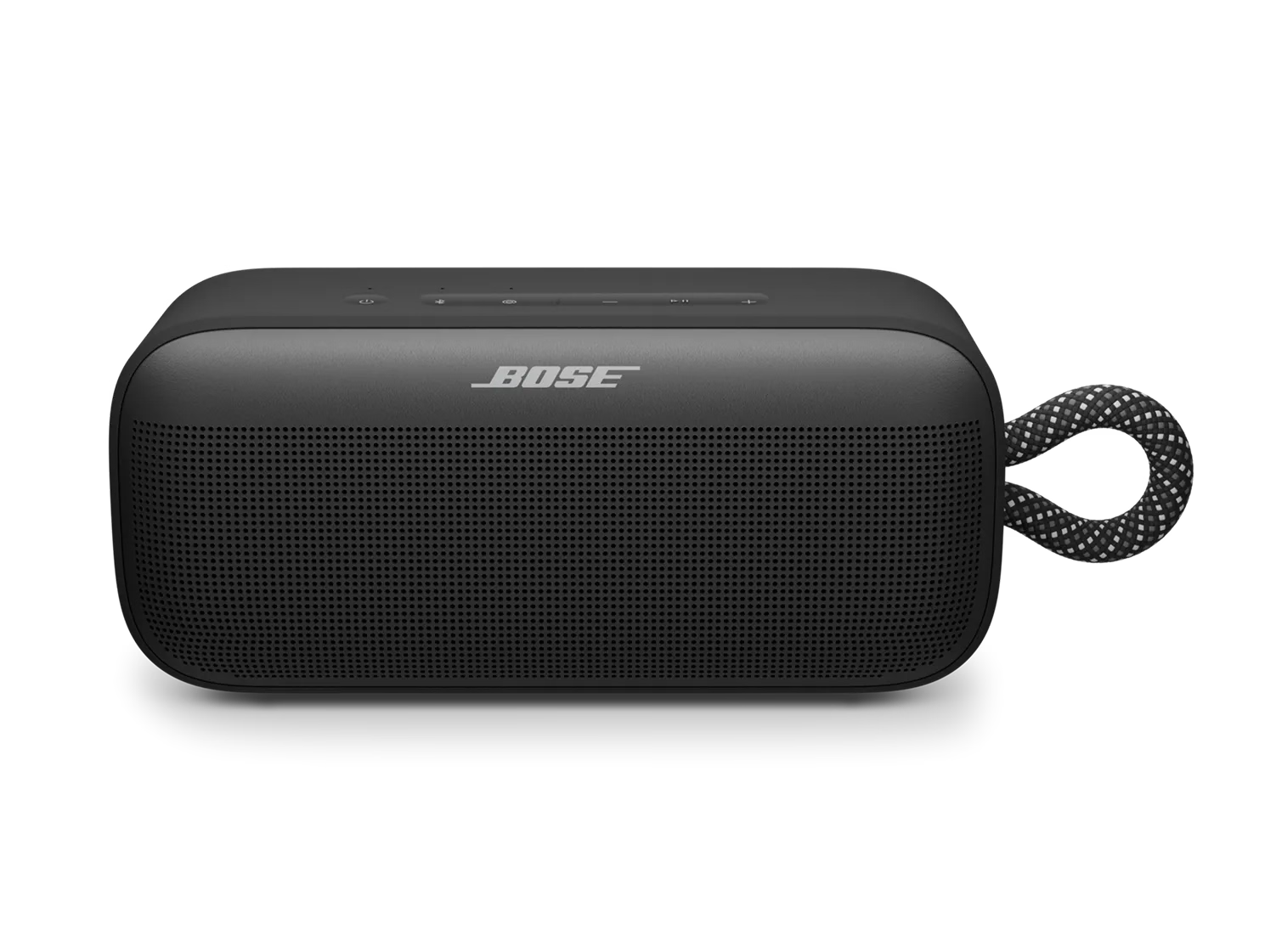
Bose SoundLink Plus Portable SpeakerSold from 2025

Buttons on product do not work or work intermittently | Bose SoundLink Plus Portable Speaker

If you are using a Bluetooth speaker with a TV, please contact the TV manufacturer regarding compatibility with Bluetooth control.

Not all TVs are compatible with Bluetooth Audio/Video Remote Control Profile (AVRCP). Therefore, button functionality would not work from most Bluetooth speakers currently on the market.

Some TVs can control the volume when paired to a Bluetooth speaker. However, the volume would be controlled by the TV’s remote control and the Bluetooth audio is variable from the TV.

Be sure your product is within 33 feet (10 meters) of the Bluetooth device.

This range can be reduced by obstacles (e.g. walls, doors, appliances, wireless devices, etc.). Try moving the device and product closer together.

Reset your product.

A reset refreshes your speaker's internal settings and can help fix minor issues.

  1. Press and hold the Power \"icon\" button for 15 seconds.
  2. The speaker will power off and automatically turn back on.

Your previously connected devices will not be removed.

Try different media, apps, or devices.

Play audio from a different app, media source, or personal device (such as a phone, tablet, or computer) to determine if the issue is related to a specific source. If the issue is with a particular source or device, check its settings.

Clear and re-pair your speaker.

If there’s an issue with the device memory, clearing the pairing list may help. To do this:

  1. Remove your speaker from the paired devices on your phone, tablet, or computer.
  2. Press and hold the Bluetooth button \"icon\" until you hear \"Bluetooth device list cleared.\"
  3. Select your speaker from the available devices and tap Pair or Connect.

Check for and install any available product updates

Regardless of the issue you are experiencing with your product, try updating it. Visit btu.Bose.com and follow the instructions to ensure your product has the latest features and enhancements.

Factory restore your speaker.

Restoring to factory settings can resolve persistent issues. To restore your speaker to its original settings:

  1. Press and hold both the – and + buttons at the same time for 15 seconds.
  2. Wait until the power light blinks white for 3 seconds.

Important: This will erase all settings and return your speaker to its factory state. You will need to remove the speaker from your personal device's (phone, tablet, or computer) Bluetooth list and reconnect it.

Was this article helpful?

YES
NO
START A REPAIR OR REPLACEMENT
Loading
Buttons on product do not work or work intermittently | Bose SoundLink Plus Portable Speaker