Loading
Pairing a Bluetooth device | Bose SoundLink Plus Portable Speaker
bose-soundlink-plus-portable-speaker
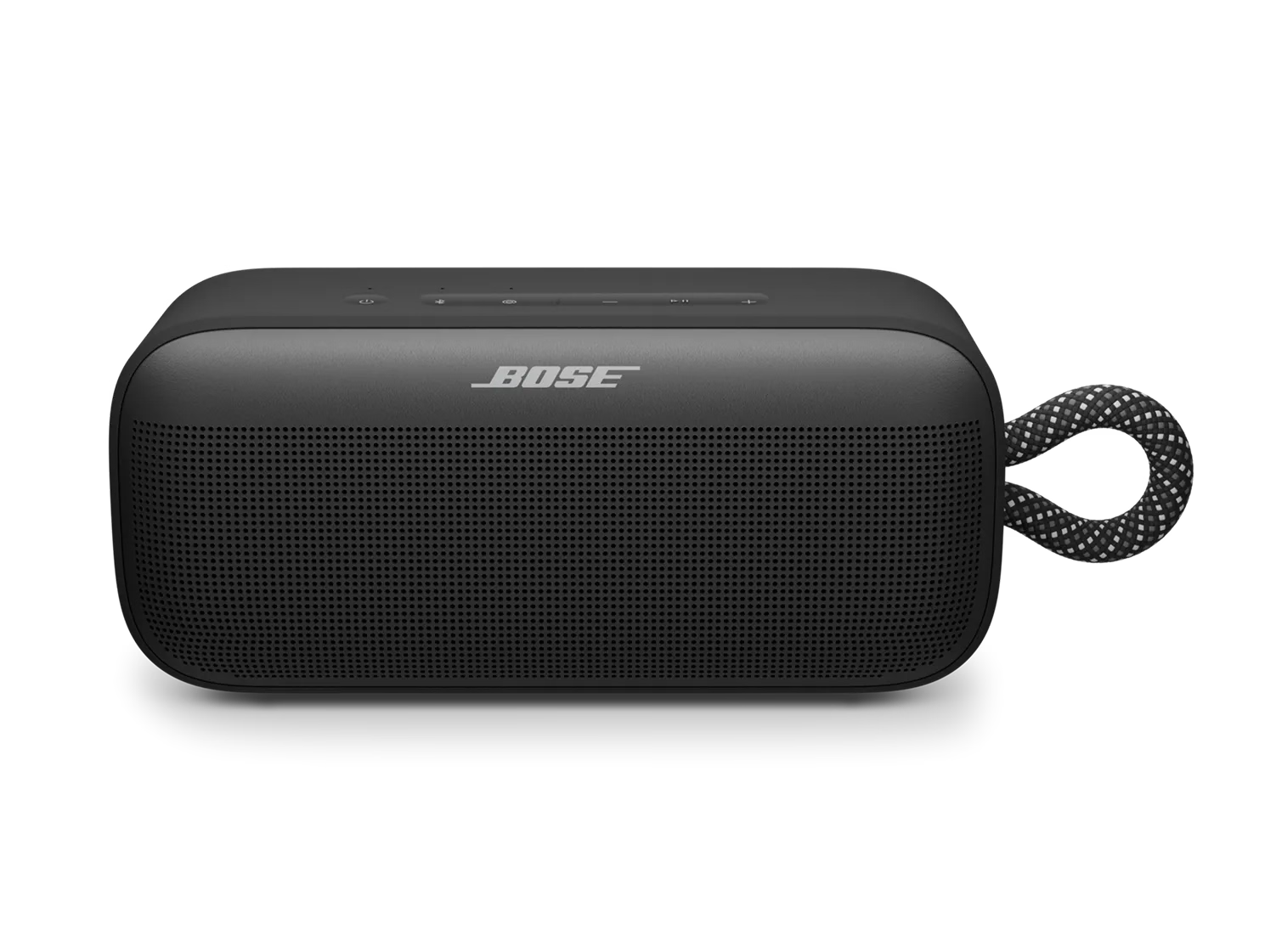
Bose SoundLink Plus Portable SpeakerSold from 2025

Pairing a Bluetooth device | Bose SoundLink Plus Portable Speaker

Pair your speaker to a new device

Note: The image may show a different product, but the process is the same.


  1. Press the power \"icon\" button to turn on your Bose Bluetooth speaker.
  2. Hold down the Bluetooth \"icon\" button until the light starts blinking blue. This indicates the speaker is in pairing mode.
  3. Go to the Bluetooth settings on your device and select the Bose speaker from the list. For more details on different device types, see the section below.
  4. Once connected, the speaker will either make a sound or the light will stop blinking. You're now paired and ready to use your speaker.

Which device would you like to pair with?

Smartphone or tablet

Bluetooth pairing with a smartphone.

Note: The image may show a different speaker, but the process is the same.


  1. Press the power \"icon\" button on your speaker to turn it on.
  2. Hold down the Bluetooth \"icon\" button on your Bose speaker until the light starts blinking blue, indicating it's in pairing mode.
  3. Go to your Bluetooth device settings and select the Bose Speaker.
    • For iPhone:
      • On your iPhone, tap the Settings app.
      • In the Settings menu, tap Bluetooth, and make sure Bluetooth is turned on.
      • Under \"Other Devices,\" find your Bose speaker's name in the list and tap on it to connect.
    • For Android:
      • On your Android device, swipe down from the top of the screen and tap the gear icon to access settings.
      • In the settings menu, tap \"Connections\" or \"Connected Devices\" and then tap Bluetooth. Ensure Bluetooth is turned on.
      • Under \"Available Devices,\" find your Bose speaker's name and tap on it to connect.
  4. Once connected, the speaker will make a sound or the light will stop blinking. You're now paired!
Computer

Bluetooth pairing with a computer

Note: The image may show a different speaker, but the process is the same.


  1. Press the power \"icon\" button on your speaker to turn it on.
  2. Hold down the Bluetooth \"icon\" button on your Bose speaker until the light starts blinking, indicating it’s in pairing mode.
  3. Go to your Bluetooth device settings and turn on Bluetooth:
    • Windows: Click the upward arrow in the system tray (bottom-right corner) to reveal hidden icons. Then, click the Bluetooth icon and select \"Add a Bluetooth Device.\"
    • Mac: Go to the Apple menu, open System Preferences, and check if Bluetooth is enabled.
  4. Open the Bluetooth pairing window:
    • Windows: Click Add Bluetooth or other device, and select Bluetooth.
    • Mac: Open the Bluetooth settings from System Preferences.
  5. Select the Bose Speaker
    • Windows: find your Bose speaker in the list and click on it to connect.
    • Mac: locate your Bose speaker in the list of devices and click Connect.
  6. Once the speaker is connected, you should hear a sound or see the blinking light turn solid, confirming the connection.
TV

Bluetooth pairing with a TV

Please note that these are general steps for TV Bluetooth settings. For more specific guidance, refer to your TV brand's owner’s manual or visit their support website.


  1. Power on your Bose Bluetooth speaker by pressing the power \"icon\" button.
  2. Enable pairing mode by holding down the Bluetooth \"icon\" button on the speaker. Once the Bluetooth indicator starts blinking, release the button. The speaker is now ready to pair.
  3. Access TV’s Bluetooth Settings:
    • Turn on your TV.
    • Navigate to the TV’s settings menu, typically by pressing the \"Menu\" button on your TV remote.
    • Look for \"Bluetooth\" or \"Audio\" settings. If your TV has Bluetooth, this option will be listed.
  4. Pair the Devices
    • Under the Bluetooth settings, select \"Add a Bluetooth Device\" or similar.
    • Your TV will search for available devices. Select your Bose speaker when it appears in the list.
    • Wait for the pairing process to complete. Once connected, your TV will confirm the connection, and the sound will start playing through your Bose speaker.

Was this article helpful?

YES
NO
START A REPAIR OR REPLACEMENT
Loading
Pairing a Bluetooth device | Bose SoundLink Plus Portable Speaker