Was this article helpful?


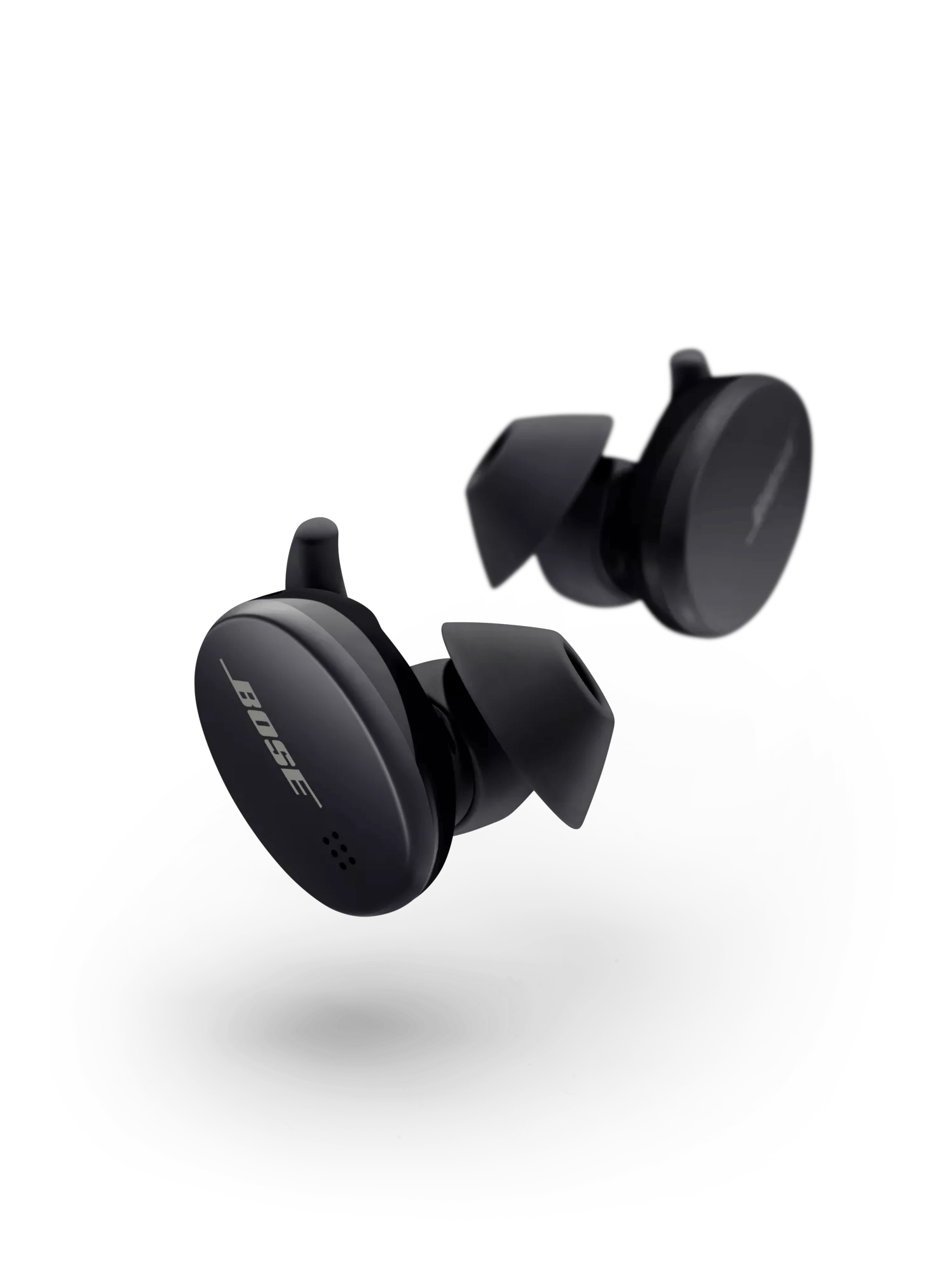
Make sure they are seated correctly. The earbuds should have a strong magnetic snapping sensation to indicate they are seated. The LED on ear earbuds may illuminate when seated as well however if the earbuds batteries are significantly depleted this will not happen.
Plug the charging case with the earbuds into a wall outlet using a USB-C cable and power supply. The LEDs on the front of the case should start flashing indicating the case is charging. If the LED does not light, try testing another USB-C cable, power supply and outlet to rule out issues with these charging sources.
If the battery temperature is beyond the operating temperature range your product will not turn on. Let it sit at room temperature for 30-60 minutes, then try again.
If the earbuds are experiencing an error, you will see a red and white flashing LED on one or both earbuds, or the 1, 3 and 5 LEDs flashing white on the front of the charging case. If this is happening, seat the earbuds into the charging case then reset the earbuds by pressing and holding the Bluetooth button inside the case until the LEDs flash.
Attention! If you do this step, you will need to pair the earbuds with your phone or tablet again.
If these steps do not resolve the issue, the earbuds will require replacement. Click the START A REPAIR OR REPLACEMENT button for the fastest way to begin.
.png)


