Was this helpful?
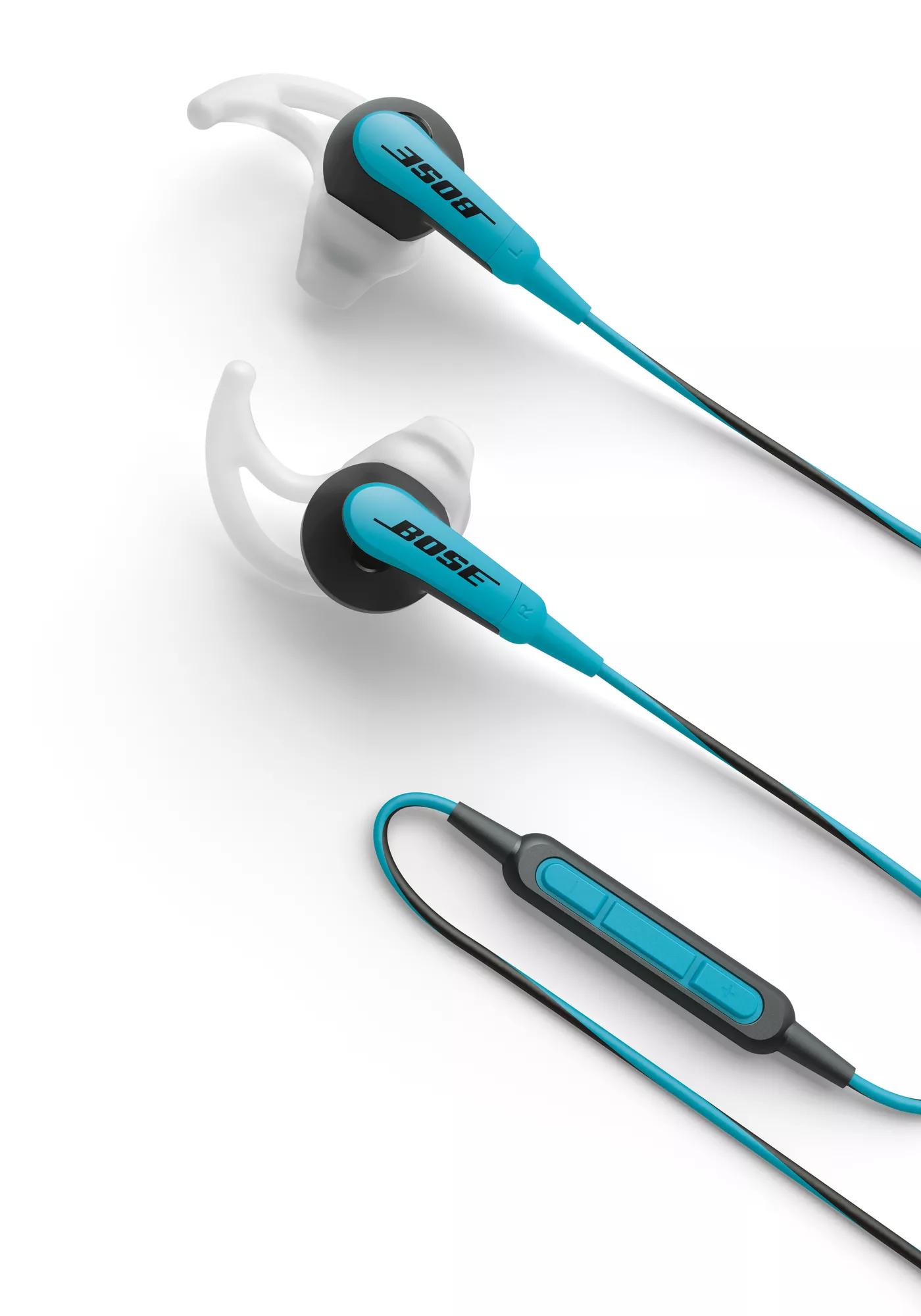
SoundSport® wireless headphones | Answer/End button works intermittently or has unexpected functionality
Document the manufacturer, model number and any software information of the phone in the Service Request.
Document the issue and the type of phone that the customer is using with the product, including any specific phone applications encountering the issue.Not all functions in all applications are supported.
The Volume and Answer/End buttons were designed specifically to work with iPhone and core Apple applications. Third party applications and non-Apple products may have no or limited functionality.Reboot the connected device.
Electronics might need to be reset from time-to-time—much like rebooting a computer. Power off the device, then power it back on and try again.Verify that a button on the phone is not being pressed.
Some phones have external buttons or touch screens that may be activated while being handled or while in your pocket. Verify that this issue is related to the answer/end button on the headset and not a button on the phone being pressedTurn off the option to shake your device to shuffle or change songs.
Some media players, including many iPods and smartphones, can change audio tracks when the device is shaken. With this feature on, certain movements (like walking with the device in your pocket) could trigger the device to change tracks. Look for this option in the device settings and, if enabled, disable it and check if the issue still occurs.Be sure that the answer/end button is pressed in the center and not off axis.
| Call Related Functions | |
|---|---|
| Action | Usage |
| Answer a call | Press and release |
| End a call | Press and release |
| Decline an incoming call | Press, hold for 2 seconds and release |
| Switch to an incoming or on-hold call and put the current call on hold | Press and release to switch to incoming call. Press and release again to switch back to the first call |
| Switch to an incoming or on-hold call and end the current call | Press, hold for 2 seconds and release |
| Use Voice Control | Press and hold the Answer/End button. See phone's User Guide for compatibility and usage information about this feature |
| Media Playback Functions | |
|---|---|
| Action | Usage |
| Play or pause a song or video | Press and release |
| Skip to the next song or chapter | Press and release twice quickly |
| Fast-forward | Press and release twice quickly and hold the second press |
| Go to the previous song or chapter | Press and release three times quickly Note: Function not supported on all Android devices |
| Rewind | Press and release three times quickly and hold the third press Note: Function not supported on all Android devices |
Note: The answer end button also houses the microphone and volume buttons.