Was this helpful?



Category: All lights
Information: System rebooting
 Note: This indicator does not show wireless signal strength. The entire icon lights when lit.
Indicator: Wi-Fi
Information: No power or Wi-Fi function disabled

Indicator: Wi-Fi
Information: Connecting to Wi-Fi while system is powered on

Indicator: Wi-Fi
Information: Connecting to Wi-Fi while system is powered off
Indicator: Wi-Fi
Information: Downloading firmware update

Indicator: Wi-Fi
Information: Connected to Wi-Fi while system is powered on

Indicator: Wi-Fi
Information: Connected to Wi-Fi while system is powered off

Indicator: Wi-Fi
Information: Installing firmware update

Indicator: Wi-Fi
Information: Disconnected from Wi-Fi while system is powered on

Indicator: Wi-Fi
Information: Disconnected from Wi-Fi while system is powered off

Indicator: Wi-Fi
Information: Firmware error (contact Bose support)

Indicator: Wi-Fi
Information: System in setup mode (broadcasting "Bose SoundTouch Wi-Fi Network")


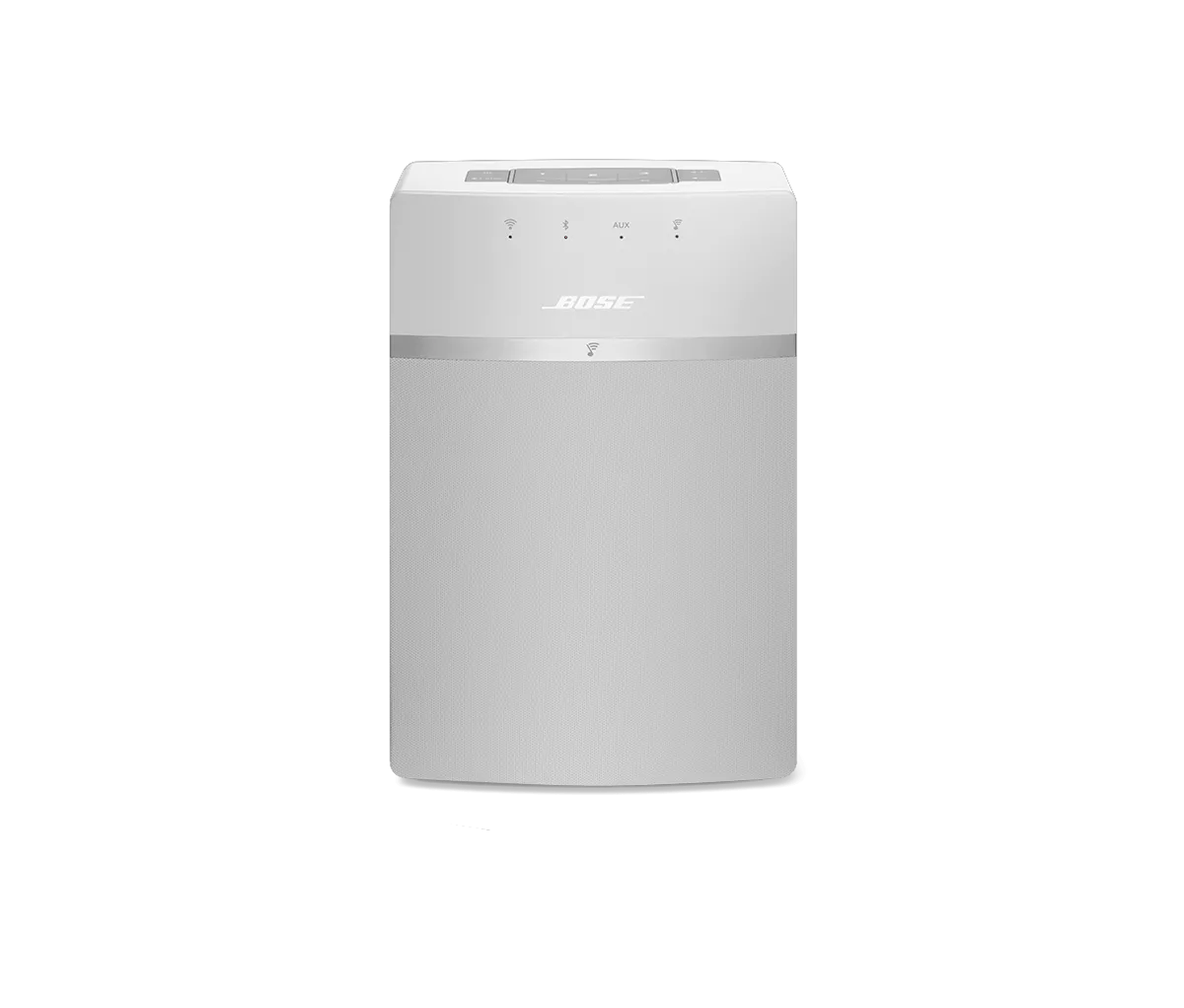
Indicator: Bluetooth
Information: Ready to connect Bluetooth device
Indicator: Bluetooth
Information: Connected to Bluetooth device

Indicator: Auxiliary
Information: Auxiliary input selected

Indicator: SoundTouch
Information: Playing SoundTouch source
Indicator: SoundTouch
Information: Preset empty or system, source or station unavailable
.png)


