Loading
No picture from a connected video device | SoundTouch® 520 system
soundtouch®-520-home-theater-system
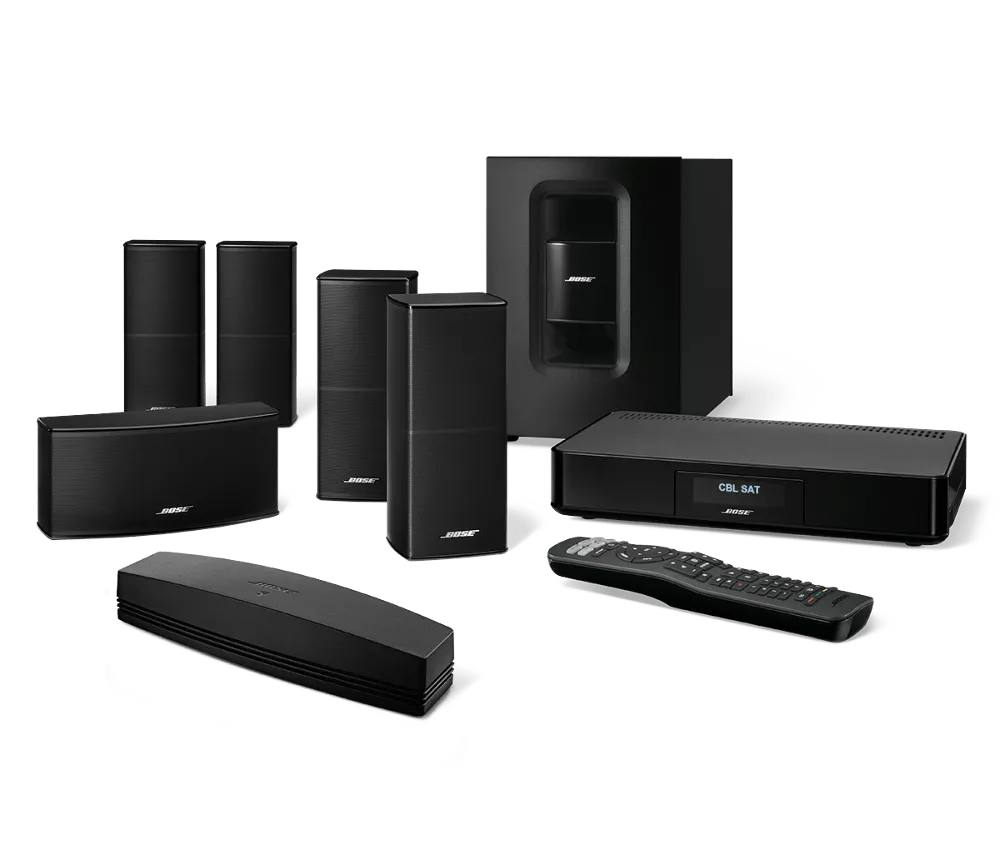
SoundTouch® 520 home theater systemSold from 2015 - 2016

No picture from a connected video device | SoundTouch® 520 system

Which device is being used?

Confirm the TV is on and the proper input is selected.

Some TVs have a feature where input selections can be turned off or hidden from the on-screen menu. For help changing TV inputs and enabling TV inputs, refer to the TV owner's guide.

Check that that the correct audio input source is selected.

Multiple audio sources are available on your system; be sure the correct one is selected. For example, if the audio device you want to hear is connected to the auxiliary input, be sure that input selected.

Reset the connected audio or video device.

Electronics may need to be reset from time to time—much like rebooting a computer. Disconnect power from the device for 30 seconds, then wait for it to start up.

Reset the HDMI connection by resetting both devices and the cables connected between them.

  1. Turn off the Bose system, the source device and the TV.
  2. Unplug the Bose system, the source device and the TV.
  3. Disconnect two HDMI cables at both ends and reseat them ensuring secure connections.
  4. Reconnect the source device, the TV and the Bose system to power.
  5. Turn on the TV and the source device.
  6. Once the TV and source device have finished powering up, turn on the Bose system.
The steps can resolve issues due to a variety of causes. The TV and sources device may haves stored misinformation received through the HDMI cable. This reset procedure will clear their memory of this data.

In the menu of the connected device, try disabling HDMI-CEC.

CEC (Consumer Electronics Control) allows devices to send control information (e.g. power, input switching, remote control, etc.) back and forth over HDMI. CEC implementation and capabilities can vary among different brands, which can cause various control issues. Try disabling CEC in the menu of the connected device, then try again. Depending on the brand, CEC may be labelled differently in the device menu. For more info, see Names used by different brands for CEC.

Check the HDMI-CEC setting of your product.

CEC (Consumer Electronics Control) is a feature that allows devices connected via HDMI to communicate with each other. However, since there are a variety of brands and models of HDMI devices, sometimes devices may not communicate as expected. For issues with audio, video, or remote control operations over HDMI, try setting the HDMI-CEC option in your system menu to On or Alternative. Or to bypass HDMI-CEC, try setting the option to Off. For more info, see Turning HDMI-CEC on or off.

If the TV is a Samsung 3D TV.

If you own a Samsung 3D TV, an update may be available for your model through Samsung. Common model numbers include (but are not limited to) the 5500, 6500, 7100, and 8000 series of plasma and LED/LCD 3D TVs.

To check for updates, please visit http://www.samsung.com/us/support/downloads or contact Samsung directly for assistance.

Determine if there is an audio connection assigned to the non-working video source.

The ANALOG, COAXIAL and OPTICAL inputs are for audio-only sources. If an HDMI input on the console also has one of these inputs assigned to it in the System menu, it will not play audio or pass video to the TV. If a separate audio cable is necessary (for example, if the device has a DVI output and a DVI-HDMI adapter is being used), connect the HDMI cable to the TV directly and the audio to the Bose system.
Loading
No picture from a connected video device | SoundTouch® 520 system