Loading
No audio | SoundTouch® soundbar system
soundtouch®-soundbar-system
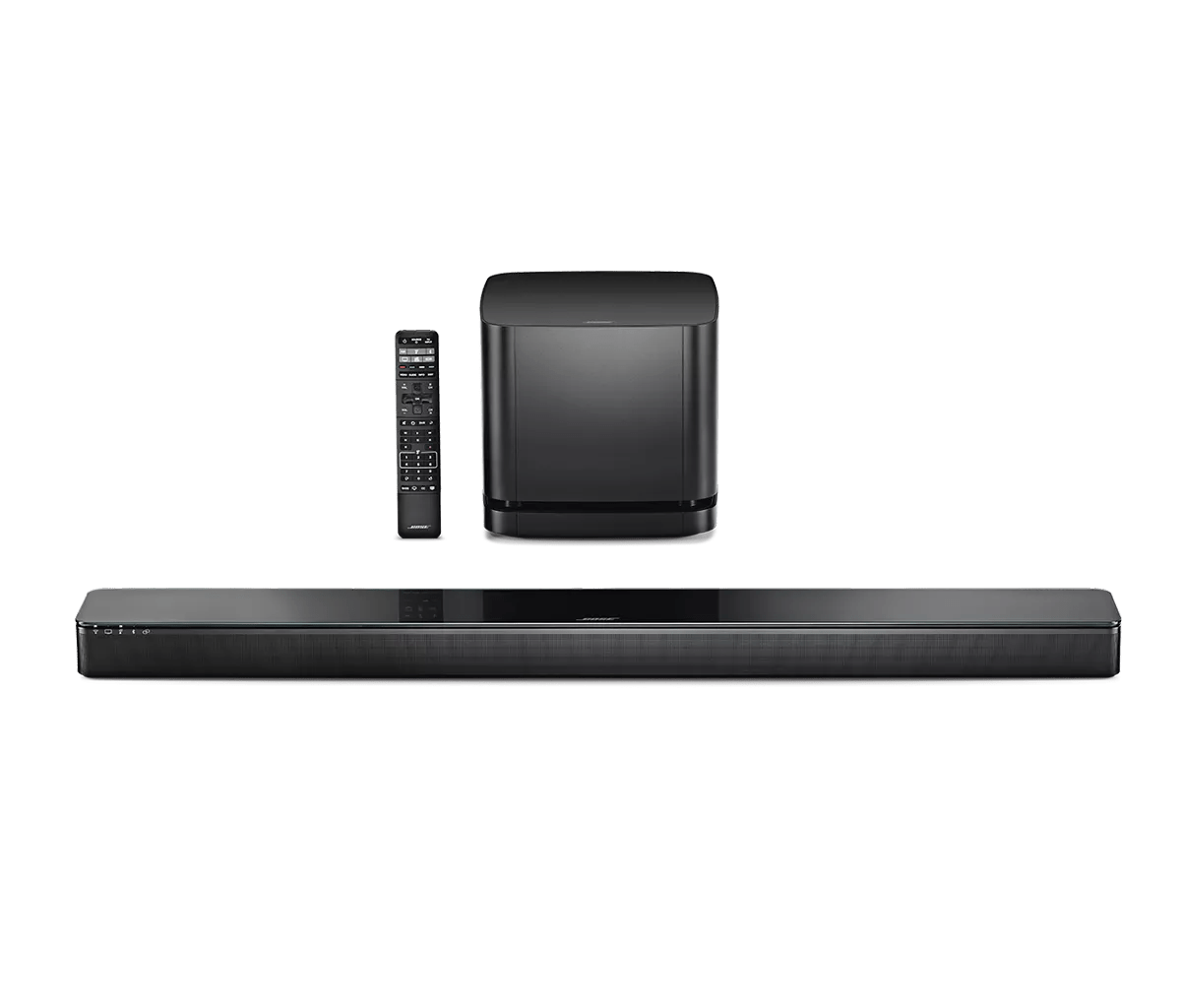
SoundTouch® soundbar systemSold from 2017 - 2020

No audio | SoundTouch® soundbar system

Be sure the system is connected properly.

A connection may have come loose or may be incorrect. Check the seating and location of the interconnect cables at both ends. For information system connections, see Setting up your product .

In the TV menu, look for applicable audio/sound settings.

Many TVs have a menu setting that allows audio to be sent to speakers other than the TV speakers. In the TV menu, navigate to sound settings and look for a TV Speakers or Audio Output option (or something similar). The TV speakers may need to be turned off and the output may need to be set to Fixed or External Speakers. (Tip: If there is no fixed output option, you might need to turn up the TV volume to max to hear it through your Bose speakers—even if the TV speakers are turned off.)

If connected via HDMI, look for related audio settings in the menu of the connected device.

In the settings menu of the connected device (i.e. cable box or Blu-ray player), look for audio settings. Many devices that send audio over HDMI might have an option for ARC or CEC; try enabling these. If the device connects to the TV and then to your Bose system, look for these settings in both the device and TV menus. (Note: Depending on the brand, CEC may be referred by a different name in the device menu. For more info, see Names used by different brands for CEC.)

In the TV menu, try setting the sound output format to PCM.

Go to the settings menu of the TV and look for audio / sound settings. Look for an option to select an audio format, which might include options like AAC, Dolby, PCM, etc. Try selecting PCM as the audio format.

Check the volume level of the Bose system.

Be sure the system volume is not turned down. Using the volume control, gradually increase the volume level.

Check the HDMI-CEC setting of your product.

CEC (Consumer Electronics Control) is a feature that allows devices connected via HDMI to communicate with each other. However, since there are a variety of brands and models of HDMI devices, sometimes devices may not communicate as expected. For issues with audio, video, or remote control operations when using HDMI connections, try selecting a different Advanced CEC option in the Settings menu of the soundbar within the Bose app. To disable HDMI-CEC functionality of the soundbar, which would prevent it from operating other devices or responding to operations from other devices, set the option to Off. For more info, see HDMI-CEC Power and Audio Settings.

Turn up the volume of the connected device.

Set the device volume to 90–100% to send a strong signal to your product. Then, use your product to adjust the volume level.

Reboot the connected device.

Electronics might need to be reset from time-to-time—much like rebooting a computer. Power off the device, then power it back on and try again.

Reset your product.

Much like rebooting a smartphone, your product might need to be reset on occasion to correct minor issues. For more information, see Resetting your product.

Check for and install any available product updates.

The Acoustimass module and soundbar may need service.

If the steps provided do not resolve your issue, the Acoustimass module and soundbar may need service. Follow the link below for more information on how to service your product. Depending on your product and region, you will be provided a contact number or the ability to setup service online.

Click here to start service

Try a different High-Speed HDMI cable.

There may be a problem with the connectors of or wiring within the cable, even if there is no visible damage. Make the same connection with a different High-Speed HDMI cable to resolve the issue and to determine if there is a problem with the original cable.

Restore the system to its factory defaults and restart the set up process.

For more info, see Resetting your product.
Loading
No audio | SoundTouch® soundbar system