Was this helpful?


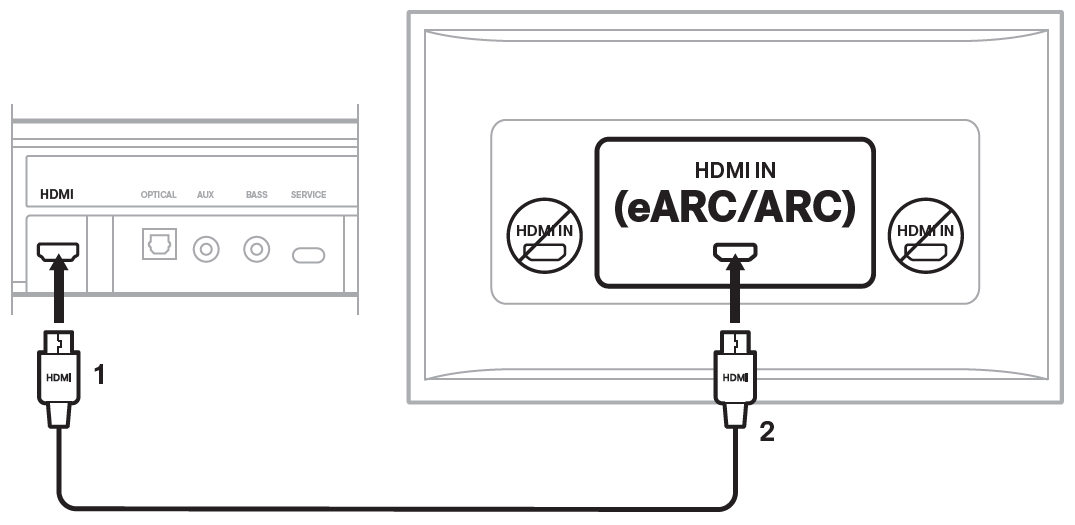
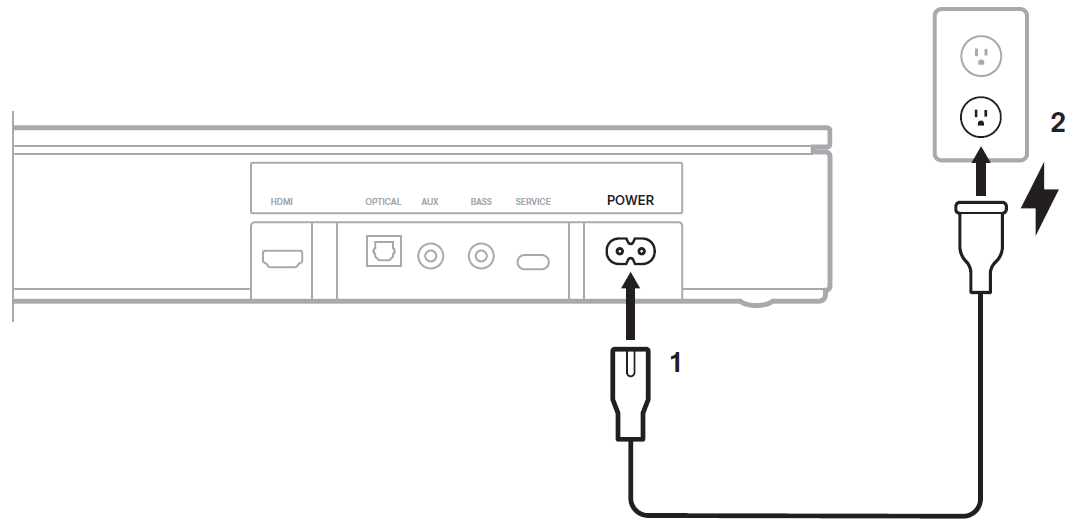
Using the remote control of your TV, access its Settings menu. Navigate the menu and locate the option regarding the TV's speakers. Disable the TV speakers and/or enable the optical output so that sound will only play through the Bose speaker. For more information, refer to the owner's guide of your TV.
If connected to a TV using an optical cable, the remote control of the TV will not automatically control the on/off and volume functions of the Bose TV Speaker. You can program a your TV remote (or cable/satellite box remote) to control the volume of your speaker. For more information, see Using another remote to control your Bose system
The Bose TV Speaker can receive wireless audio from a source device such as a phone, tablet, or computer that can send audio using Bluetooth functionality. The Bose TV Speaker has Bluetooth version 4.2. For more information, see Connecting a Bluetooth device. We do not recommend connecting the speaker to your TV using Bluetooth functionality.
An optional Bose Bass Module 500, Bose Bass Module 700, or Lifestyle Ultra Subwoofer can be connected to the Bose TV Speaker using a wired connection. A stereo audio cable with 3.5 mm connectors at both ends is required; Sold separately as the Bose Bass Module Connection Cable. For set up information, see Connecting the bass module. Subwoofers or bass modules from other Bose systems—including non‑Bose models—are not compatible with the second-generation Bose TV Speaker, except for the Acoustimass 300 bass module.
For steps on resolving this issue, see the No audio troubleshooting article for the Bose TV Speaker.
.png)


