Was this helpful?


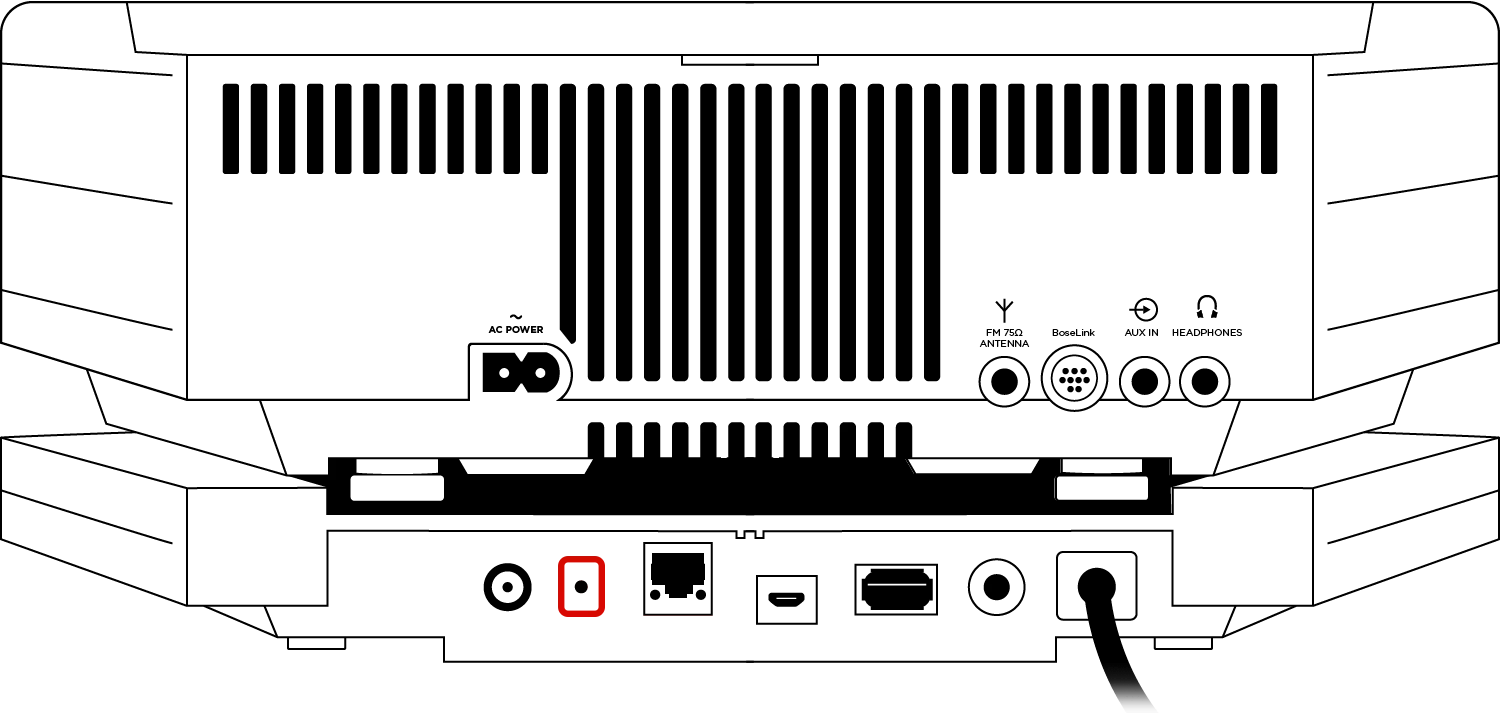

Status: Off
Information: No power, Wi-Fi function disabled or Ethernet cable is connected

Status: White - Blinking fast
Information: Connecting to Wi-Fi while system is powered on

Status: White - Blinking fast, dim
Information: Connecting to Wi-Fi while system is powered off

Status: White - Blinking
Information: Downloading firmware update

Status: White - Solid
Information: Connected to Wi-Fi while system is powered on

Status: White - Solid, dim
Information: Connected to Wi-Fi while system is powered off

Status: White - Solid for 3 seconds, then double flash
Information: Installing firmware update

Status: Amber - Blinking
Information: Disconnected from Wi-Fi while system is powered on

Status: Amber - Blinking, dim
Information: Disconnected from Wi-Fi while system is powered off

Status: Amber - Blinking fast
Information: Firmware error. Contact Bose support

Status: Amber - Solid
Information: System in setup mode broadcasting the “Bose SoundTouch Wi-Fi Network”
.png)


