Was this helpful?
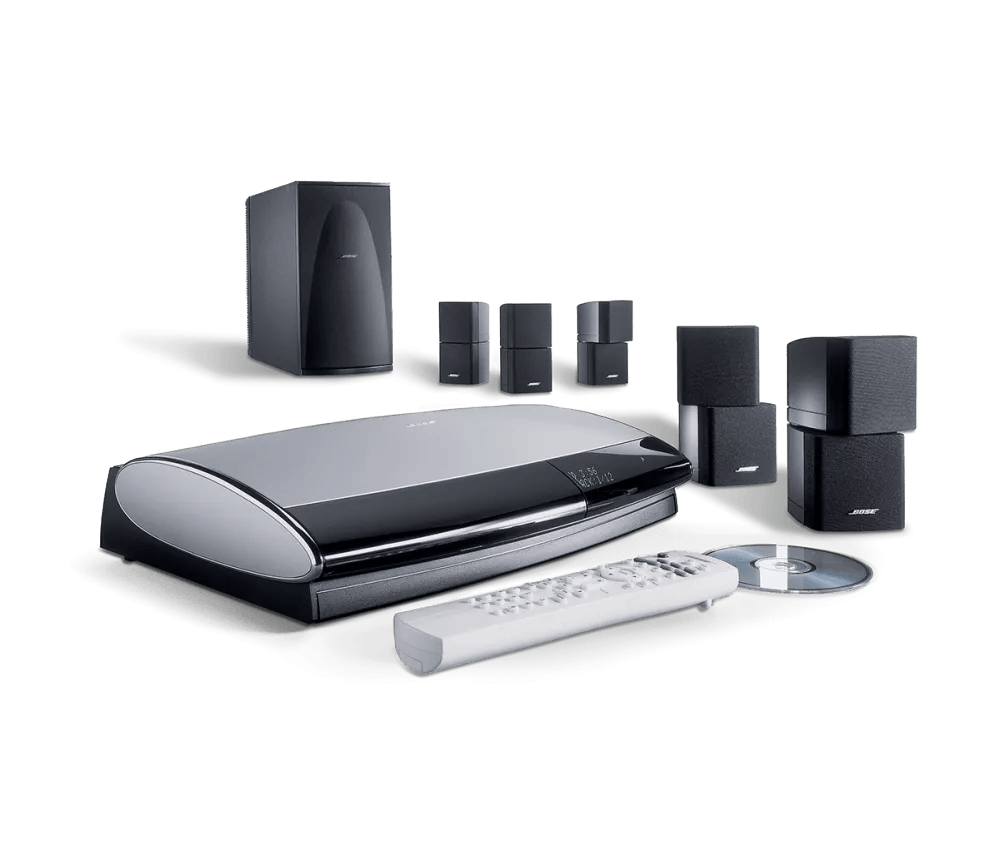
Low audio through expansion product with AL8 | Lifestyle® 28 Series II system
Determine whether this Lifestyle system is set up as the expansion source or destination
Acoustic Wave Music System II
Determine if the issue occurs in the main room.
Verify the expansion product is working properly.
Raise the volume level using the expansion remote.
Check the condition of the Bose link cable and the multi-pin connectors at either end.
Perform an expansion product reset.
Your Product Requires Service
If these steps do not resolve your issue, please click Start Repair or Replacement to explore your available options.
Your media center may need service.
Click here to start service
Lifestyle SA-2 or SA-3 stereo amplifier
Determine if the issue occurs in the main room.
Determine if the room size is too large or the distance from the system is too far.
If the expansion product has its own volume control, try raising the volume level on it.
Check the condition and connections of all cables and adapters.
If the speakers are separate components of an expansion product, be sure to check the condition and connections of the speaker wires as well. Verify the connections at both ends of the speaker wires are firmly and properly connected to the appropriate jacks. Check for kinks or cuts in the wires. Replace any wires that have visible defects.
Perform an expansion product reset.
Your Product Requires Service
If these steps do not resolve your issue, please click Start Repair or Replacement to explore your available options.
Your media center may need service.
Click here to start service
Lifestyle Homewide powered speaker system
Determine if the issue occurs in the main room.
Determine if the room size is too large or the distance from the system is too far.
Raise the volume level using the expansion remote.
Run ADAPTiQ to maximize the system sound.
Check the condition of the Bose link cables connected to the transmitter and receiver.
Be sure the speakers are connected properly to the Acoustimass module.
Check the condition of the speaker wires and be sure they are secure at both ends.
Perform an expansion product reset.
Connect the expansion product without the AL8 wireless audio link in place.
Try moving the expansion product to a different location and connecting it without the transmitter or receiver. If this resolves the issue, the AL8 may require service.
Your Product Requires Service
If these steps do not resolve your issue, please click Start Repair or Replacement to explore your available options.
Your media center may need service.
Click here to start service
Lifestyle RoomMate powered speaker system
Determine if the issue occurs in the main room.
Determine if the room size is too large or the distance from the system is too far.
Raise the volume level using the expansion remote.
Check the condition of the Bose link cable and the multi-pin connectors at either end.
Perform an expansion product reset.
Your Product Requires Service
If these steps do not resolve your issue, please click Start Repair or Replacement to explore your available options.
Your media center may need service.
Click here to start service
Lifestyle T10, T20, V25, or V35 home entertainment system
Determine if the issue occurs in the main room.
Verify the expansion product is working properly.
Raise the volume level using the expansion remote.
Check the condition of the Bose link cable and the multi-pin connectors at either end.
Perform an expansion product reset.
Your Product Requires Service
If these steps do not resolve your issue, please click Start Repair or Replacement to explore your available options.
Your media center may need service.
Click here to start service
Wave Music System, Wave Music System III, Wave Radio II, or Wave Radio III
Determine if the issue occurs in the main room.
Verify the expansion product is working properly.
Raise the volume level using the expansion remote.
Check the condition of the Bose link cable and the multi-pin connectors at either end.
Perform an expansion product reset.
Your Product Requires Service
If these steps do not resolve your issue, please click Start Repair or Replacement to explore your available options.
Your media center may need service.
Click here to start service
3·2·1 series II or III home entertainment system (including GS and GSX variants)
Determine if the issue occurs in the main room.
Verify the expansion product is working properly.
Raise the volume level using the expansion remote.
Check the condition of the Bose link cable and the multi-pin connectors at either end.
Your Product Requires Service
Your media center may need service.
Click here to start service
Other / Non-Bose Link product
Determine if the issue occurs in the main room.
Determine if the room size is too large or the distance from the system is too far.
If the expansion product has its own volume control, try raising the volume level on it.
Check the condition and connections of all cables and adapters.
If the speakers are separate components of an expansion product, be sure to check the condition and connections of the speaker wires as well. Verify the connections at both ends of the speaker wires are firmly and properly connected to the appropriate jacks. Check for kinks or cuts in the wires. Replace any wires that have visible defects.
Perform an expansion product reset.
Your Product Requires Service
If these steps do not resolve your issue, please click Start Repair or Replacement to explore your available options.
Your media center may need service.
Click here to start service