Loading
Software or firmware update will not install | SoundTouch® 10 wireless speaker
soundtouch®-10-wireless-speaker
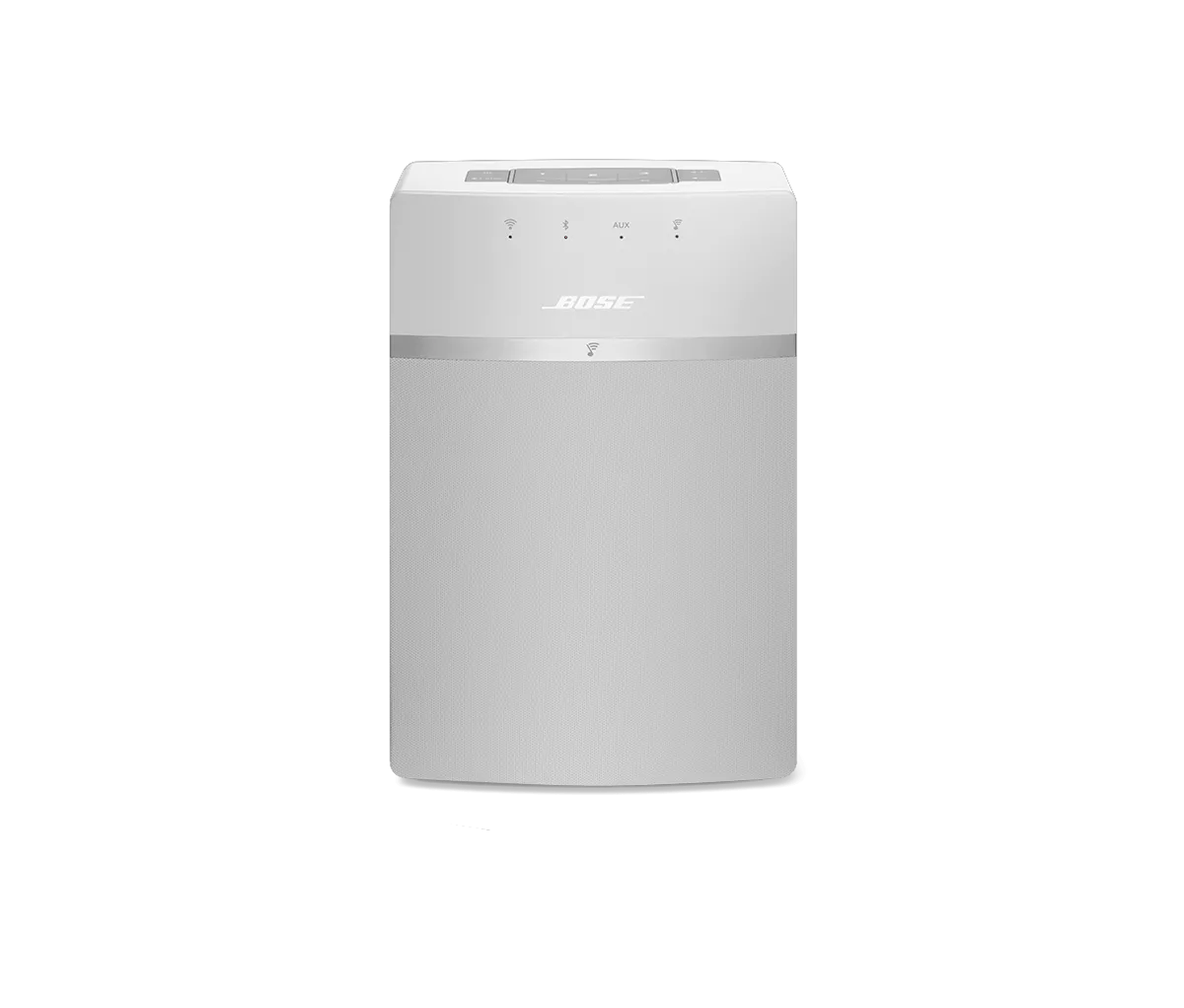
SoundTouch® 10 wireless speakerSold from 2015 - 2020

Software or firmware update will not install | SoundTouch® 10 wireless speaker

Are you trying to update the Bose app or your Bose product?

Bose app

Uninstall the app, reboot the device and re-install the app.

If the app is unable to start or complete an update, uninstall the app from the device, reboot the device, then re-download and install the app.

Uninstall, re-download and re-install the latest version of the app.

On some devices, the app may be unable properly install the update over the existing version. If this occurs, the app must be re-downloaded and re-installed. The customer will need to log in to the SoundTouch account upon opening the the new install. Network credentials, music services and library settings will not need to be set up again as the information pertaining to these configurations will be retained.

For uninstall instructions, see Uninstalling the SoundTouch app.

When reinstalling the app, be aware of any pop-up messages that appear concerning the SoundTouch App and SoundTouch Music Server. Depending on the firewall or security software installed, if an "always allow" option is available, be sure to select this option; Otherwise select the option that allows for firewall access over any option that denies, restricts or limits firewall access. The latest version of the app can be found at www.bose.com/soundtouch_app

For Windows 8 and 10, manually download and install the latest version of the app.

The SoundTouch desktop app for Windows 8 and 10 can fail and display an error when trying to update from within the app. This is due to a current limitation with the Microsoft in-app installer, primarily with non-English language installations. Instead, go to the app download page and download the latest version of the app installer. Then, with the SoundTouch app closed, run the installer.

Alternatively, the installer can be downloaded from the Knowledgebase Documentation tab (to the left) and installed for the customer via remote desktop

Be sure the computer user account is the administrator's or has administrative credentials.

The user account used to log in to the computer may have restricted access. If unable to log into the admin account, contact another user of the computer for assistance.

On a PC running Windows 7, the Admin account may still see a User Account Control message requiring they select "Run as Administrator" to continue.

Confirm all files have been uninstalled and then re-install again.

  1. Find the SoundTouch folder located at either C:\Program Files (x86)\SoundTouch or C:\Program Files\SoundTouch
  2. Delete all instances of "Stockholm" located in the "SoundTouch" folder
  3. Re-install the app
Bose product

Connect the product to another USB port.

Disconnect the product from the USB port in use and reconnect it to another port. Try using a port located elsewhere on the computer and/or bypassing any USB hubs, as the issue may be with the group of USB jacks or another device connected among that group.

Reset your product.

Much like rebooting a smartphone, your product might need to be reset on occasion to correct minor issues. For more information, see Resetting your product.

Try installing the update again.

If an update does not complete successfully, try installing the update again. For info, see Updating the software or firmware of your product.

Try updating at a later time.

In case there is an issue with the update server, try the updating again in a few hours or the next day.

Try a different USB cable.

Try connecting your product with a different USB cable to determine if there is an issue with the first cable.

Reboot the computer.

Reboot your computer by powering it off completely and then powering it back on again. This can help to resolve minor processing issues with the computer.

Try downloading the app to a different computer.

If you are able to download and run the app on another computer as expected, the issue is related to the first computer.
Loading
Software or firmware update will not install | SoundTouch® 10 wireless speaker