Loading
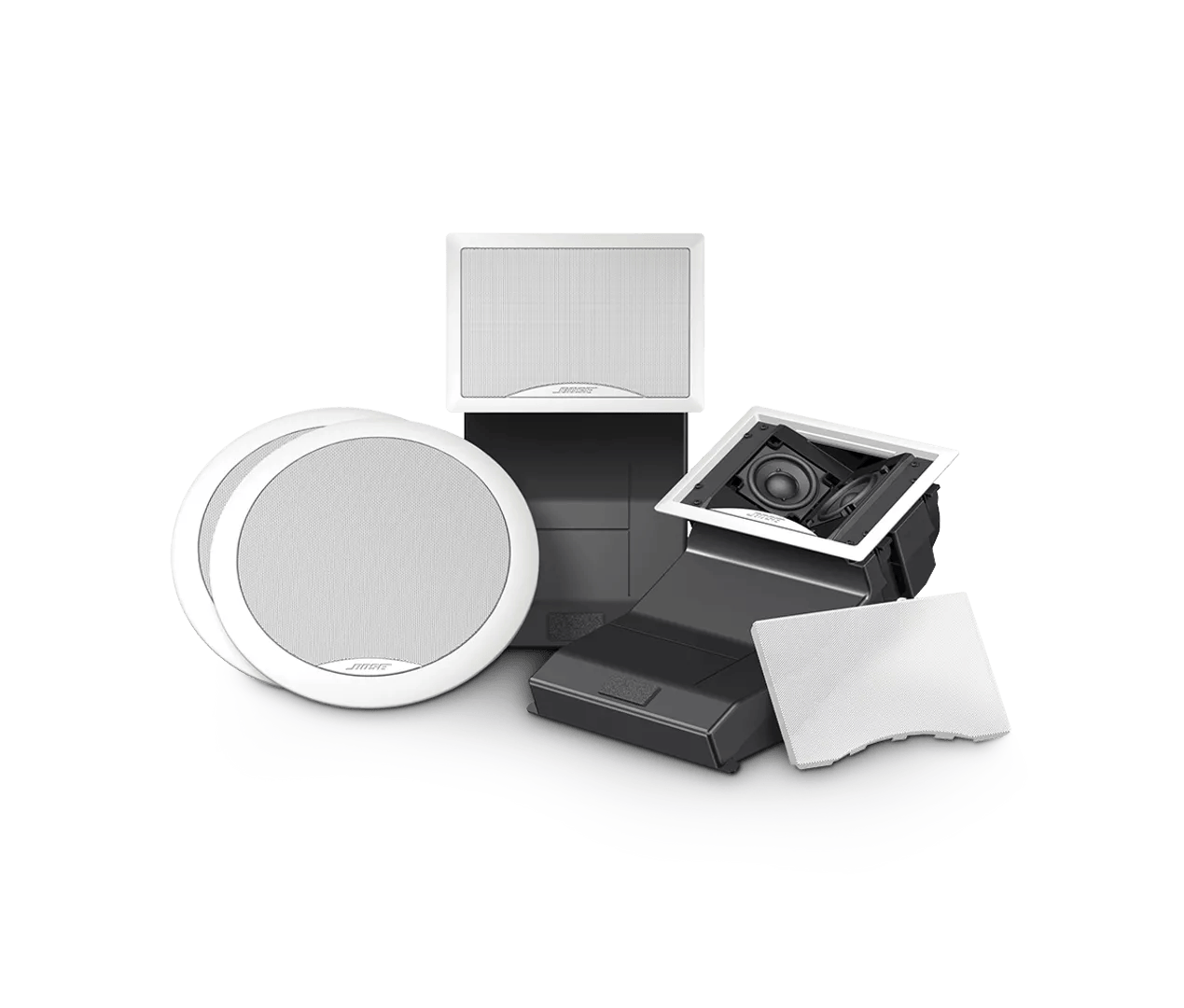
Low audio | Virtually Invisible® 591 in-ceiling speakers
virtually-invisible®-591-in-ceiling-speakers
591 in-ceiling speakersSold from 2015 - 2021

Low audio | Virtually Invisible® 591 in-ceiling speakers

Determine if the problem is specifically related to bass performance.

If there is too little bass, see Too little bass or too much treble from product.
If there is too much bass, see Too much bass or too little treble from product.

Be sure the speakers are connected properly to the receiver.

Check the speaker wire connections so they are wired properly and firmly to the positive and negative terminals. There should be no exposed wires as this risks damaging the receiver or tripping its circuit protection mode. Also, be sure the proper set of speaker terminals are being used; many receivers have an "A Speaker" and "B Speaker" section. See the receiver's owners guide for more information.

Check the volume level on the source.

Its possible the volume is too low or muted. Increase the volume gradually

Try a different audio device.

Connect and play another audio device through your product. This can help determine if the issue is isolated to the first device.

Determine if the receiver has an attenuation function.

Many receivers have a feature, called "Attenuate" or "Attenuator," that lowers the volume. Unlike the mute feature, which turns the volume off completely, attenuation lowers the volume significantly, but not completely. Be sure the feature is not active. Refer to the owner's guide of the receiver for more information

On the receiver or amplifier, turn off the Tape Monitor, if available.

Some receivers have a Tape Monitor option (typically a button or switch on the front of the receiver). If enabled unintentionally, it can limit or mute audio. If available on your receiver, turn off the Tape Monitor and try again.

Connect the audio/video device to a different input on the amplifier or receiver

Plug in to a different input section on the back of the receiver using the same cable(s) to determine if the input is the issue. Whichever section you connect to, select the same input using the receiver or remote control buttons to hear and/or see the device.

If the receiver can connect more than one set of speakers, try disabling one set.

Many receivers can connect two sets of speakers. On these receivers, there is often a button or switch labeled Speaker A/B that lets you hear on or both sets of speakers. When playing from multiple sets of speakers, the total speaker impedance needs to match the impedance rating of the receiver to avoid volume or sound quality issues. If more than one set of speakers is connected, use the A/B to switch to just one and see if the issue is resolved. If so, the speaker load on the receiver is likely incorrect with the added speakers.

Bypass any speaker selector box that may be connected.

If you are using a speaker selector device, disconnect it from the system. If the speakers now work with the speaker selector box removed, the speaker selector box is either incompatible, improperly connected or defective. Contact to the speaker selector box manufacturer for assistance.

Check the condition of the speaker wires and be sure they are secure at both ends.

Check the speaker wires for any kinks, scratches, cuts or damage. Replace any damaged wires and check that they are securely connected at both ends.

Be sure the speakers are compatible with the receiver.

The receiver or speakers could get damaged if the speaker impedance does not match the receiver's output. Check the specifications on both the speaker and receiver's back panel or owner's guide to be sure the components are compatible.

Try a different set of speakers.

If you have another set of speakers that are compatible with the receiver, unplug your speakers and connect the other set instead. If there is no difference, the issue is with the receiver or speaker cables. If the issue is resolved, however, there is an issue with the first set of speakers.

Was this article helpful?

YES
NO
START A REPAIR OR REPLACEMENT
Loading
Low audio | Virtually Invisible® 591 in-ceiling speakers