Loading
Battery will not charge | Bose Portable Smart Speaker
bose-portable-smart-speaker
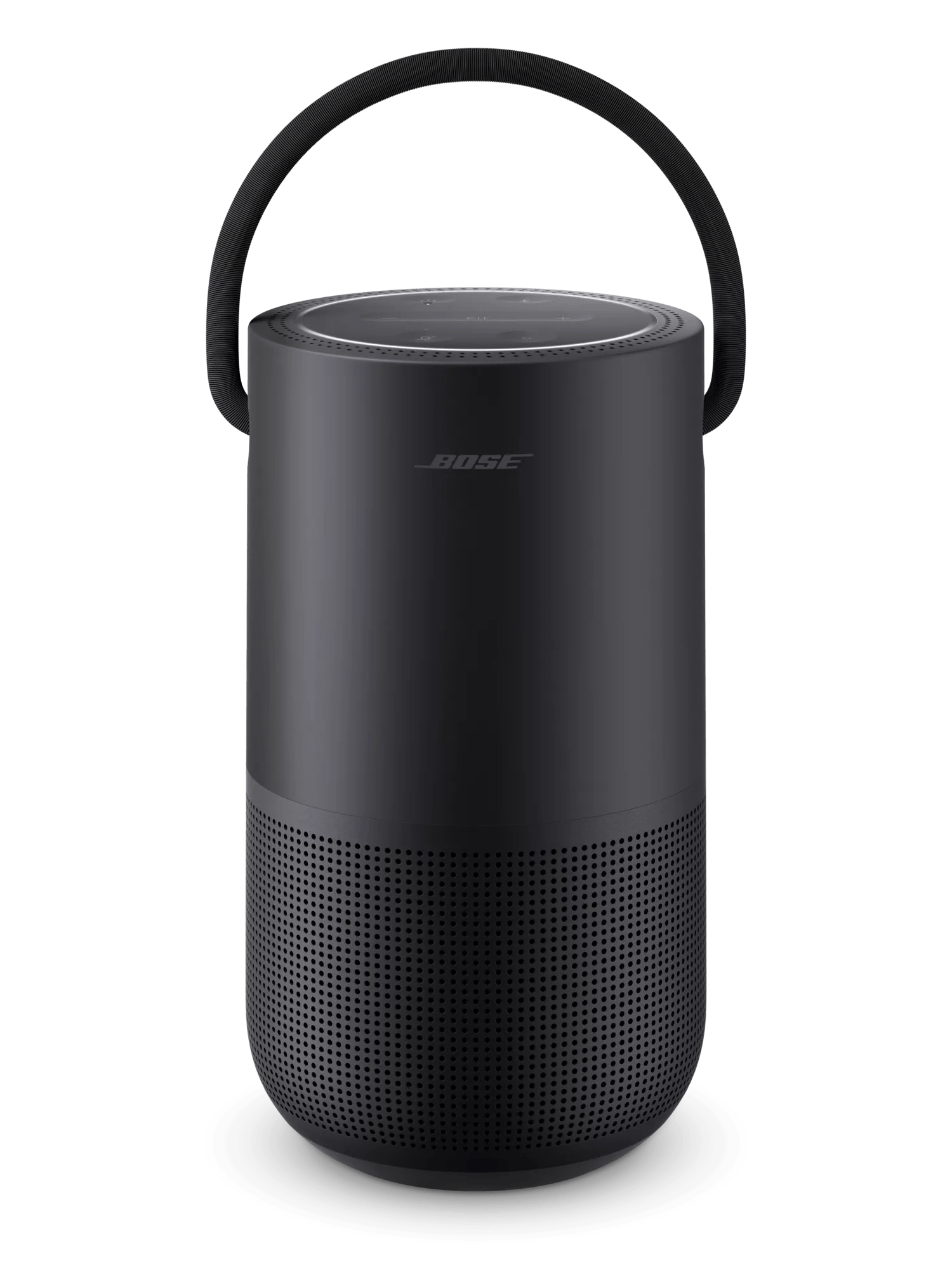
Bose Portable Smart SpeakerSold from 2019

Battery will not charge | Bose Portable Smart Speaker

If you're using the charging cradle:

Try the following:

Bypass the charging cradle.

Disconnect the charging cable from the charging cradle then connect the cable directly to the speaker. If the speaker begins charging, there may be an issue with the cradle. 

If using a charger other than the one provided with the speaker, check if the USB charger meets the power requirement for your speaker.

On the USB charger, there should be small text that states the voltage as well as the current output—measured in Amperes (A) or milliamperes (mA)—of the charger. This amp rating varies by charger including those made for other Bose products. Here are some things to know:
  • Your speaker came with a 3 A (3,000 mA) charger
  • Chargers with an current output lower than 3 A will charge your product more slowly
  • Some chargers with low current output might not charge your speaker at all
  • Be sure to use a safety agency-approved power supply that meets local safety agency requirements (i.e. UL, CSA, VDE, CCC, etc.)

Connect your speaker to power and allow time for it to charge.

If the battery in your speaker is fully depleted, it might need to be charged for a period of time before it can power on again. The time depends on the charger used:
  • 3 Amp chargers (like the one provided with your speaker) take about two minutes
  • 1–2 Amp chargers take about 25 to 35 minutes
  • 0.5 Amp chargers take about an hour
  • If your speaker is not up-to-date, it could take several hours to recharge the speaker using a low power charger
On battery power, your speaker enters standby mode after 20 minutes of inactivity to conserve battery life. In standby mode, the power light dimly glows white. If Alexa or Google Assistant is linked to your speaker, it will continue listening for voice requests in standby mode. This mode uses a small amount of power and could eventually deplete the battery if the speaker is not reconnected to power to recharge it.

When done listening to your speaker, if you don’t need voice assistant functionality, press and hold the Power button for two seconds to fully power off the speaker and conserve its remaining battery life. The speaker will not appear in the Bose app when it is fully powered off.

If the speaker could be powered on after being connected to power for an hour, update the speaker.

An update was released at the end of January 2022 to reduce the amount of charge time needed in order to power on the speaker. Check the firmware version of the speaker. If it is not running version 10.0.18 or greater, update your speaker. For more info, see Checking the software or firmware version and Updating the software or firmware of your product.

Disconnect and reconnect the charging cable at both ends.

Unplug both ends of the USB cable then reconnect both ends to ensure they are firmly connected to the speaker and the USB power source.

Reset your product.

Much like rebooting a smartphone, your product might need to be reset on occasion to correct minor issues. For more information, see Resetting your product.

Try a different charger.

Charge times can vary based on the charger. Chargers with a higher current rating generally charge products faster than those with a lower rating. Chargers typically list a current rating on the label in amps (A) or milliamps (mA). A current rating of 1 A / 1000 mA or higher is recommended.

Loading
Battery will not charge | Bose Portable Smart Speaker